
Ally Chrome Extension
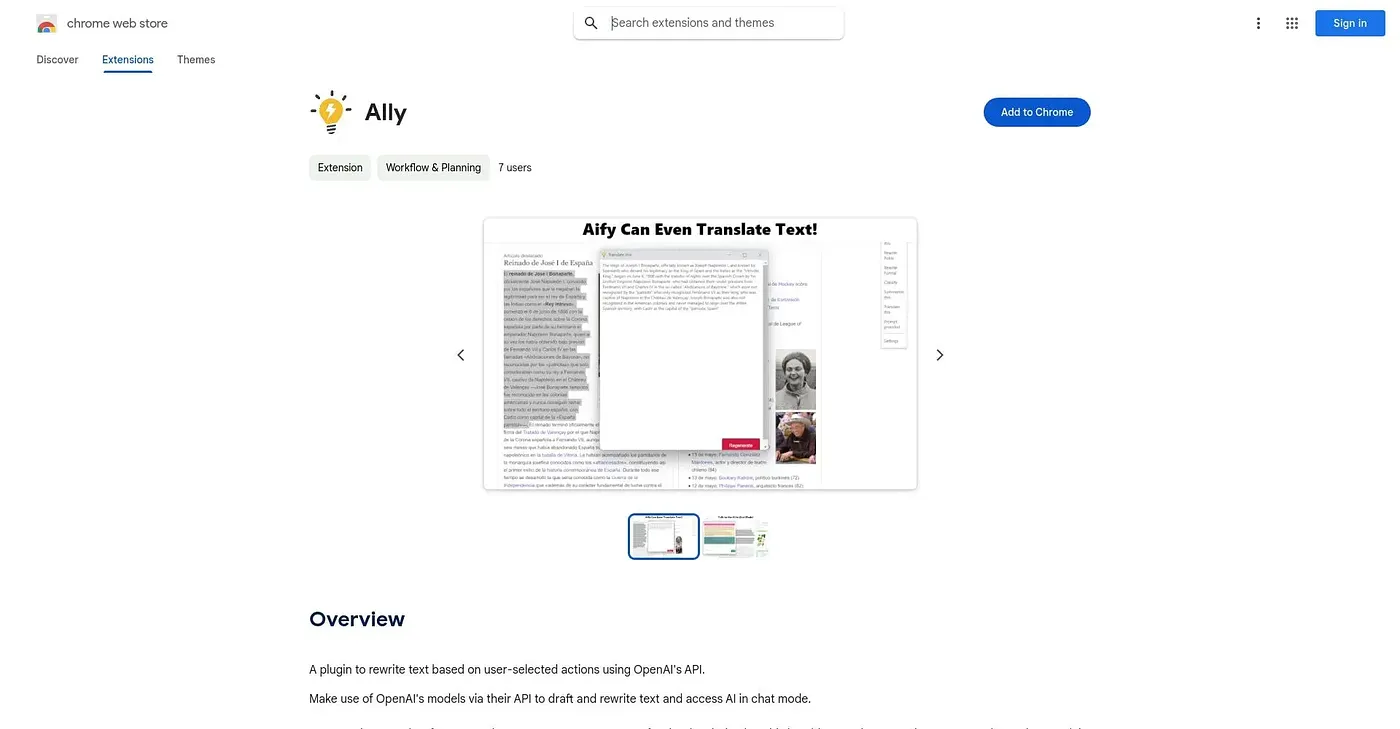
Rewrites and drafts text through your own OpenAI API key, with editable stock prompts.
At a glance
3.9 out of 5
Scored by Alex after real useOur verdict
Ally is a bare-bones rewriting plugin that runs on your own OpenAI API key rather than a bundled subscription. You choose from stock prompts, edit or delete them, and switch models including fine-tuned ones once you have access. Without an API key already in hand, or a tolerance for paying OpenAI directly per use, there's nothing to use here.
✓What it does well
✕Where it falls short
Key features
Questions about Ally Chrome Extension
What is Ally Chrome Extension?
Ally Chrome Extension is a bare-bones rewriting plugin that drafts and rewrites text through the user's own OpenAI API key rather than a bundled subscription. It ships with stock prompts for common rewriting actions, which can be added to, edited or deleted, and offers a chat mode for back-and-forth conversation with the model.
Do you need an OpenAI API key to use Ally Chrome Extension?
Yes, an OpenAI API key is required. Ally Chrome Extension connects directly to OpenAI's API using the user's own key, and usage costs are billed directly by OpenAI on top of the extension. Without a key, or a budget for those usage fees, there is nothing to use.
Does Ally Chrome Extension cost anything?
The Ally Chrome Extension itself is free, and no paid plan was found on the Chrome Web Store in September 2026. Running it still costs money, since it works through the user's own OpenAI API key and OpenAI bills that usage directly.
Which models does Ally Chrome Extension work with?
Ally Chrome Extension works with any model the user has API access to, including fine-tuned ones. An update-models function checks which models the key can access, and the user can switch between them. The reviewer counts this model flexibility among its main strengths.
What are the downsides of Ally Chrome Extension?
The main limits of Ally Chrome Extension are cost and track record. It requires the user's own OpenAI API key, OpenAI bills usage on top of the extension, and the extension has no ratings yet, so its real-world reliability is unclear. Alex scored it 3.9 out of 5 after real use.