Audio Notes
Turn voice, image, or video link into organized notes.
At a glance
4.1 out of 5
Scored by Alex after real useOur verdict
Audionotes excels at transcribing audio in multiple languages but may struggle with lengthy recordings. It’s perfect for quick notes but not ideal for long-form content like novels.
✓What it does well
✕Where it falls short
Key features
Questions about Audio Notes
What does Audio Notes do?
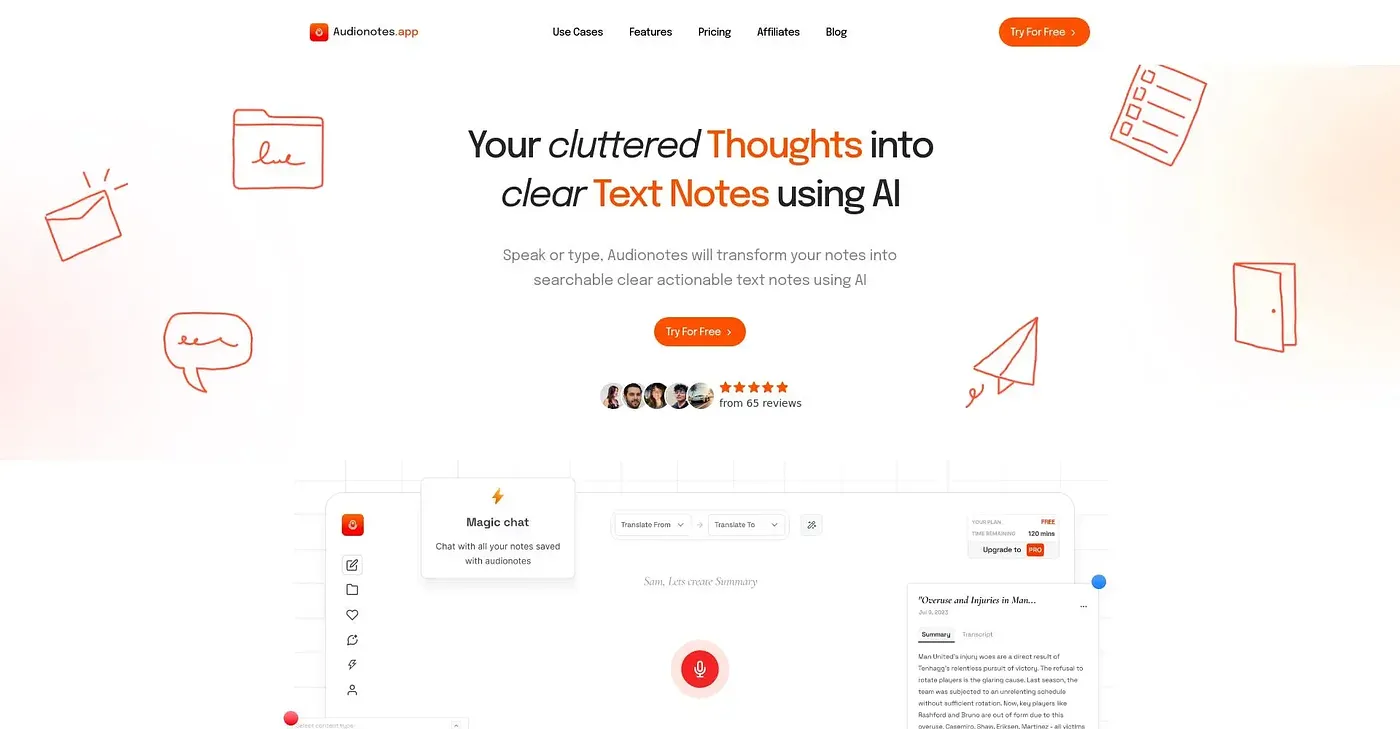
Audio Notes turns voice recordings, images or video links into organized notes. It accepts voice recordings, text notes, audio and video files, images and YouTube links, then generates summaries, meeting notes or custom outputs. It identifies different speakers, and its AI writing assistant drafts emails, briefs or meeting agendas from notes.
Is Audio Notes free?
Audio Notes has a Free Plan at $0 that is free forever and includes unlimited voice notes and text notes. The Pro Plan costs $9.99 per month or $129.99 per year, with up to 35% off. Toolio describes the free tier as limited.
What platforms does Audio Notes run on?
Audio Notes runs on iOS, Android and the web, with a Mac version in beta. The reviewer notes that the Mac beta may have bugs and incomplete features, and lists it among the tool's shortcomings.
Can Audio Notes handle long recordings?
Audio Notes is designed for quick notes rather than long-form content. The reviewer says it may struggle with lengthy recordings and is not ideal for long-form content such as novels. Recording and file size limits also apply because of device limitations and a fair usage policy.
Who is Audio Notes best for?
Audio Notes is best for journalists, students and busy professionals who need fast, organized notes. The reviewer says it excels at transcribing audio in multiple languages, with support for over 99 languages. Toolio scores it 4.1 out of 5, a score given by Alex after real use.