
CleanView Extension
Blurs sensitive content for trust and safety reviewers and schedules mindfulness breaks between sessions.
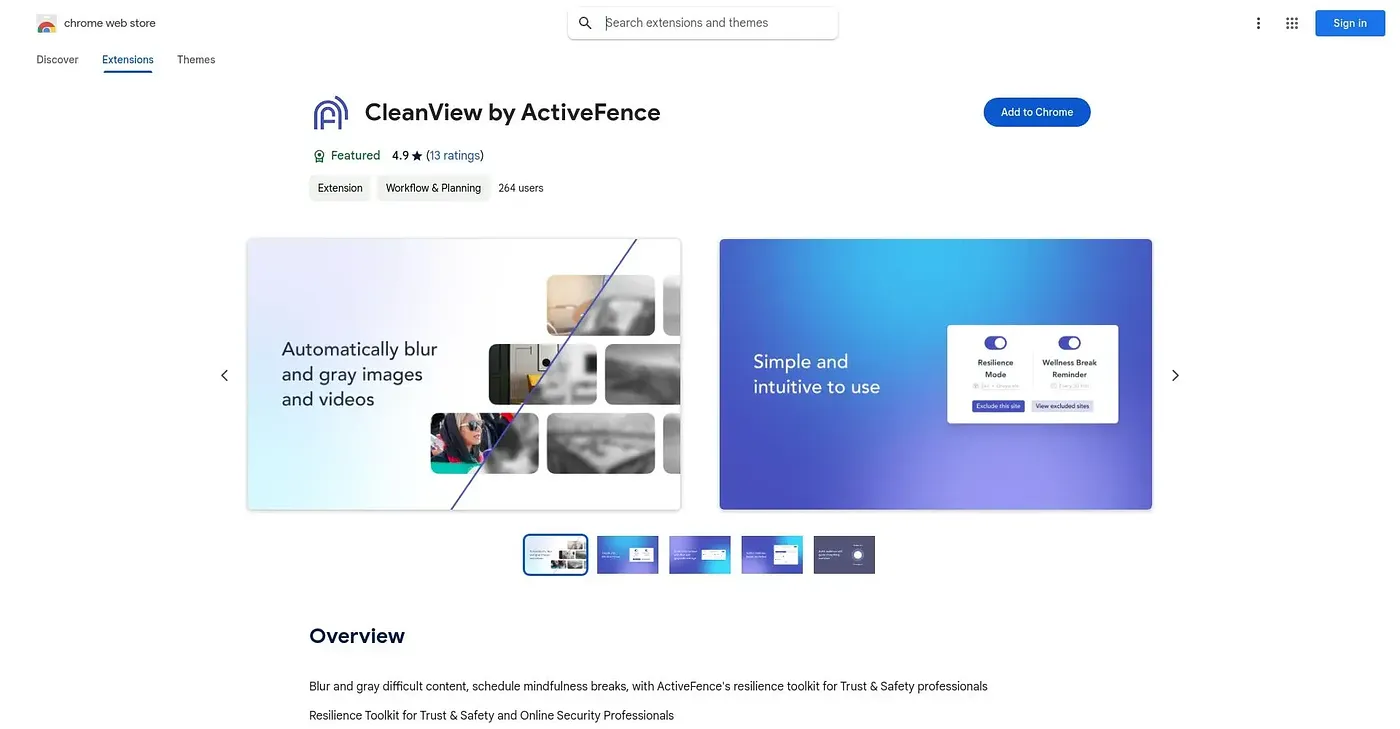
At a glance
3.9 out of 5
Scored by Alex after real useOur verdict
CleanView blurs or grays out sensitive material so trust and safety reviewers can work through it without full exposure, and content filtering can be tuned to a specific workflow. A built-in scheduler prompts regular mindfulness breaks aimed at reducing burnout during difficult review work. The blur can be inadequate for the most severe content, so some material is not fully hidden, and a scheduled break can land in the middle of an urgent task.
✓What it does well
✕Where it falls short
Key features
Questions about CleanView Extension
What does CleanView Extension do?
CleanView Extension is a Chrome extension that blurs or grays out sensitive material so trust and safety reviewers can work through it without full exposure. It also schedules recurring mindfulness breaks during work sessions, aimed at reducing burnout during difficult review work.
Is CleanView Extension free?
CleanView Extension is listed as free, at $0, with no paid plan listed. The vendor's site is offline, however, so Toolio found no current price to confirm it. The extension runs only in Chrome.
Does CleanView Extension fully hide graphic content?
Not always. The reviewer notes that the blur can be inadequate for the most severe content, so some material is not fully hidden. Toolio lists it as not for anyone who needs full protection from graphic material.
Can CleanView Extension's settings be customized?
Yes. Filtering strength and notification settings can be adjusted per user to fit a reviewer's workflow. Scheduled breaks are less flexible, though, since the reviewer notes they can interrupt a critical task without an easy way to reschedule on the fly.
Who is CleanView Extension for?
CleanView Extension is built specifically for trust and safety teams and other professionals who review difficult content. Alex scored it 3.9 out of 5 after real use, noting that it only runs as a Chrome extension.