
Cliplama
Create faceless videos in seconds and schedule them for TikTok and YouTube, but you'll need to pay extra for advanced features.
At a glance
4.0 out of 5
Scored by Alex after real useOur verdict
Cliplama speeds up video creation with AI, perfect for those short on time. But it can get costly if you want more than basic features.
✓What it does well
✕Where it falls short
Key features
Questions about Cliplama
What does Cliplama do?
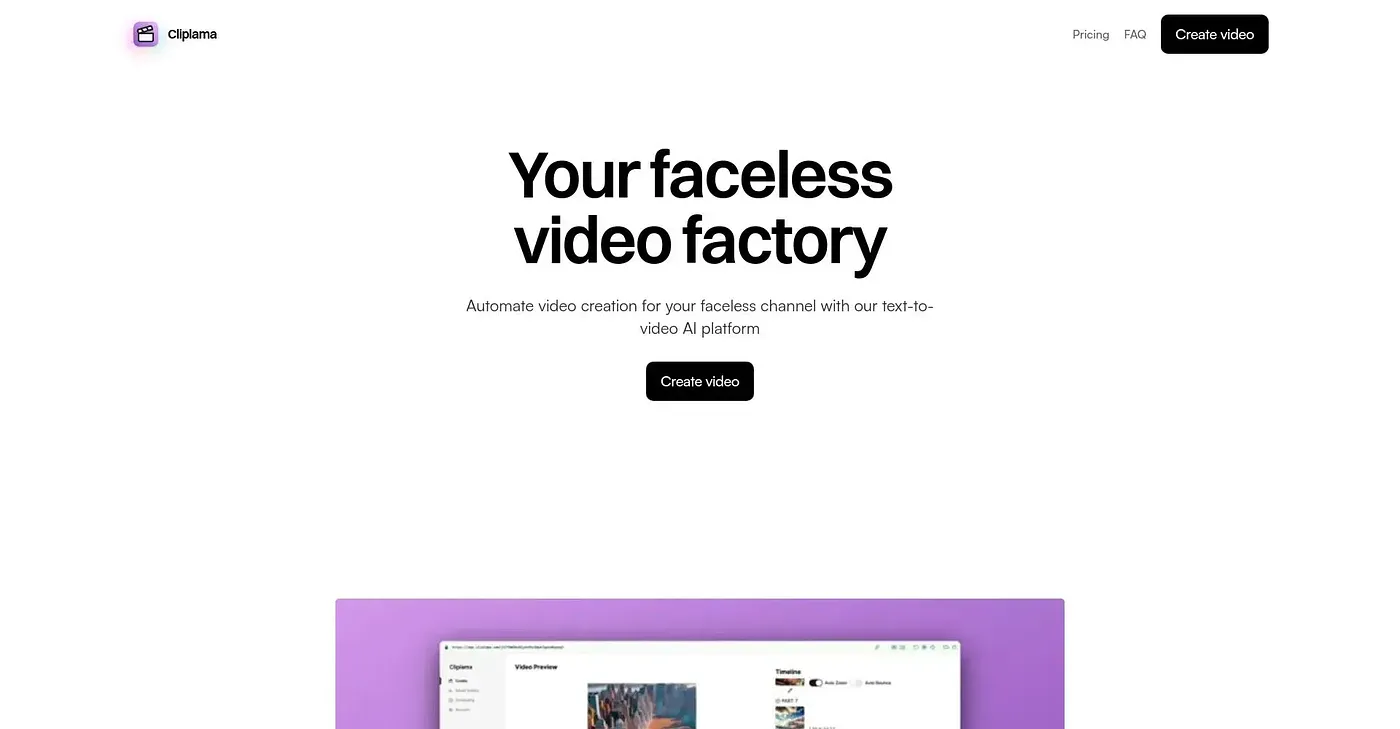
Cliplama is a web-based text-to-video platform that creates faceless videos from a written description. It adds AI-generated background music, offers a choice of voice styles for narration, and is set up to schedule videos for TikTok and YouTube. The reviewer says it speeds up video creation for people short on time.
How much does Cliplama cost?
Cliplama has no free tier. The Basic plan is $19 per month with 25 credits, Popular is $39 per month with 60 credits, and Pro is $59 per month with 150 credits, and each can be cancelled any time. The reviewer warns that going beyond basic features can get costly.
Can you upload your own footage to Cliplama?
No. Cliplama cannot use custom images or videos, so every video is built from text and AI-generated elements only. The reviewer also notes it has no advanced editing options for detailed changes, and Toolio lists it as not for users who need image or video edits.
Who should use Cliplama?
Toolio lists Cliplama as best for savvy content creators looking for speed, since it generates videos quickly from text descriptions alone. The reviewer notes that premium features such as unlimited scheduling, more credits and advanced customization cost extra, which matters for anyone wanting more than the basics.
What are some alternatives to Cliplama?
Toolio lists AnvSoft, Clips To Videos and AutoCut as alternatives to Cliplama. AnvSoft offers AI-driven video and photo enhancement tools, Clips To Videos converts video clips into complete videos but can be complex for beginners, and AutoCut automates repetitive editing tasks.