
CodeGenie for GitHub Chrome Extension
Explains complex GitHub code in plain language and lets teams discuss it together in real time.
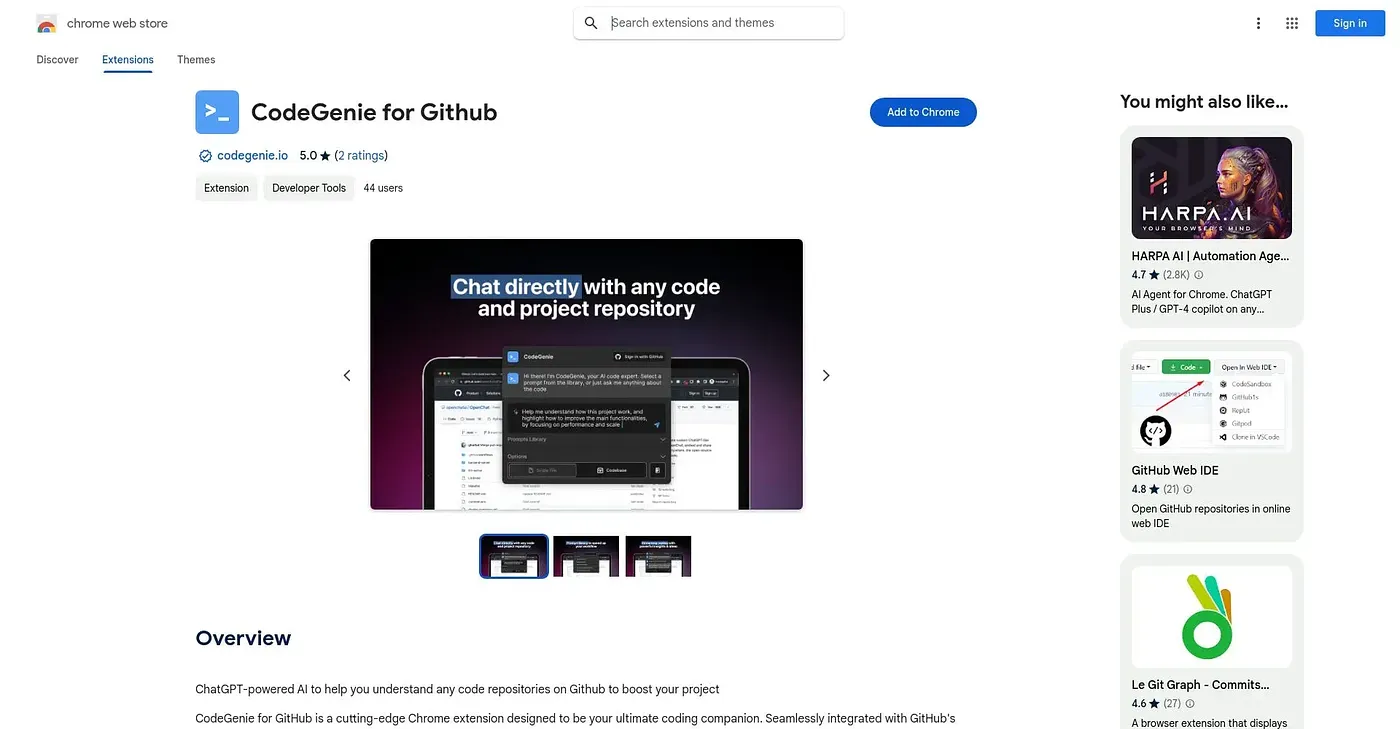
At a glance
3.9 out of 5
Scored by Alex after real useOur verdict
CodeGenie breaks down GitHub repositories into explanations a developer can actually follow, walking through complex structures and algorithms piece by piece. Learning paths can be narrowed to a specific language or framework, and multiple teammates can discuss the same repository at once with live suggestions. Specialized or unusual code can expose real limits in its explanations, and it requires reliable internet access throughout.
✓What it does well
✕Where it falls short
Key features
Questions about CodeGenie for GitHub Chrome Extension
What does CodeGenie for GitHub Chrome Extension do?
CodeGenie for GitHub Chrome Extension analyzes GitHub repositories and explains complex code structures and algorithms piece by piece in plain language. It offers on-demand clarifications while reviewing unfamiliar code, and learning paths can be narrowed to a specific language, framework or project type.
Can teams use CodeGenie for GitHub Chrome Extension together?
Yes. CodeGenie for GitHub Chrome Extension supports real-time collaboration, so multiple teammates can discuss the same repository at once and get live suggestions. The reviewer lists team collaboration among its main strengths, and Toolio lists it as best for developers learning unfamiliar GitHub repositories.
Is CodeGenie for GitHub Chrome Extension free?
Toolio lists CodeGenie for GitHub Chrome Extension as free, with a Free plan at $0 and no paid plan listed. The vendor's site is offline, so no current price was found. It runs only in the Chrome browser, which the reviewer counts among its shortcomings.
Does CodeGenie for GitHub Chrome Extension work offline?
No. CodeGenie for GitHub Chrome Extension requires reliable internet access to function at all, and Toolio lists it as not for anyone working offline or on niche, specialized code. The reviewer notes that specialized or unusual code can expose real limits in its explanations.
How does Toolio score CodeGenie for GitHub Chrome Extension?
Alex scored CodeGenie for GitHub Chrome Extension 3.9 out of 5 after real use on 5 Oct 2026. Toolio lists SuperSnippets, Codebay, Magic Regex Generator and PapertLab as alternatives, including PapertLab, which integrates AI into coding with real-time collaboration and precision editing.