
Copywrite Paste AI Writing
Fills Gmail with a huge template library and an AI assistant that polishes tone and grammar.
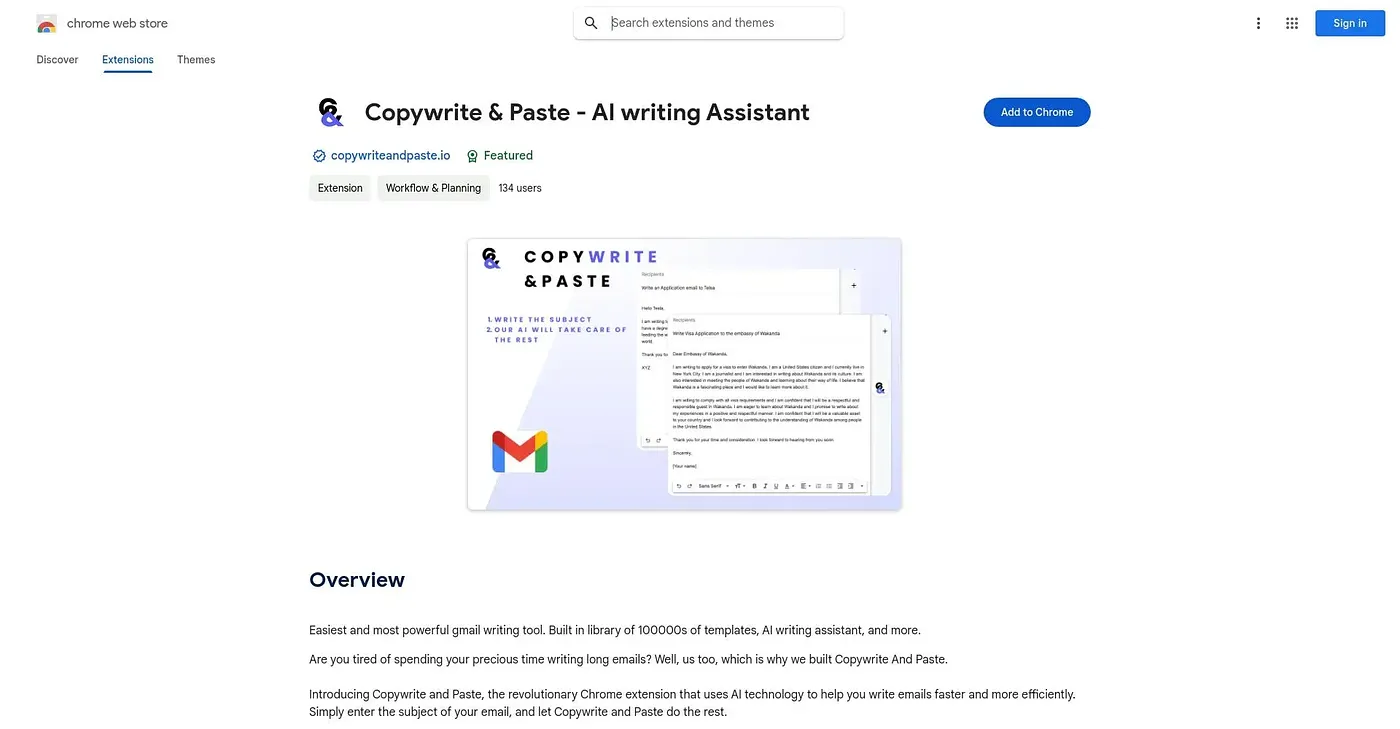
At a glance
Starts at
Free
The vendor's site is offline, so no current price was found.
Free tier
Yes
Platforms
Chrome
Best for
Non-native English speakers writing lots of emails
Not for
Beginners who prefer a simpler, smaller toolset
3.9 out of 5
Scored by Alex after real useOur verdict
Copywrite Paste AI Writing pulls from hundreds of thousands of templates covering professional and personal emails, then an AI assistant adjusts grammar, tone and readability on top. That combination helps most with non-native English speakers who want their writing to read naturally. The sheer number of options can overwhelm a beginner, since so many choices are not easy to sort through, and going beyond the free tier may mean a subscription cost.
✓What it does well
Massive template libraryIt offers access to hundreds of thousands of email templates.
AI writing assistantIt improves grammar, tone and readability in generated emails.
Deep customizationTemplated text can be adjusted to reflect a user's own voice.
✕Where it falls short
Overwhelming for beginnersThe vast number of templates and options can overwhelm a first-time user, since so many choices are not easy to sort through.
Possible subscription costFull access may require a paid subscription rather than staying free.
Chrome onlyIt only runs as a Chrome extension.
Key features
Template libraryIt provides a large library of professional and personal email templates.
AI writing suggestionsIt suggests grammar, tone and readability improvements automatically.
Custom email tailoringTemplated text can be adjusted to fit specific needs.
Gmail integrationIt works directly within Gmail to speed up email drafting.