
Crayo AI
Generates viral shorts in seconds, but limits to auto-clipping only.
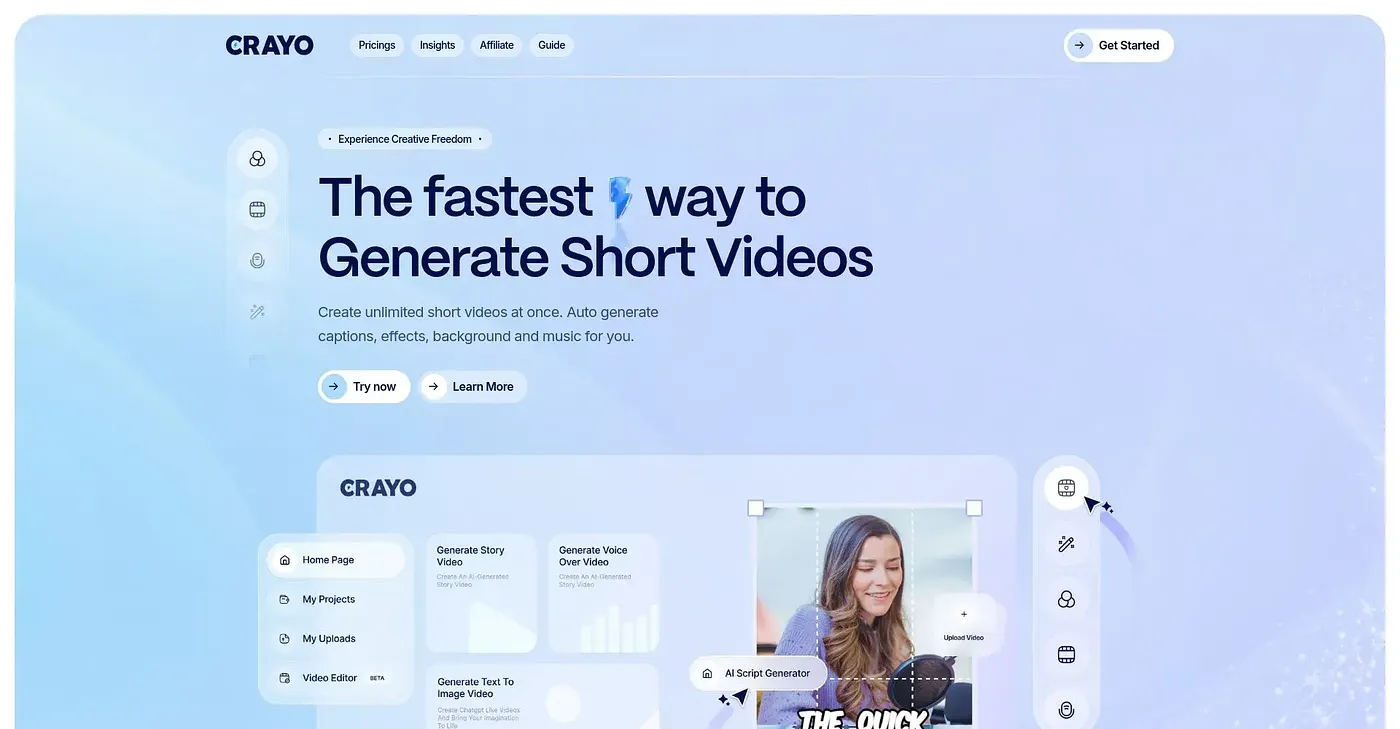
At a glance
3.8 out of 5
Scored by Alex after real useOur verdict
Crayo excels at quick auto-clipping and editing. It’s great for those who need speed over customization.
✓What it does well
✕Where it falls short
Key features
Questions about Crayo AI
What does Crayo AI do?
Crayo AI generates viral short videos in seconds by auto-clipping footage with minimal input. It adds automatic AI voiceovers and offers several subtitle styles to choose from. The reviewer says it excels at quick auto-clipping and editing for people who value speed over customization.
How much does Crayo AI cost?
Crayo AI starts at $13 per month on the Hobby Plan, with an annual discount available. The Clipper Plan costs $27 per month and the Pro Plan $55 per month. There is no free tier, and the reviewer notes the Hobby plan limits may be too low for frequent users.
Can you edit videos manually in Crayo AI?
No. Crayo AI does not offer manual editing or advanced effects beyond its auto-clipping, which the reviewer lists as its main limit. Toolio rates it best for short-form content creators and not for heavy content editors who want detailed control.
What languages does Crayo AI support?
Crayo AI supports most languages, but not all of them, with customization options for its AI features. Anyone working in an unsupported language needs to contact support, which the reviewer counts among the tool's shortcomings.
Does Crayo AI have a desktop app?
No. Crayo AI runs only as a web-based editor, so videos are edited through a browser interface without any desktop software. The reviewer lists the easy-to-use web editor among its strengths, and Toolio scores the tool 3.8 out of 5.