
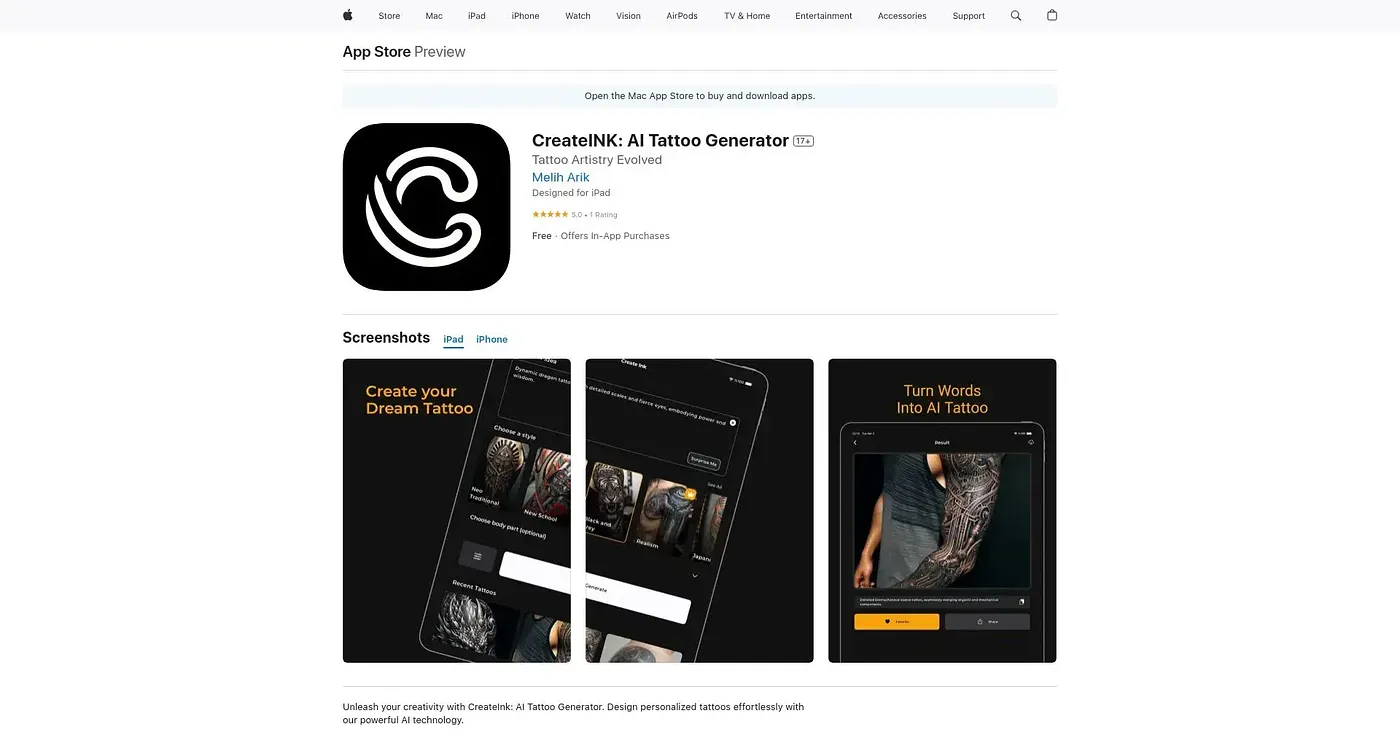
CreateINK: AI Tattoo Generator
Design personalized tattoos with AI technology.
At a glance
4.1 out of 5
Scored by Alex after real useOur verdict
CreateINK generates stunning AI-generated art from simple prompts. It excels for artists and those who want unique designs quickly but may lack fine control over the output.
✓What it does well
✕Where it falls short
Key features
Questions about CreateINK: AI Tattoo Generator
What does CreateINK: AI Tattoo Generator do?
CreateINK designs personalized tattoos with AI from simple prompts. Users can choose from diverse art styles, including cartoon and photorealistic renderings, and a Photo Realism Mode generates hyper-realistic images. Finished designs can be shared directly to social media, and Toolio rates it best for artists and tattoo enthusiasts.
Is CreateINK: AI Tattoo Generator free?
CreateINK has a limited free tier that covers basic functions without payment. Paid use starts at $4.99 per month, as published by the vendor in September 2026, and in-app purchases add more styles and features.
What devices does CreateINK: AI Tattoo Generator work on?
CreateINK is available on iPhone, iPad, Mac and Apple Watch. It needs an active internet connection for generating and sharing designs, so it cannot create designs offline, which the reviewer lists among its shortcomings.
What are the downsides of CreateINK: AI Tattoo Generator?
The reviewer notes CreateINK may lack fine control over its output, and fine details cannot be adjusted without in-app purchases. It also offers no in-person or phone consultation with artists. Toolio still scores it 4.1 out of 5 after real use.
What are some alternatives to CreateINK: AI Tattoo Generator?
Toolio lists Tattoo Cook, AI Art Generator and Freemake as alternatives. Tattoo Cook creates custom tattoo designs without logging in, AI Art Generator turns text prompts into artworks but can be slow on large batches, and Freemake generates AI images directly in the browser.