
Cx Assist
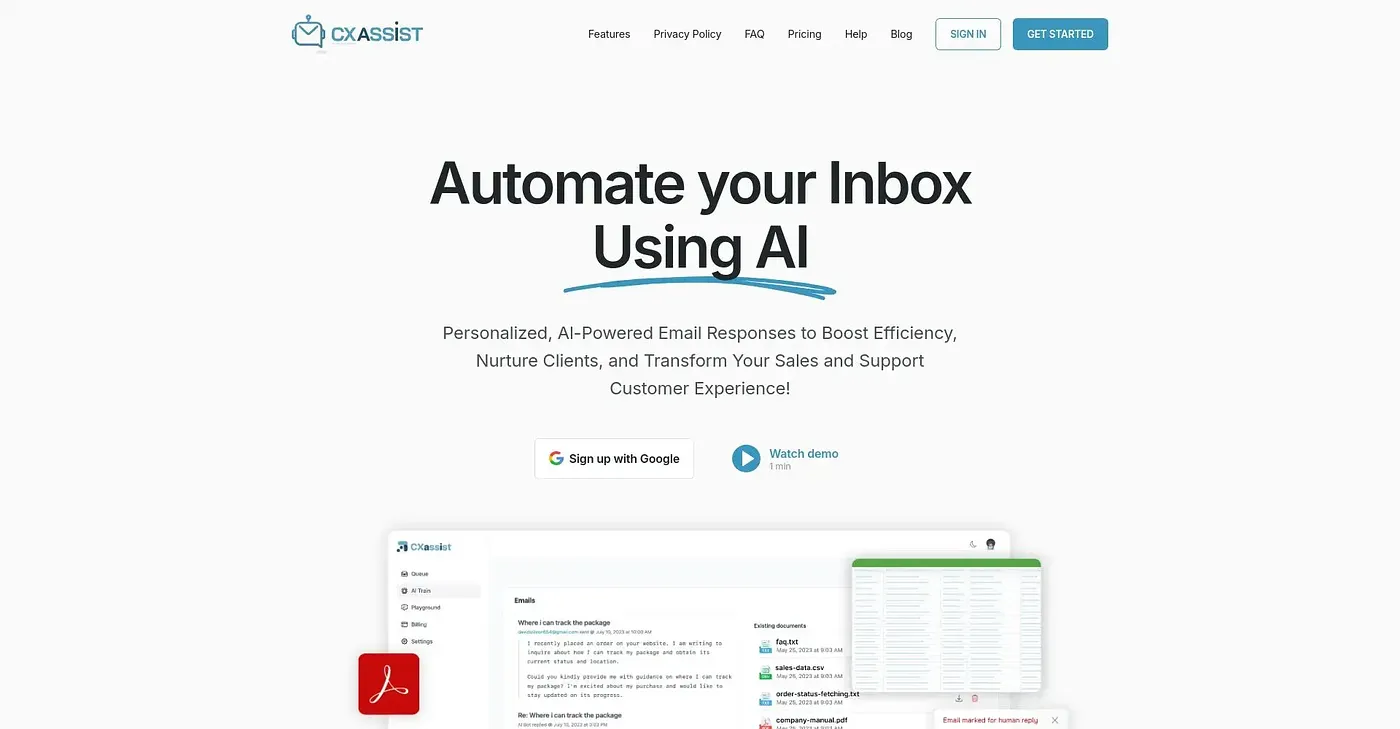
CXassist automates email replies, but is limited to a few integrations.
At a glance
3.9 out of 5
Scored by Alex after real useOur verdict
CXassist saves time on email responses with AI automation. However, it's less suitable for complex workflows or many integrations due to its limitations.
✓What it does well
✕Where it falls short
Key features
Questions about Cx Assist
What does Cx Assist do?
Cx Assist uses AI to automate email replies. It drafts personalized responses that match the user's tone, tracks the status of each processed email in real time, and monitors draft counts against usage limits. Users can train it with text and edit signatures for draft replies.
How much does Cx Assist cost?
Cx Assist has no free tier. The Starter Plan costs $9.99 per month for 500 emails processed per month, and the Most Popular Starter Plan costs $14.99 per month. The Pro Plan costs $24.99 per month and raises the limit to 3,000 emails processed per month.
What does Cx Assist integrate with?
Cx Assist runs on the web and works with Gmail and Outlook. The Pro Plan adds integrations with Slack, HubSpot, Stripe and Shopify, along with webhooks. The reviewer notes it does not offer Zapier or similar integration services, which limits it for anyone needing many integrations.
Can Cx Assist send email replies automatically?
Yes, on the Pro Plan. Cx Assist drafts and sends personalized replies based on its training, but auto-send is included only in the Pro Plan at $24.99 per month. The Starter Plan at $9.99 per month works in draft mode only.
Who is Cx Assist for?
Cx Assist suits small teams and solopreneurs who want to save time on email responses. It is not built for large enterprises with complex workflows. Toolio scores it 3.9 out of 5, a rating given by Alex on 3 Oct 2026 after real use.