
Data Yaki
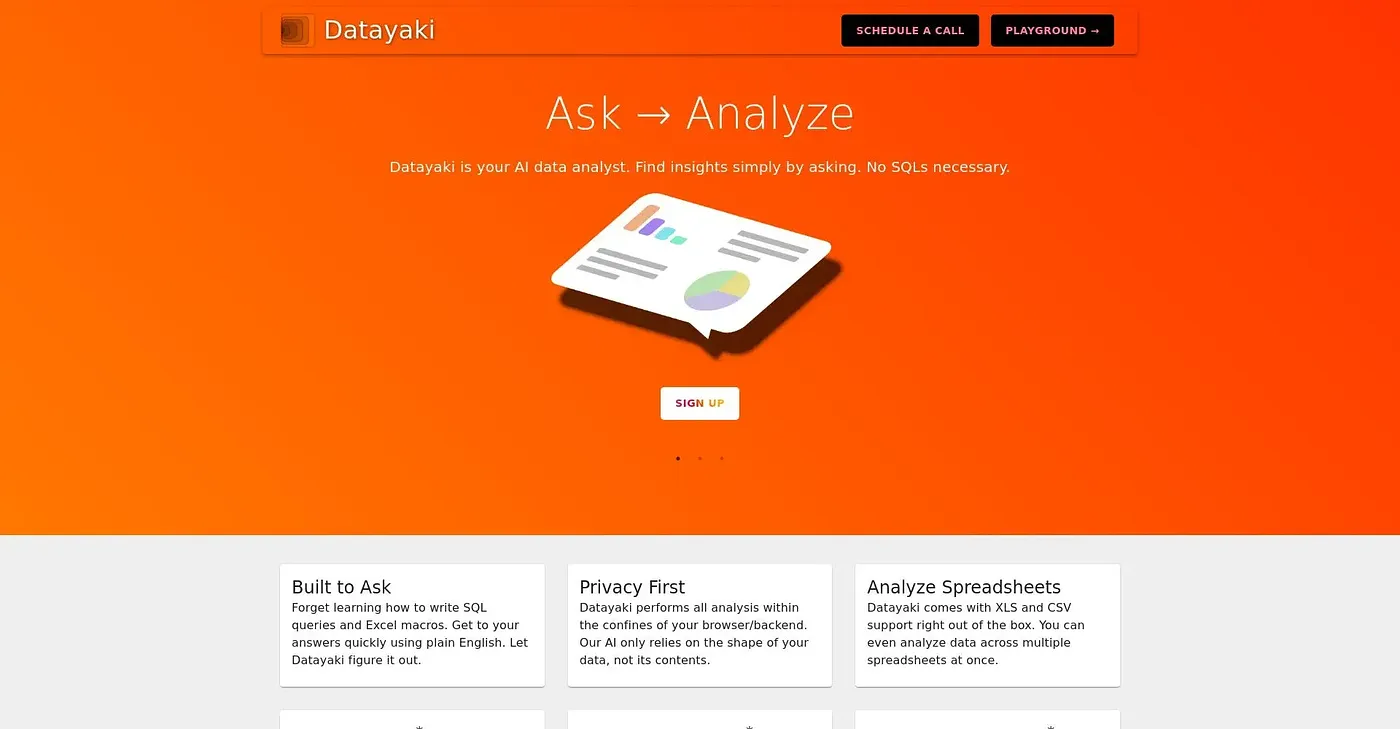
Create data widgets by asking questions.
At a glance
3.9 out of 5
Scored by Alex after real useOur verdict
Easy to use for simple analytics; lacks advanced features and customization options. Not suitable for complex analyses or experienced analysts.
✓What it does well
✕Where it falls short
Key features
Questions about Data Yaki
What does Data Yaki do?
Data Yaki creates data widgets, such as charts, from natural language questions. Non-technical users can build visualizations through a web interface without any installation, and the reviewer finds it easy to use for simple analytics.
Is Data Yaki free?
Data Yaki has a limited free tier at $0, with basic features available for limited usage, which the reviewer counts as a cost-effective starting point. The reviewer also notes that handling larger volumes of data requires expensive plans.
Can you customize charts in Data Yaki?
Only partly. Data Yaki widgets can take custom titles and descriptions, but the reviewer notes that widget styles and colors cannot be customized deeply. The reviewer counts this limited customization among its shortcomings, alongside the lack of support for complex data analysis and modeling.
Who should use Data Yaki?
Toolio lists Data Yaki as best for quick visualizations and non-technical users, and not for complex data analysts. The reviewer says it is not suitable for complex analyses or experienced analysts. Alex scored it 3.9 out of 5 after real use on 4 Oct 2026.
What are some alternatives to Data Yaki?
Toolio lists Znote, GPT CLI and Copilot among the alternatives to Data Yaki. Znote runs code inline, GPT CLI converts natural language to structured data, and Copilot fills and validates PDF forms.