
Decisions AI
Plan and optimize meetings with AI.
At a glance
3.9 out of 5
Scored by Alex after real useOur verdict
MeetingCulture.ai optimizes meeting planning and collaboration, but may be overkill for simple meetings.
✓What it does well
✕Where it falls short
Key features
Questions about Decisions AI
What does Decisions AI do?
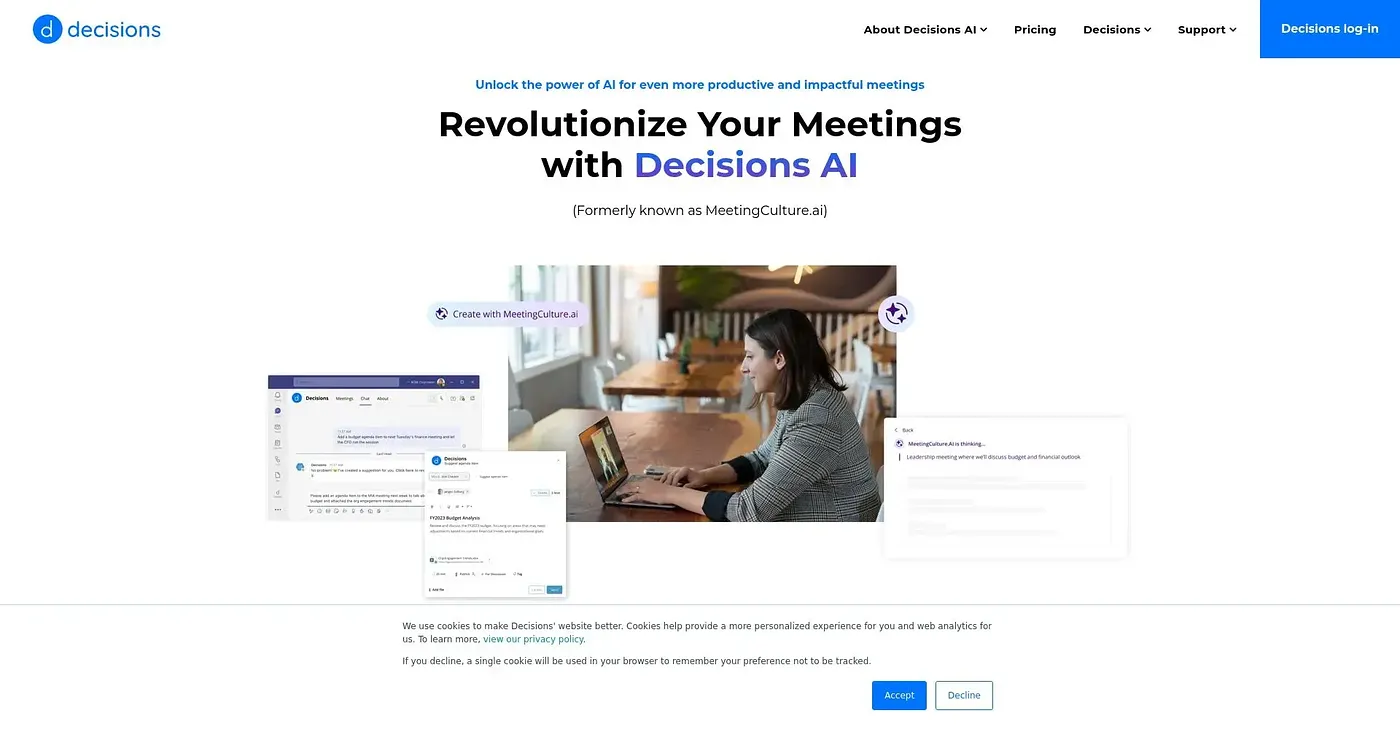
Decisions AI plans and optimizes meetings with AI. It builds agendas from scratch or from templates, offers a meeting assistant that chats in Teams to help create agendas, summarizes meeting conversations into actionable recaps, and securely stores private notes for each meeting.
How much does Decisions AI cost?
Decisions AI starts from $19 per month, the price the vendor published in September 2026. The reviewer notes that advanced agenda templates and meeting books cost extra. Toolio has not yet confirmed the price against the vendor's own pricing page.
Does Decisions AI work without Microsoft 365?
It is not a good fit without it. Decisions AI runs on the web and Microsoft 365, and the reviewer says its heavy Microsoft 365 dependency makes it inefficient for organizations not using Microsoft tools. Toolio lists teams without Microsoft 365 among those it is not for.
Who is Decisions AI best for?
Toolio lists Decisions AI as best for meetings with complex agendas and for remote teams. The reviewer credits its engagement scoring and insight dashboards but says it may be overkill for simple meetings, and Alex gives it a Toolio score of 3.9 out of 5.
What are some alternatives to Decisions AI?
Toolio lists Patsa AI Powered Meeting Chrome Extension, Krisp, Avoma and Trivoh as alternatives. Krisp is a voice AI for meetings with noise cancellation and an AI note taker, Patsa offers AI-powered meeting notes and answers, and Trivoh suits distributed teams needing accountability and data control.