Examize
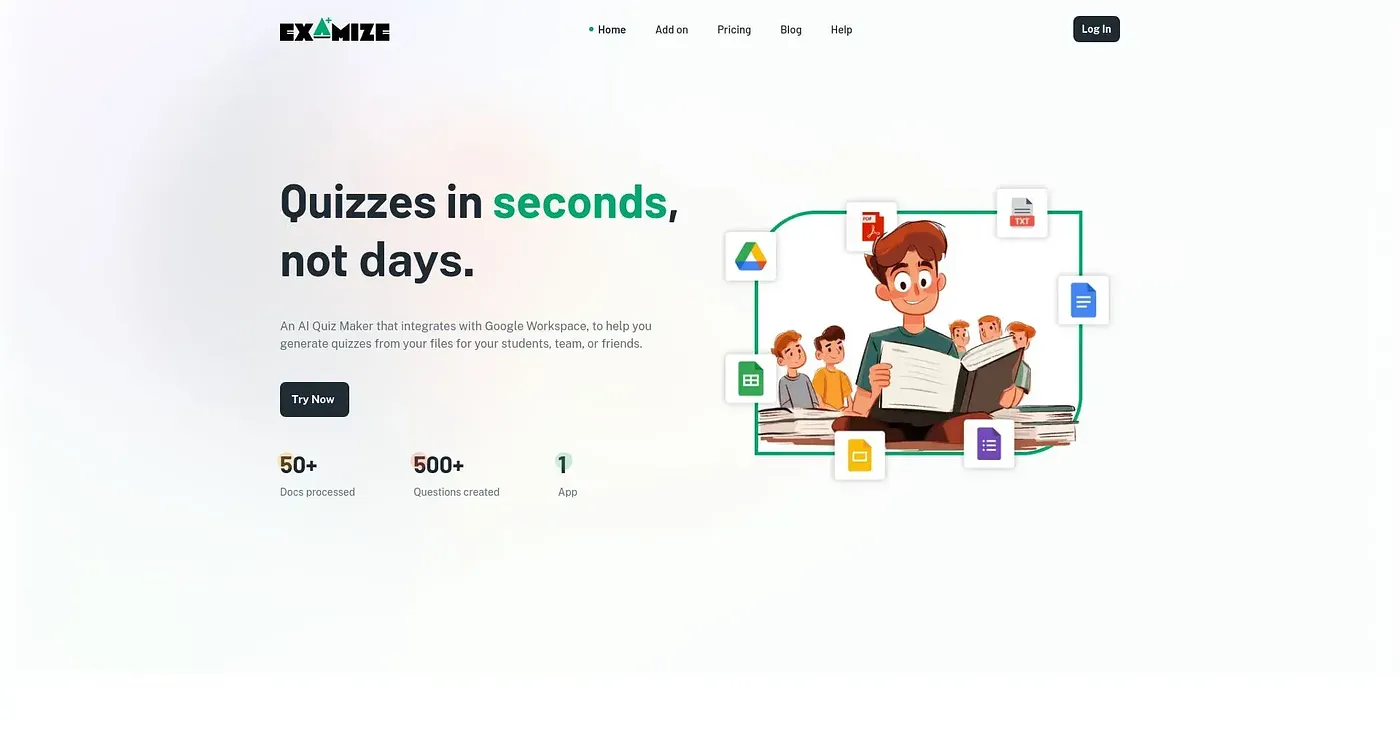
Generates quizzes from your Google Drive files and exports them straight into Google Forms.
At a glance
Starts at
Free
Listed as free on the vendor's site.
Free tier
Yes
Platforms
Web, API
Best for
Teachers building quizzes quickly from existing documents
Not for
Anyone processing large documents on the free credit tier
3.9 out of 5
Scored by Alex after real useOur verdict
Examize turns a file already in Google Drive into a quiz - multiple choice, true/false, fill-in-the-blank and more - exported directly into Google Forms or Docs. The free plan runs on 30,000 credits and caps requests at 50K tokens, with paid tiers up to $9.99 a month raising both the credit pool and per-request token limit. Larger documents and more questions burn through credits faster, so heavy use quickly pushes past the free plan.
✓What it does well
Drive-based quiz generationBuilds quizzes directly from files already in Google Drive.
Multiple quiz formatsSupports multiple choice, true/false, fill-in-the-blank and more.
Google Forms exportExports finished quizzes straight into Google Forms.
✕Where it falls short
Credit-limited free planLimits the free plan to only 30,000 credits total.
Token cap per requestCaps free requests at only 50K tokens per document.
Costs scale with useCosts more per month as document size and question count grow.
Key features
File-based quiz creationGenerates quizzes directly from a selected Drive file.
Custom question configurationLets you configure question count, type and export format.
Multiple question typesOffers open-ended, vocabulary, true/false and multiple-choice questions.
Google Workspace integrationIntegrates directly with Google Drive, Docs and Forms.