
Fake Face
Limited to free usage, it's fast but not for professionals.
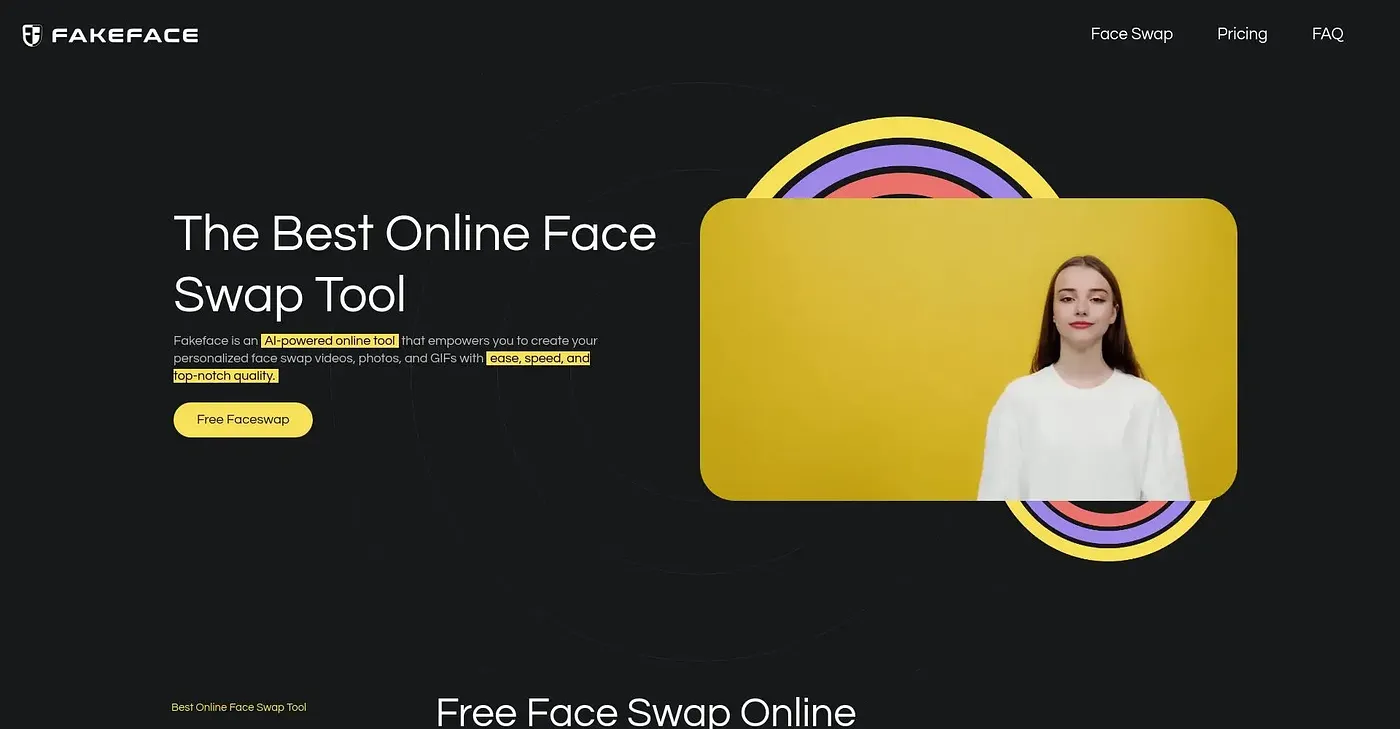
At a glance
4.2 out of 5
Scored by Alex after real useOur verdict
Fake Face is a quick face swap tool perfect for social media content. It’s best left for hobbyists or creatives on a budget; pros may find the quality lacking.
✓What it does well
✕Where it falls short
Key features
Questions about Fake Face
What is Fake Face used for?
Fake Face is a quick face swap tool that swaps one face with another across photos and videos, and the reviewer calls it well suited to social media content. It also includes other AI creative tools, such as image-to-video and GIF face swaps.
Is Fake Face free?
Yes. Fake Face is listed as free on the vendor's site with a limited free tier, and there are no paid plans for advanced features or higher quality output. It runs on the web through secure cloud-based processing.
How fast is Fake Face?
Fake Face delivers fast processing, averaging under one minute per video, according to the reviewer. It is accessible from any web device, and the vendor says it produces HD results with up to 8K resolution.
What are the downsides of Fake Face?
Fake Face is primarily for swapping faces and lacks advanced photo or video editing options beyond the basics. The reviewer adds that professionals may find the quality lacking, and Toolio lists advanced photo or video editors as a poor fit.
Who is Fake Face best for?
Toolio lists Fake Face as best for beginners and casual users, and the reviewer says it is best left for hobbyists or creatives on a budget. Alex scored it 4.2 out of 5 on 5 Oct 2026 after real use.