
FlowSavvy
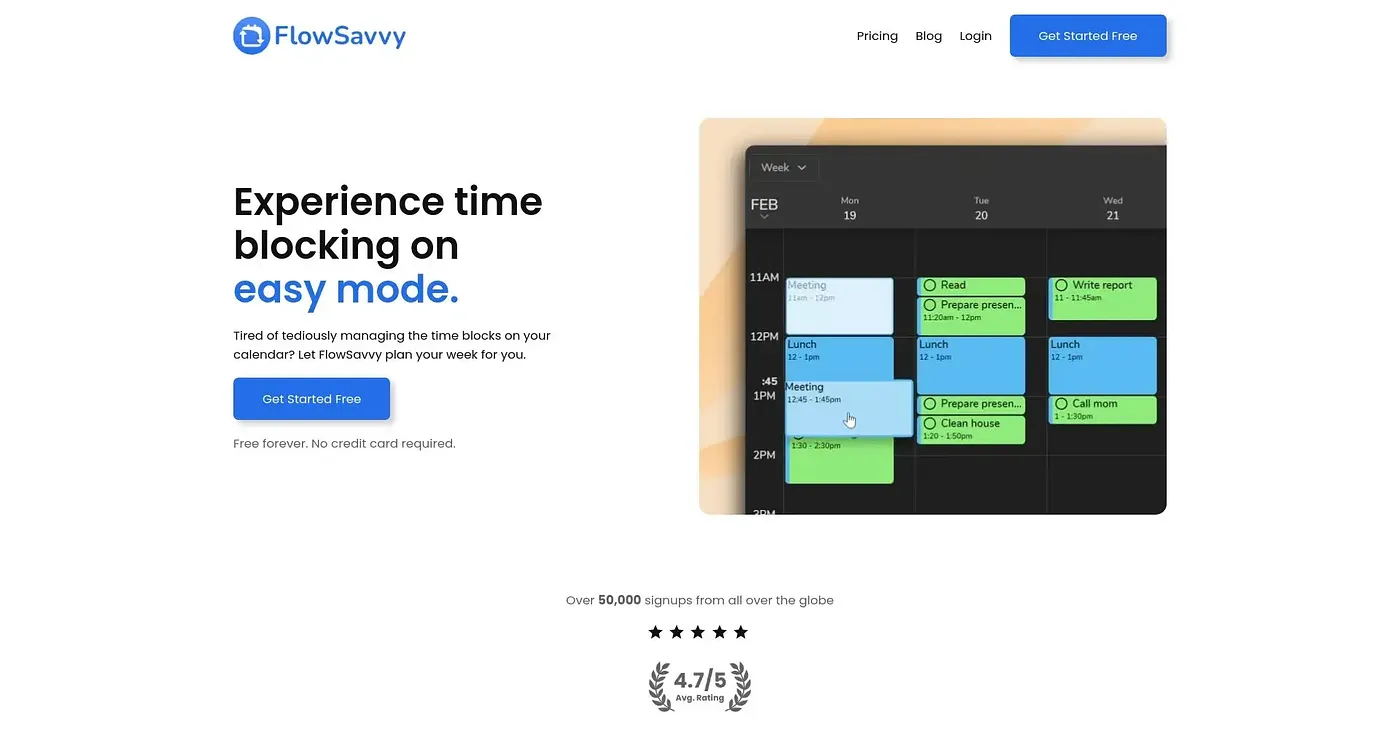
FlowSavvy auto-schedules your tasks and reschedules when plans change.
At a glance
Starts at
Free forever
Price as published by the vendor, September 2026.
Free tier
Yes
Platforms
Web, iOS, Android
Best for
Busy professionals who need efficiency.
Not for
Teams needing collaboration features
4.0 out of 5
Scored by Alex after real useOur verdict
FlowSavvy is perfect for busy individuals who want to reduce their mental load. It’s not ideal if you prioritize a comprehensive set of team management features.
✓What it does well
AI Auto-SchedulingFlowSavvy intelligently plans your tasks based on deadlines and priorities.
Easy ReschedulingYou can easily reschedule missed tasks with a simple ‘recalculate’ button.
Syncs With Multiple CalendarsFlowSavvy syncs your tasks with Google, Outlook, and iCloud calendars.
✕Where it falls short
Limited Workload BalancingOnly offers basic workload balancing options without advanced customization.
No Team Management FeaturesDoesn’t include team management or enterprise-level features, limiting its use for larger teams.
Manual Task LockingYou can manually lock in tasks, but it’s not fully automated.
Key features
Free Forever PlanOffers a free plan that includes unlimited auto-reschedules and syncing with multiple calendars.
Multi-Device SupportAvailable on web, iOS, and Android platforms.
Flexible Scheduling HoursAllows setting custom scheduling hours for work or personal time.
Custom Priority LevelsAllows setting different priorities for tasks