
GitHub Copilot
Limited to GitHub ecosystem; works only with specific code repositories.
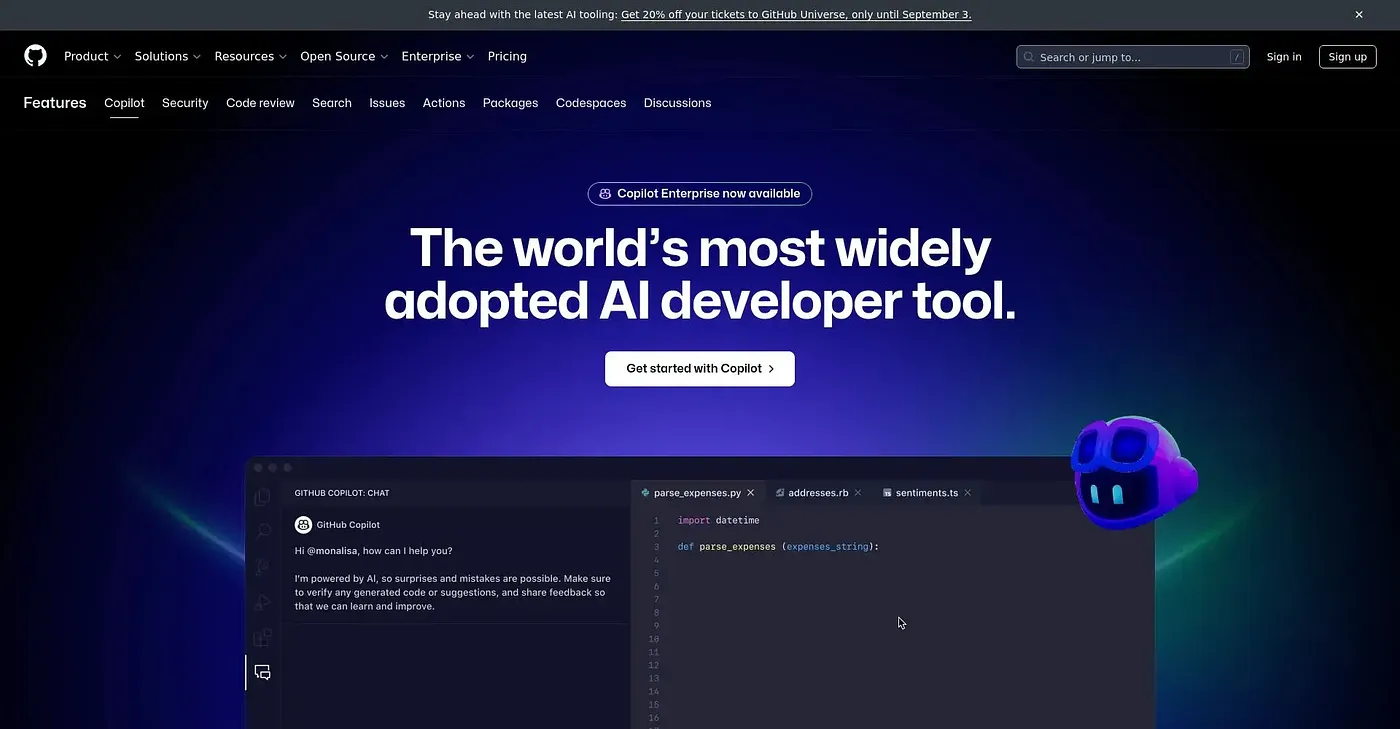
At a glance
Starts at
Free (unlimited public/private repositories)
Price as published by the vendor, September 2026.
Free tier
Yes, limited
Platforms
Web, macOS, Windows
Best for
Individual developers, small teams
Not for
Developers without internet
4.6 out of 5
Scored by Alex after real useOur verdict
GitHub Copilot is great for integrating AI into your coding workflow within the GitHub platform but falls short if you need broader language support outside of it.
✓What it does well
Suggests codeOffers automated code completion and suggestion features to speed up development.
Cross-platform supportAvailable across multiple IDEs including VS Code, GitHub Desktop, and the command line.
Customizable agentsSupports using custom AI agents or third-party tools for tailored development needs.
✕Where it falls short
Limited language modelsOnly supports specific LLMs optimized for speed and accuracy within the GitHub ecosystem.
Dependent on internet connectionRequires a stable internet connection to function properly, which can be an issue in offline scenarios.
Customization limitationsLimited options for deep customization of AI behavior and knowledge base compared to more advanced tools.
Key features
AI coding assistanceProvides suggestions, completions, and explanations in real-time during development.
Multi-IDE supportAvailable as an app for GitHub Desktop, as a VS Code extension, or through the CLI.
Work from multiple agentsAllows launching and managing work across different AI agents in one workspace.
multi-agent workspacemanages work across different AI agents