
Hurd AI
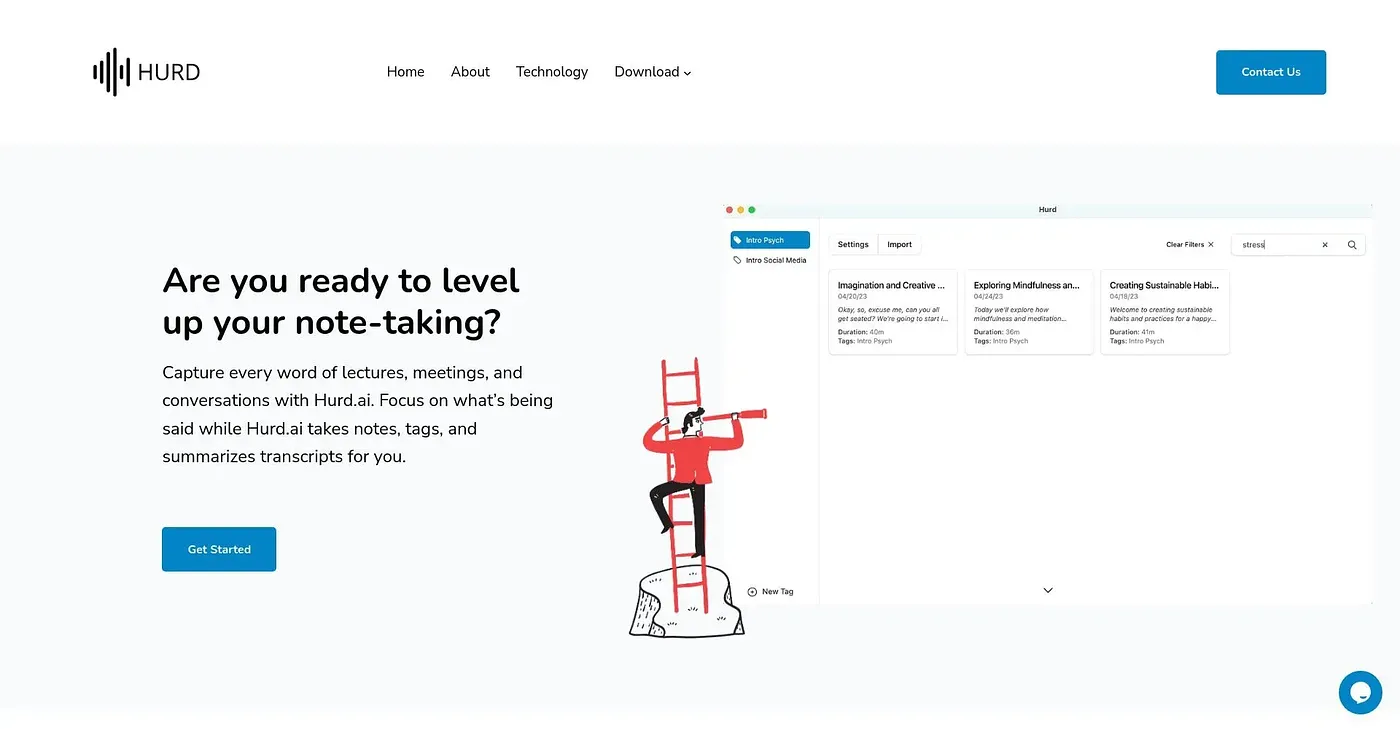
Hurd.ai captures notes and summarizes transcripts for you while you focus on listening.
At a glance
Starts at
Free
No paid plan found on the vendor's site, September 2026.
Free tier
Yes
Platforms
macOS, Windows
Best for
Professional note-takers, meeting organizers
Not for
In-depth document writers
3.9 out of 5
Scored by Alex after real useOur verdict
Hurd.ai is great for focusing during meetings or lectures. It's free with no usage limits but may not be ideal if you need advanced editing features regularly.
✓What it does well
Unlimited recordingsHurd.ai supports unlimited audio and video file imports without restriction.
Cross-platform supportWorks on macOS, Windows, and iPhone with iCloud enabled.
Multiple languagesSupported in over a dozen languages including English, Spanish, Chinese, and more.
✕Where it falls short
Limited editing toolsEditing features are basic compared to some professional transcription software.
No audio export optionsCannot directly export raw audio files for further processing or sharing.
Not suitable for complex documentsDesigned primarily for capturing and summarizing speech, not in-depth document creation.
Key features
Automated transcriptionConverts audio to searchable text automatically.
Inline editingAllows quick review and edits within the transcript.
Multiple file formats supportSupports a variety of audio and video files like MP3, WAV, and AVI.
Audio ExportAllows exporting raw audio files.