
I Am An SE Chrome Extension
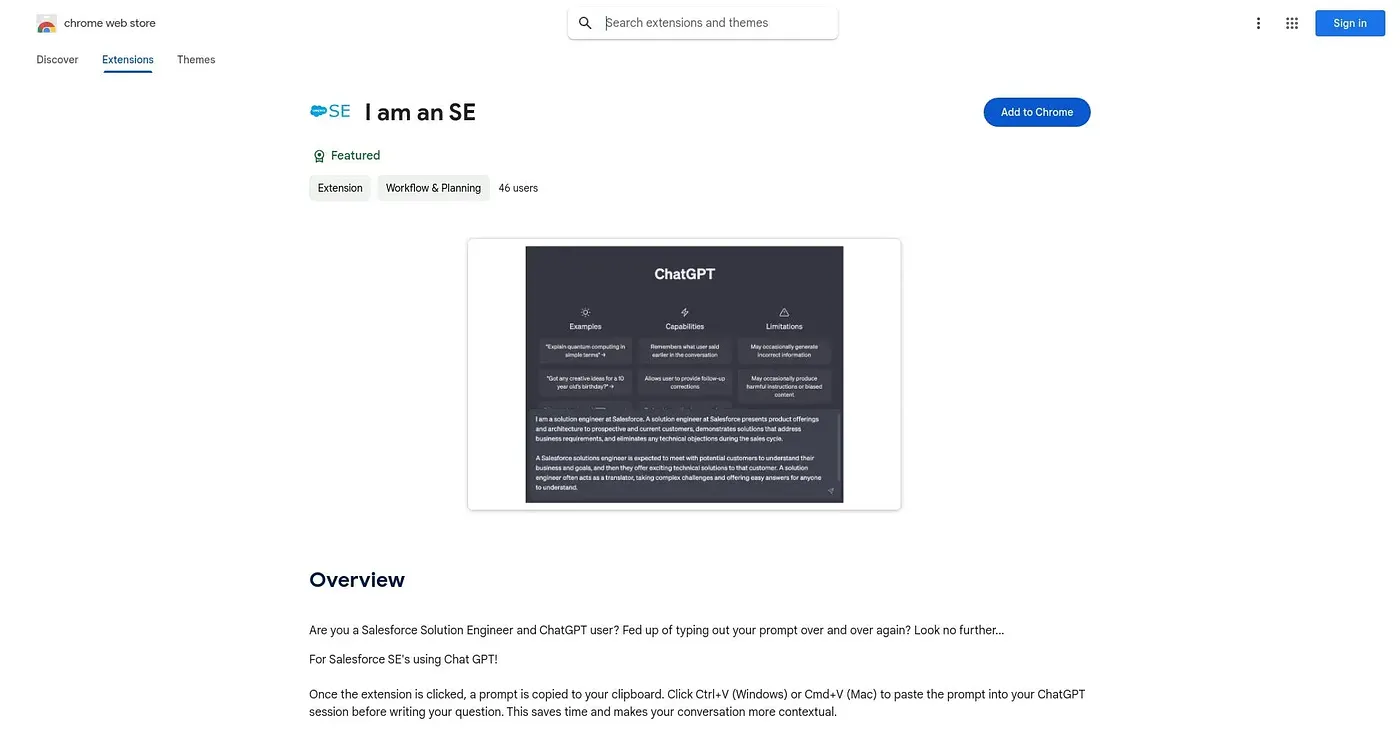
Copies a preset context prompt to paste into ChatGPT before asking your question.
At a glance
Starts at
Free
No paid plan found on the Chrome Web Store, September 2026.
Free tier
Yes
Platforms
Chrome
Best for
Salesforce solution engineers using ChatGPT regularly
Not for
Anyone outside the Salesforce SE role
3.9 out of 5
Scored by Alex after real useOur verdict
This extension copies a single preset prompt to your clipboard, tailored for Salesforce Solution Engineers, so you can paste it into ChatGPT before typing your actual question. It saves you from retyping the same context every session and keeps the conversation more relevant to SE work. It's a narrow, one-click utility rather than a broader ChatGPT toolkit, and it has no ratings yet.
✓What it does well
One-click context promptA single click copies a ready-made prompt to your clipboard.
Role-specific framingThe prompt is written specifically for Salesforce Solution Engineer conversations.
Saves repetitive typingYou skip retyping the same context at the start of every session.
✕Where it falls short
Very narrow scopeIt only does one thing: copy a single preset prompt.
No customization shownThere's no mention of editing or choosing between different prompts.
No ratings yetThere are no user ratings on record for it.
Key features
Preset prompt copyClicking the extension copies a ready-made prompt to your clipboard.
Clipboard paste workflowPaste with Ctrl+V or Cmd+V directly into your ChatGPT session.
SE-specific contextThe prompt is written specifically around Salesforce SE conversations.
Lightweight installAt about 43KB, the extension is extremely small to install.