
Imactor APP
Imactor App helps teams reach consensus faster, but is not ideal for small projects.
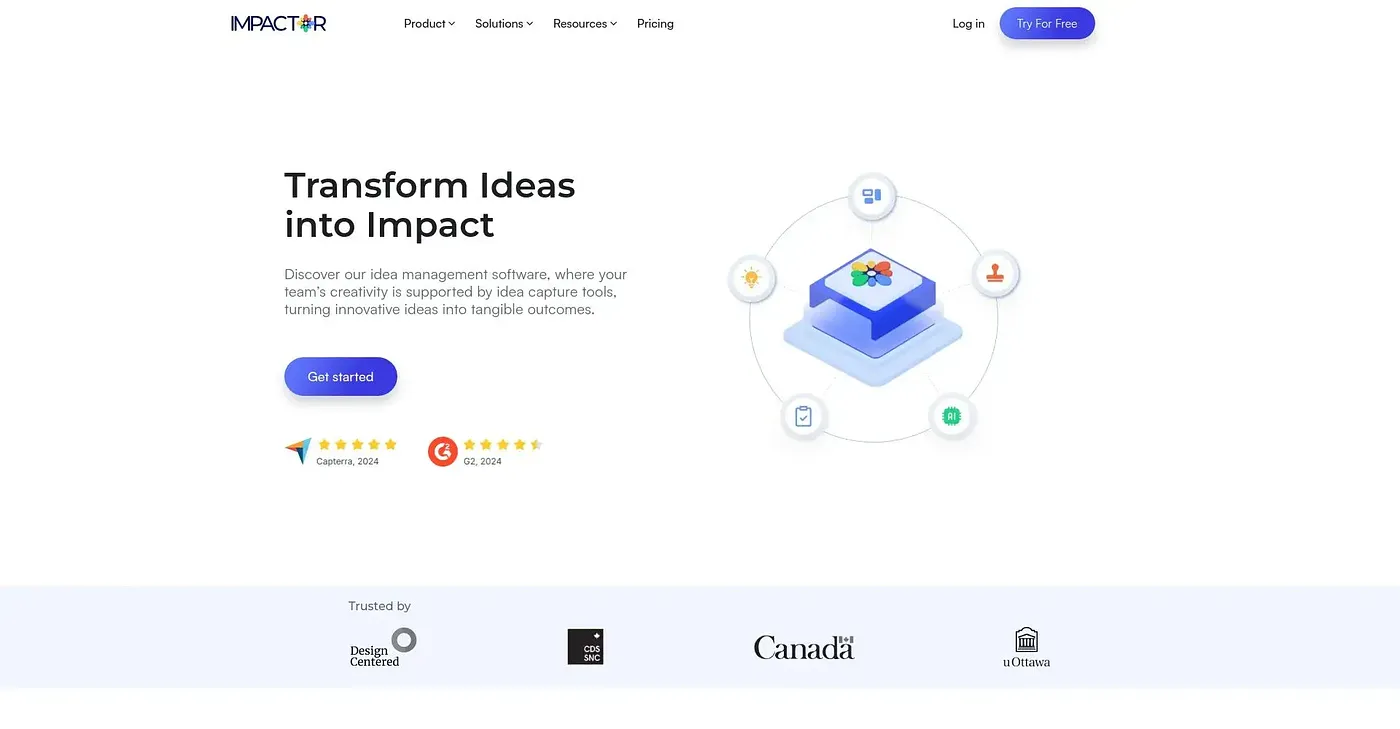
At a glance
Starts at
$0 per month (Starter plan)
Includes a single workspace with two editable projects, AI assistance available, and virtual brainstorming for one user.
Free tier
No
Platforms
Web
Best for
Large collaborative teams
Not for
Small teams with limited projects
3.8 out of 5
Scored by a Toolio reviewer after real useOur verdict
Imactor App excels at team engagement and idea prioritization. It's great for large organizations with many projects. However, it may be overkill for smaller groups or simple ideation tasks.
✓What it does well
Inclusive decision-makingEncourages anonymous idea sharing to boost psychological safety within teams.
AI AssistantProvides fresh perspectives and speeds up the ideation process with its AI tools.
Customizable criteriaAllows users to tailor prioritization based on specific project needs.
✕Where it falls short
Limited integration optionsDoes not offer many integrations, making it harder for existing tools to communicate.
Higher costs for larger teamsMore expensive plans required for multiple team members and projects.
No free tierDoes not offer a free plan, which may be prohibitive for small groups or one-time use cases.
Key features
Virtual brainstormingSupports remote collaboration and idea grouping.
AI-powered advisorOffers AI assistance to generate fresh ideas during ideation sessions.
Decision logsKeeps track of all decisions made for easy reference and transparency.
Effort and Impact AnalysisEvaluates tasks based on effort versus impact.