
Img Upscaling
It handles image cropping, compression and more with AI assistance. But lacks mobile app support.
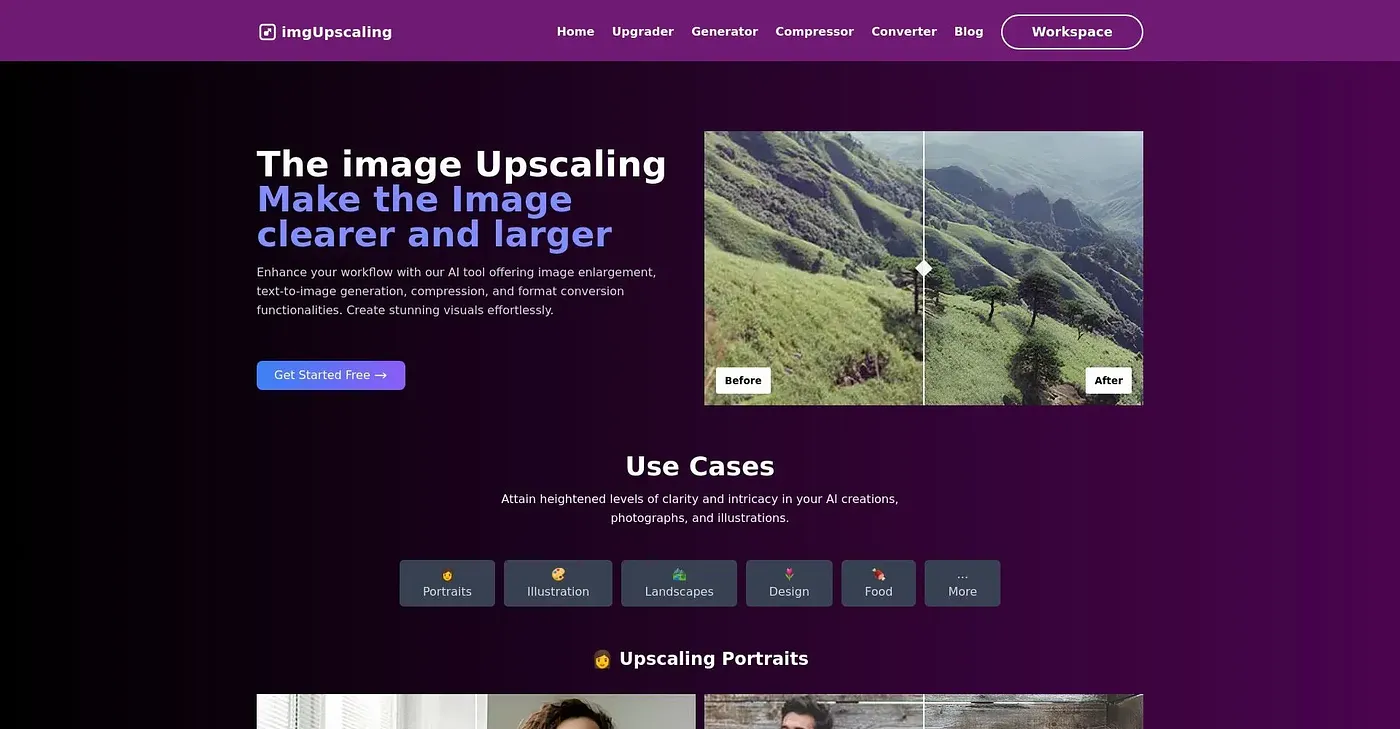
At a glance
Starts at
Free
No paid plan found on the vendor's site, September 2026.
Free tier
No
Platforms
Web
Best for
Professionals needing advanced image editing tools
Not for
Users requiring advanced customization features
3.7 out of 5
Scored by Alex after real useOur verdict
Good for professionals looking to crop, compress and format images quickly but not ideal if you need a mobile solution or extensive customization options.
✓What it does well
AI-powered croppingSmartly crops images for optimal output without server uploads.
Multi-format supportSupports multiple image formats including JPEG, PNG and GIF.
High-quality resultsMaintains original resolution with no loss in quality after processing.
✕Where it falls short
No mobile appLacks a dedicated mobile application for on-the-go editing.
Limited customization optionsOffers basic drawing tools but lacks advanced customization features like layering.
Does not support all AI features yetWhile AI capabilities are in development, they are not fully integrated into the tool.
Key features
Batch processingSupports multiple images at once for increased efficiency.
Privacy and securityProcesses images locally without uploading to servers.
Format conversionConverts between various image formats like JPEG, PNG, WebP and GIF.
Batch WorkflowSupports processing multiple images simultaneously.