
Insight Video IA
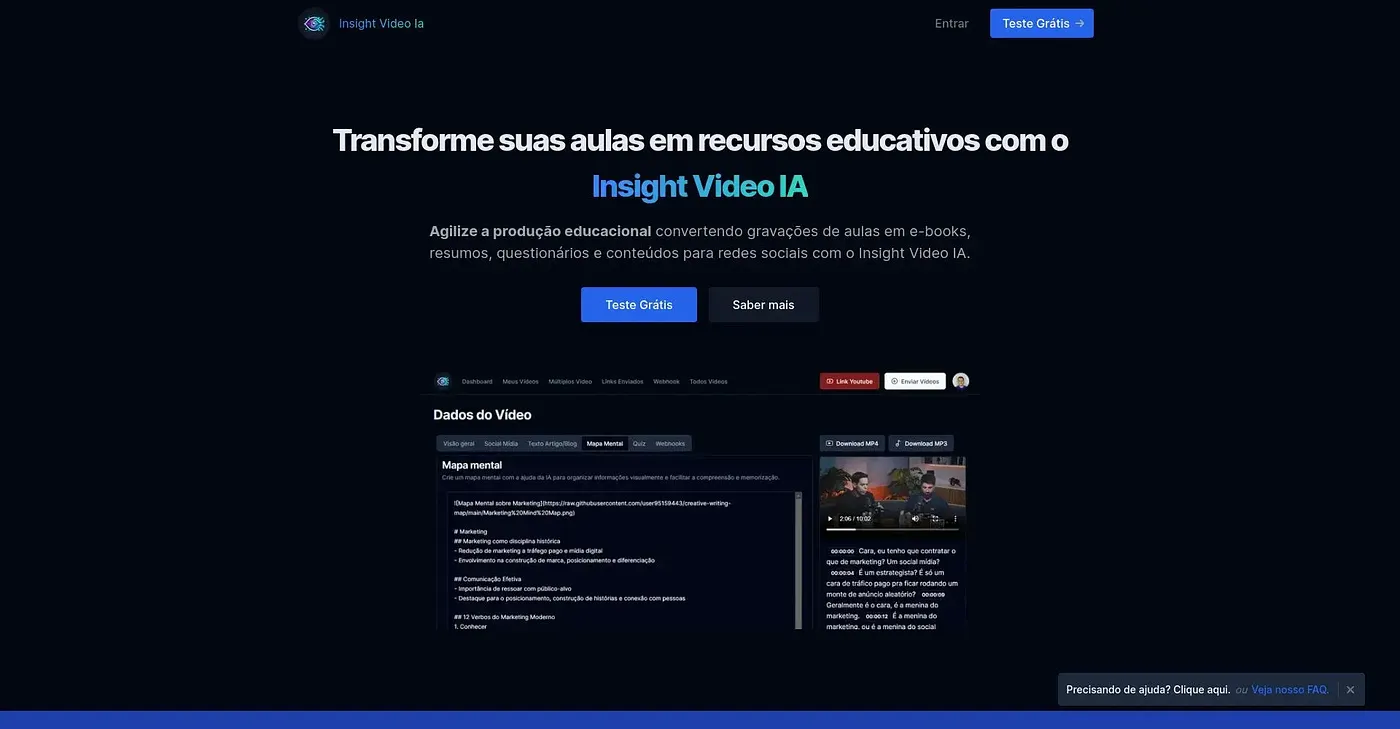
Potencialize seus vídeos com o Insight Video IA, melhorando a eficiência na criação de conteúdo.
At a glance
4.0 out of 5
Scored by Alex after real useOur verdict
Insight Video IA helps streamline content creation but falls short in detailed accessibility features and analytics.
✓What it does well
✕Where it falls short
Key features
Questions about Insight Video IA
What does Insight Video IA do?
Insight Video IA helps creators streamline video content creation. It quickly analyzes videos to identify editing points and viewer reactions, automatically adds captions and subtitles, and gives real-time feedback on video engagement metrics. The reviewer says it falls short on detailed accessibility features and analytics.
How much does Insight Video IA cost?
A free trial of Insight Video IA is available, with plans starting at $9 per month after that. The Basic plan at $9 per month has limited access to advanced analytics, while the Pro plan at $15 per month includes all features with enhanced support.
Does Insight Video IA add captions?
Yes. Insight Video IA automatically adds captions and subtitles to improve video accessibility through simple adjustments. The reviewer notes, though, that it does not offer advanced customization for accessibility, and Toolio lists it as not for professionals requiring advanced accessibility features.
What are the downsides of Insight Video IA?
The reviewer notes that Insight Video IA has limited analytics and lacks in-depth video performance tracking. It focuses on quick edits rather than deep customizations, and its accessibility tools are basic. Alex still scored it 4.0 out of 5 after real use.
What are some alternatives to Insight Video IA?
Toolio lists VideoVerse, Sora Prompting and Type Frames as alternatives to Insight Video IA. VideoVerse transforms video content with AI, especially for sports and news, while Sora Prompting suits video content creators. Insight Video IA itself is best for content creators looking for efficiency.