
Instatext
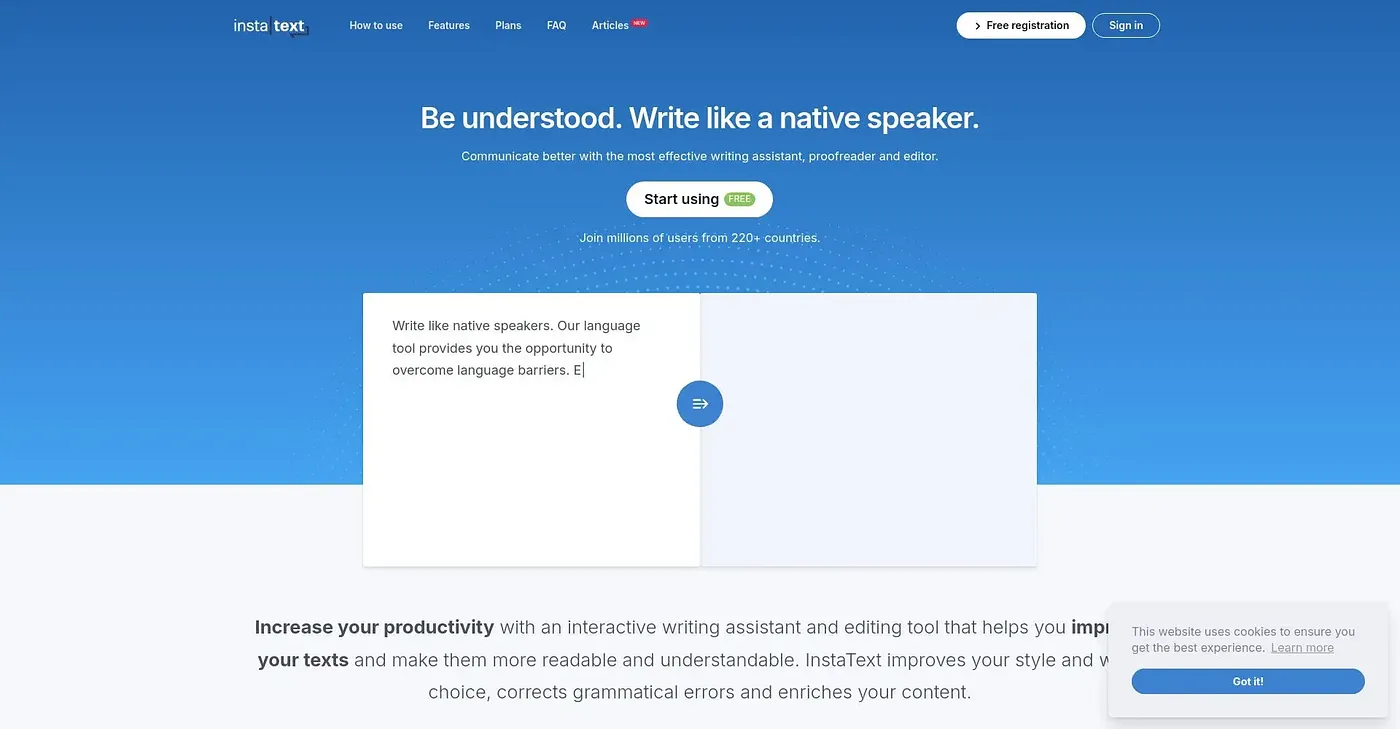
Instatext helps you write like a native speaker.
At a glance
4.0 out of 5
Scored by Alex after real useOur verdict
It excels at improving clarity and readability but struggles with languages beyond its supported set.
✓What it does well
✕Where it falls short
Key features
Questions about Instatext
What does Instatext do?
Instatext helps people write like a native speaker. The reviewer says it improves how ideas are expressed, not just grammar and spelling, and it lets users decide which suggested changes to accept or reject. It runs on the web and as a Chrome extension.
How much does Instatext cost?
Instatext starts from $9.99 per month with the InstaText One Premium plan, billed monthly and including all features and languages. A Yearly Plan costs $119.88. There is also a limited free tier, where users get fewer improvements and fewer characters improved at once.
Does Instatext work in Microsoft Word?
Yes. Instatext can be used directly within Microsoft Word with Track Changes, and the vendor says its browser extension is available in over 20 applications. For organizations, it offers centralized billing with site licenses and volume discounts.
What are the downsides of Instatext?
The reviewer says Instatext struggles with languages beyond its supported set. The free version limits how many improvements and characters can be processed at once, and there is no dedicated mobile app. Toolio says it is not for writers needing unlimited free-tier corrections.
Who is Instatext for?
Toolio lists academics, writers and business professionals as the best fit for Instatext. The reviewer credits it with improving clarity and readability without breaking a writer's workflow, and Alex scored it 4.0 out of 5 after real use on 3 Oct 2026.