
Iweaver AI
iWeaver AI turns your tasks into summaries and mind maps.
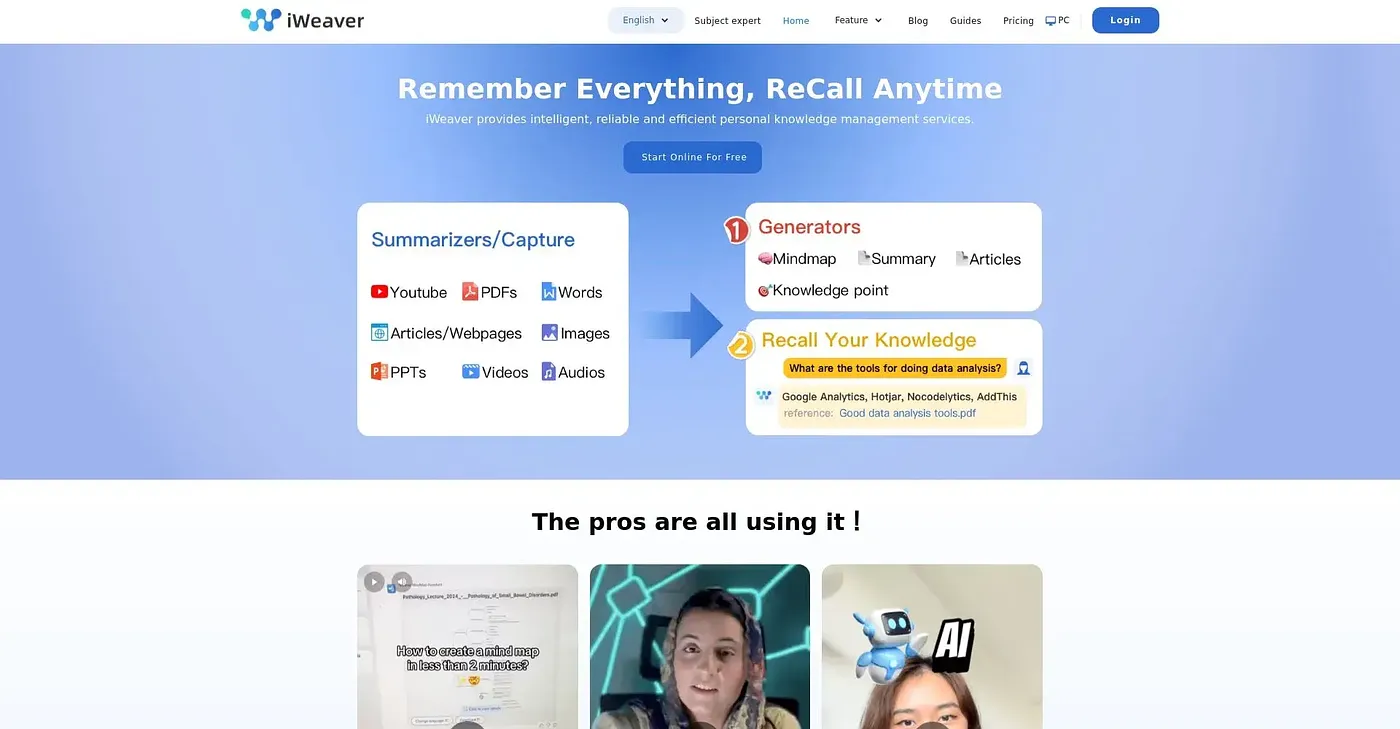
At a glance
3.9 out of 5
Scored by Alex after real useOur verdict
iWeaver excels at automating complex workflows but lacks simpler tools for individuals.
✓What it does well
✕Where it falls short
Key features
Questions about Iweaver AI
What does Iweaver AI do?
Iweaver AI turns uploaded documents and tasks into summaries, mind maps and analyses. It uses a multi-agent system with specialized AI agents, supports customizable workflows, and offers a natural AI chat for pulling key information out of files quickly.
Is Iweaver AI free?
Iweaver AI has a free plan with limited features. Paid upgrades include Pro, with 30 advanced-model uses per day across basic and advanced models, and Unlimited, which removes daily model use caps for power users. The reviewer notes that deep analysis requires the more expensive plans.
How many files can Iweaver AI handle?
Iweaver AI supports up to 20 files and nine formats, which the reviewer notes limits bulk processing. Within that limit, its multi-agent system handles multiple files in various formats for efficient task processing.
Who is Iweaver AI best for?
Toolio lists Iweaver AI as best for complex task managers and researchers. The reviewer says it excels at automating complex workflows but lacks simpler tools for individuals, and that it works better with well-defined tasks than with free-form research or creativity.
What are some alternatives to Iweaver AI?
Toolio lists Dash AI Chrome Extension, Just Mark AI Extension, Scribe AI Documentation S Chrome Extension and Skywork AI. Dash AI answers work questions using a company's own apps and data, Just Mark AI sorts bookmarks with AI, and Skywork AI turns simple text into documents or slides.