
JumboGPT Bulk Prompts For
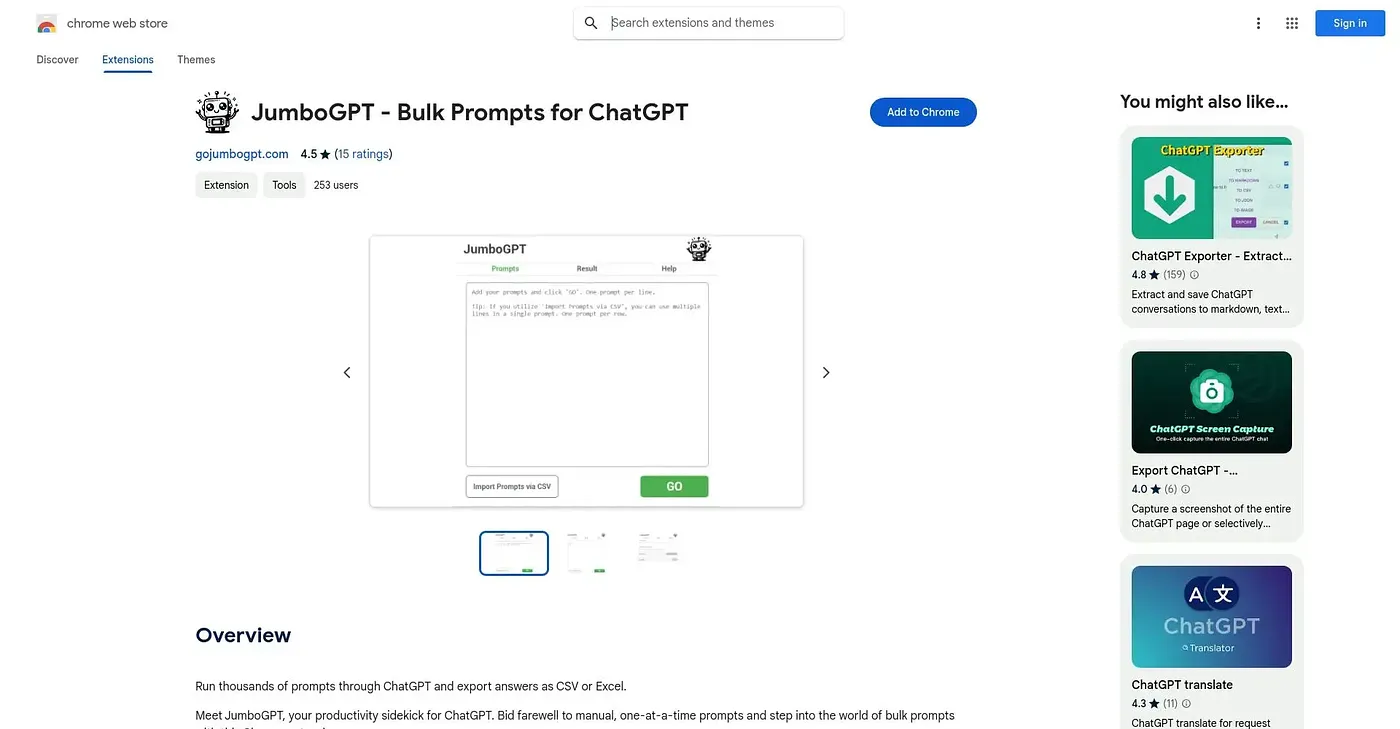
Runs thousands of ChatGPT prompts at once and exports the answers to a spreadsheet.
At a glance
Starts at
Free
Listed as free on the Chrome Web Store.
Free tier
Yes
Platforms
Chrome
Best for
People running large batches of prompts through ChatGPT
Not for
Anyone only running a single prompt at a time
4.0 out of 5
Scored by a Toolio reviewer after real useOur verdict
JumboGPT takes a pasted list or CSV of prompts, sends them all to ChatGPT with one click, and exports the responses to CSV or Excel once they're done. Auto-completion handles lengthy answers so they don't get cut off partway through. It's built specifically for running many prompts at once, so it's not built for anyone just asking ChatGPT a single question at a time.
✓What it does well
Bulk prompt executionThousands of prompts can be sent to ChatGPT with a single click.
CSV prompt importComplex, multi-line prompts can be imported directly from a CSV file.
Spreadsheet exportFinished responses export cleanly to CSV or Excel for analysis.
✕Where it falls short
Overkill for single promptsIt's not built for asking ChatGPT just one question at a time.
Depends on ChatGPT accessRunning prompts in bulk still depends on your own ChatGPT usage limits.
Moderate rating baseIt holds 4 out of 5 across only 15 ratings so far.
Key features
Bulk prompt processingThousands of prompts can be pasted in and run in one batch.
CSV prompt importMulti-line prompts import directly from a CSV file.
Auto-completionLong responses are completed in full rather than getting cut off.
CSV and Excel exportResults export to CSV or Excel once every prompt has run.