
Keywords AI
Route LLM traffic through one gateway, observe calls in traces. But lacks built-in prompt management.
At a glance
4.0 out of 5
Scored by Alex after real useOur verdict
Respan simplifies managing diverse LLMs with a single gateway and detailed observability features. It’s ideal for teams dealing with many models but may be overkill if you focus on simpler projects or have fewer providers to integrate.
✓What it does well
✕Where it falls short
Key features
Questions about Keywords AI
What is Keywords AI?
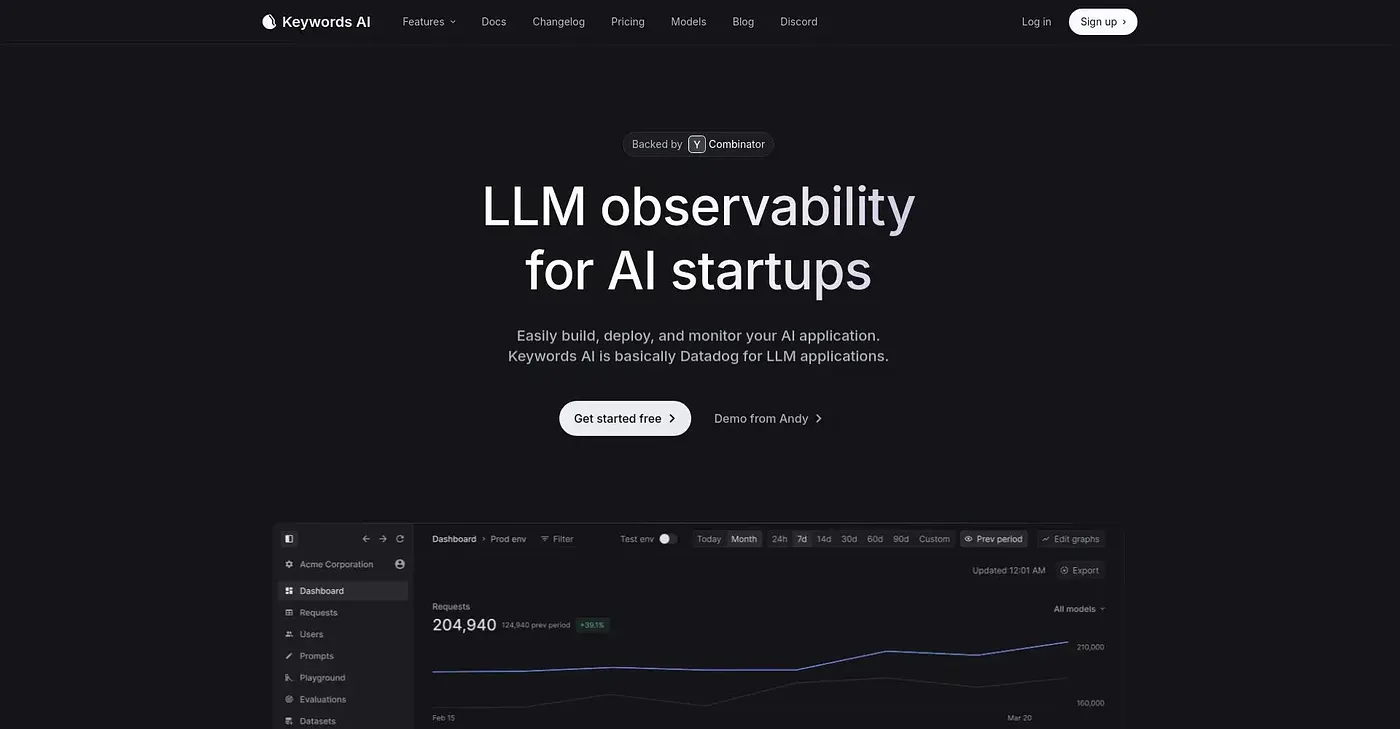
Keywords AI routes LLM traffic through one gateway and lets teams observe calls in traces. Requests go to a single endpoint for multiple models, with automatic fallbacks if one model goes down and response caching to cut latency and costs on repeat requests.
Is Keywords AI free?
Keywords AI has a limited free plan that includes features such as 100k logs and 1 evaluator. The Team plan costs $199 per month and includes unlimited datasets and evaluators, with a 17% discount for startups.
Which SDKs does Keywords AI support?
Keywords AI supports multiple SDKs, including Python, JS/TS, OpenAI and Vercel AI. It also tracks LLM calls and spending in real time with full trace coverage, and it runs on the web and through an API.
What are the downsides of Keywords AI?
Keywords AI has no dedicated prompt management or optimization features. The reviewer also says custom packages and dedicated support come at a premium for larger organizations, and that it may be overkill for simpler projects or teams with fewer providers to integrate.
Who is Keywords AI best for?
Toolio lists Keywords AI as best for developers deploying multiple AI models, especially teams dealing with many models. It is not for comprehensive prompt optimization needs, and it holds a Toolio score of 4.0 out of 5, given by Alex after real use.