
Kinetix AI Emote Creator
Kinetix AI Emote Creator generates lifelike animations but excels in game dev and motion capture.
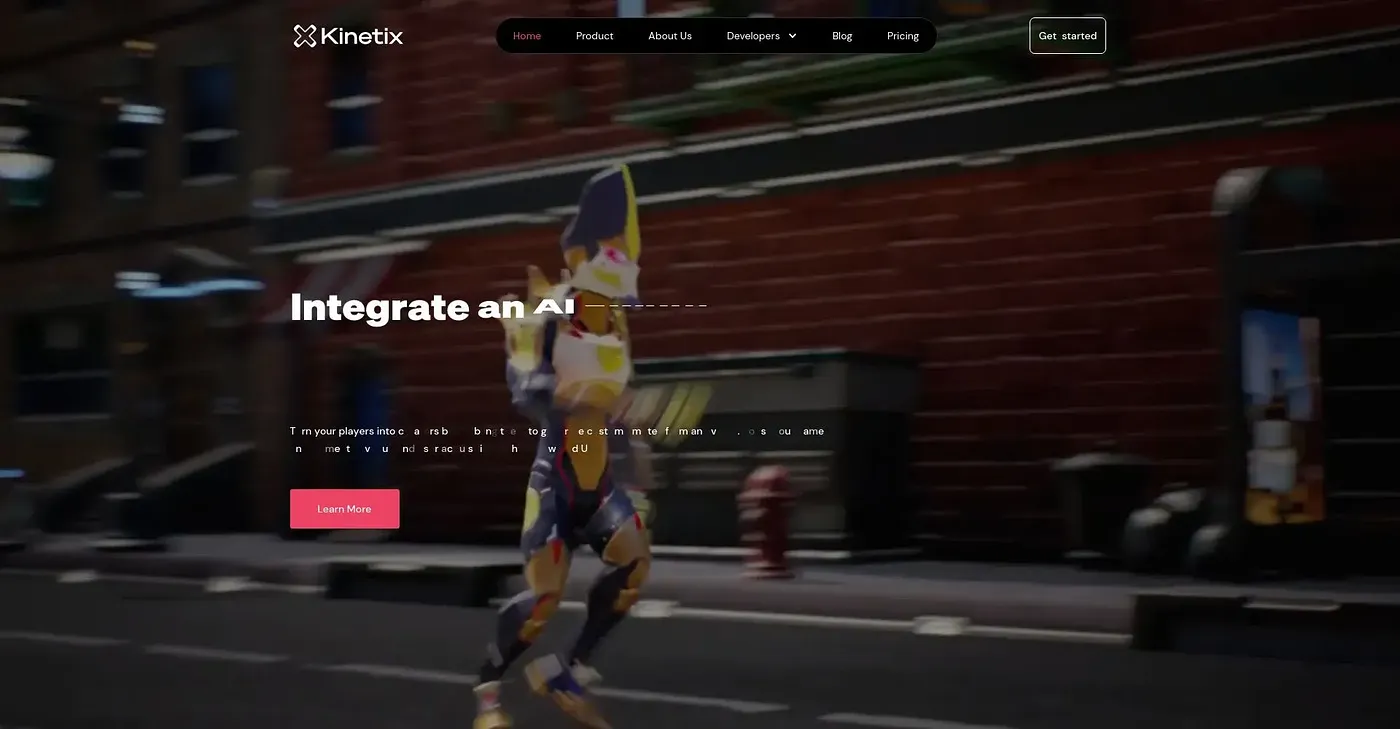
At a glance
3.7 out of 5
Scored by Alex after real useOur verdict
Excellent for creating custom emotes with physical grounding. Best used by those needing precise control over character animation within games or VR experiences. Not ideal for simple editing tasks.
✓What it does well
✕Where it falls short
Key features
Questions about Kinetix AI Emote Creator
What does Kinetix AI Emote Creator do?
Kinetix AI Emote Creator generates lifelike character animations and custom emotes with physical grounding. Its output keeps a consistent spatial layout and articulated motion rather than just pixels. It can be conditioned on camera trajectories, animations from videos, images or text prompts.
Who is Kinetix AI Emote Creator for?
Toolio lists Kinetix AI Emote Creator as best for game developers and motion capture studios. The reviewer says it suits people who need precise control over character animation within games or VR experiences. It is not ideal for simple editing tasks.
Does Kinetix AI Emote Creator work with Unity?
Yes. Kinetix AI Emote Creator is natively integrated into Unity's Muse AI services for game developers. It is also available through Adobe Mixamo, where creators can animate characters with Kinetix's models. A moderation system checks custom animations to ensure quality.
What are the downsides of Kinetix AI Emote Creator?
The reviewer notes a steeper learning curve, since the complex controls and features can be hard for non-technical users. Integrating Kinetix AI Emote Creator with external tools can also take significant effort and technical expertise. It runs on the web only.
How does Toolio score Kinetix AI Emote Creator?
Alex scored Kinetix AI Emote Creator 3.7 out of 5 on 4 Oct 2026 after real use, calling it excellent for creating custom emotes. Toolio lists Kimavi Create Guides With, Sora AI, Shortcast AI and Dream Shorts as alternatives.