
Lawformer
Legal AI agents that draft, review and manage contracts directly inside Microsoft Word.
At a glance
3.9 out of 5
Scored by Alex after real useOur verdict
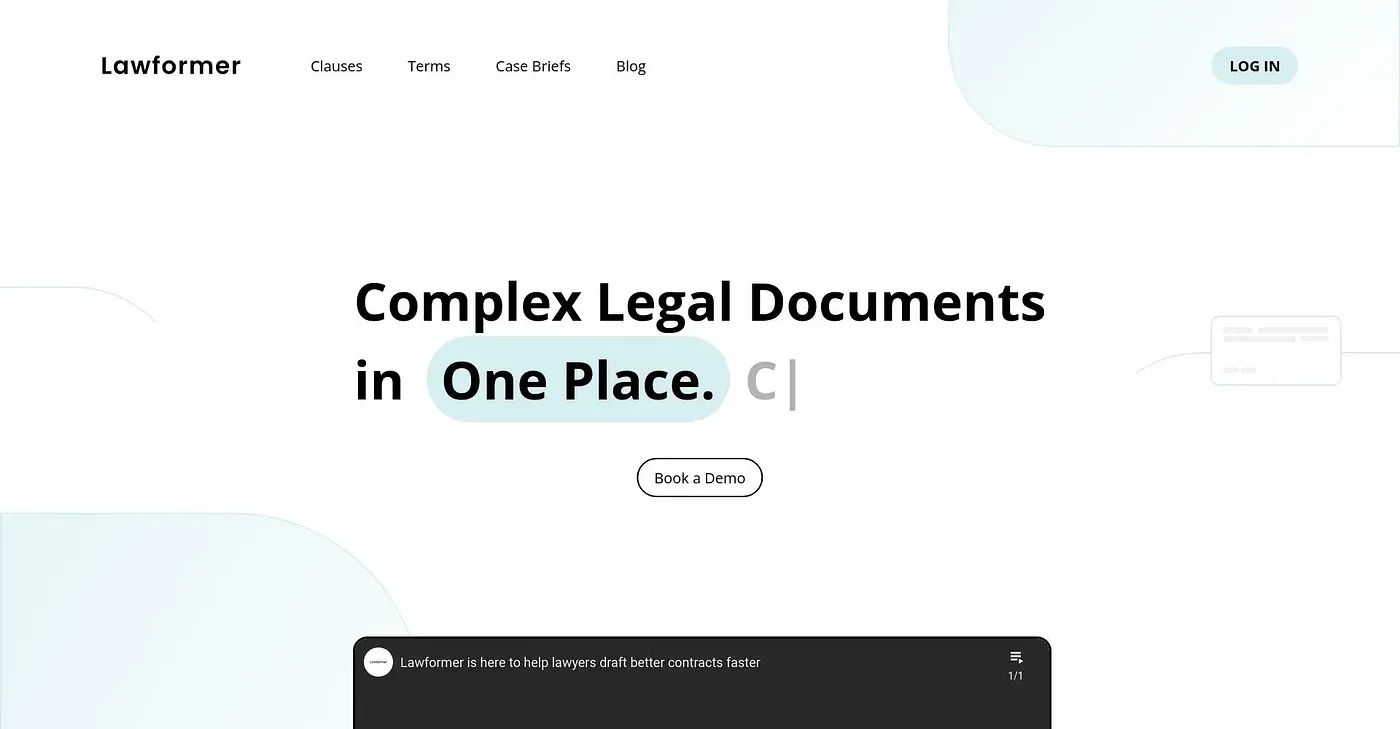
Lawformer trains legal AI agents on a company's own regulatory, operational, and contractual standards, then supports the full contract lifecycle from drafting through execution inside Microsoft Word and connected CLM or CRM systems. It reviews new contracts against a team's existing playbooks and turns old contract archives into a searchable, reusable library. Getting in requires booking a demo or requesting access rather than a self-serve signup, and no price is listed publicly.
✓What it does well
✕Where it falls short
Key features
Questions about Lawformer
What does Lawformer do?
Lawformer provides legal AI agents that draft, review and manage contracts directly inside Microsoft Word. It trains those agents on a company's own regulatory, operational and contractual standards and supports the full contract lifecycle from drafting through execution.
How do you get access to Lawformer?
Lawformer has no self-serve signup. Access requires booking a demo or requesting it, and Toolio lists solo users wanting instant self-serve signup among those it is not for. The reviewer counts this demo-gated access among its shortcomings.
Does Lawformer work with Microsoft Word?
Lawformer works directly inside Microsoft Word rather than as a separate standalone app. It also connects to leading CLM and CRM platforms, so contracts can move from drafting through execution within a team's existing tools.
How does Lawformer review contracts?
Lawformer checks new contracts against a team's own negotiation playbooks and flags deviations. It also turns static contract archives into a searchable, reusable clause library, and it can summarize contracts from within existing tools.
Who is Lawformer best for?
Toolio lists legal teams managing high contract volumes as the best fit for Lawformer. It is built specifically around legal and contract workflows rather than general document editing. Alex scored it 3.9 out of 5 on 3 Oct 2026, and alternatives include LegalRobot, Go Legal AI and Responsible AI Institute.