
Liner ChatGPT AI Copilot Chrome Extension
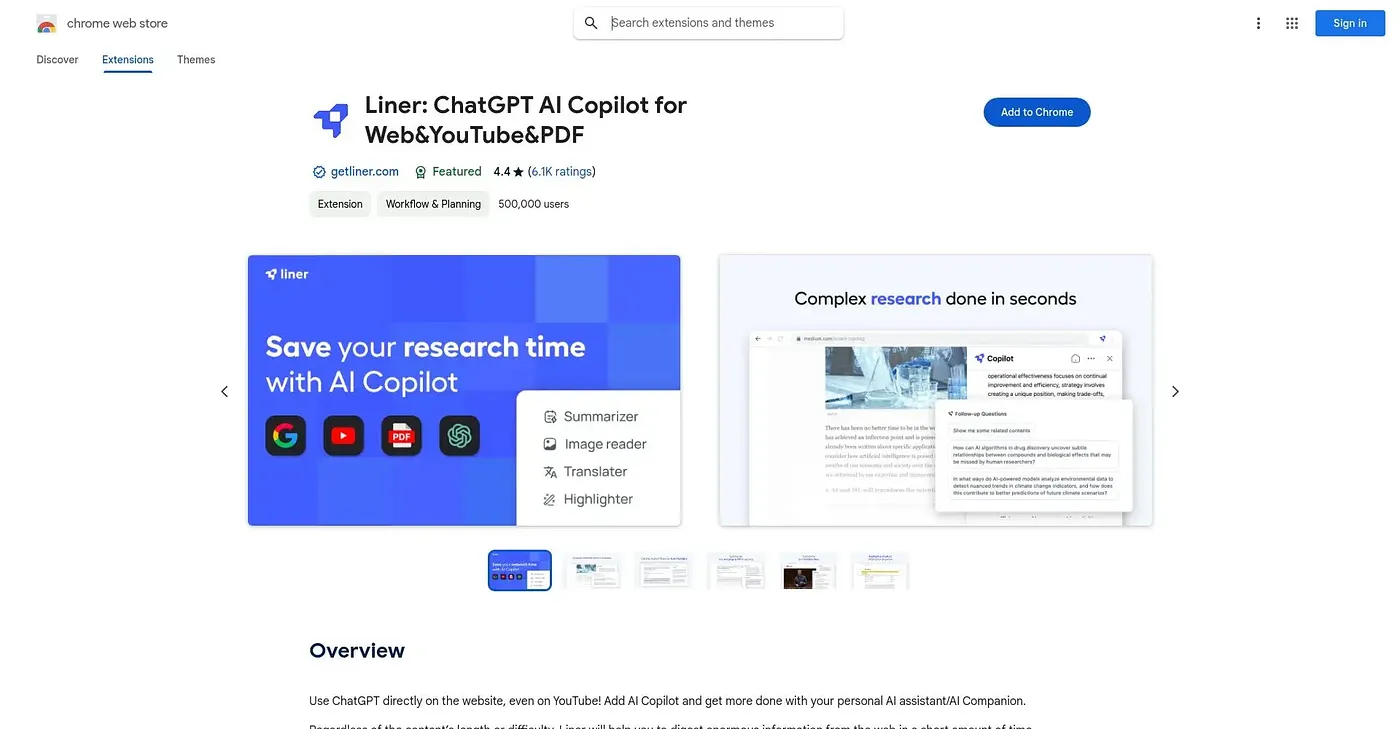
Summarizes and lets you chat with webpages, PDFs, and YouTube videos using AI.
At a glance
Starts at
Free
Listed as free on the Chrome Web Store.
Free tier
Yes
Platforms
Chrome
Best for
Students and researchers digesting long content
Not for
People needing multiple AI models on the free plan
4.4 out of 5
Scored by a Toolio reviewer after real useOur verdict
Liner Copilot adds an AI you can ask questions of directly on any webpage, PDF, or YouTube video, summarizing and letting you highlight key points as you go. The free Basic plan covers search, summaries, highlighting, and bookmarking. Access to multiple AI models and file uploads is reserved for the paid Liner Pro plan, and it's built up a strong track record with roughly 6,000 reviews at 4.4 out of 5.
✓What it does well
Cross-format summariesIt summarizes webpages, PDFs, and YouTube videos in the same way.
In-context AI searchYou can ask AI Copilot questions directly on whatever page you're viewing.
Established track recordIt holds around 6,000 reviews at 4.4 out of 5.
✕Where it falls short
Model choice is paidAccess to multiple AI models is locked behind the paid Pro plan.
File upload is paidUploading files for the AI to read requires the Pro subscription, not the free Basic plan.
Reading-focused scopeIt's built around summarizing and highlighting existing content, not general chat conversation.
Key features
AI searchIt answers questions directly on any webpage without opening a separate tab.
Web, PDF, and video summariesIt generates concise summaries for webpages, PDFs, and YouTube videos alike.
HighlightingIt highlights and saves key passages from articles and videos.
Bookmark organizationIt keeps your highlights and findings organized in one place.