
Mailpengu Chrome Extension
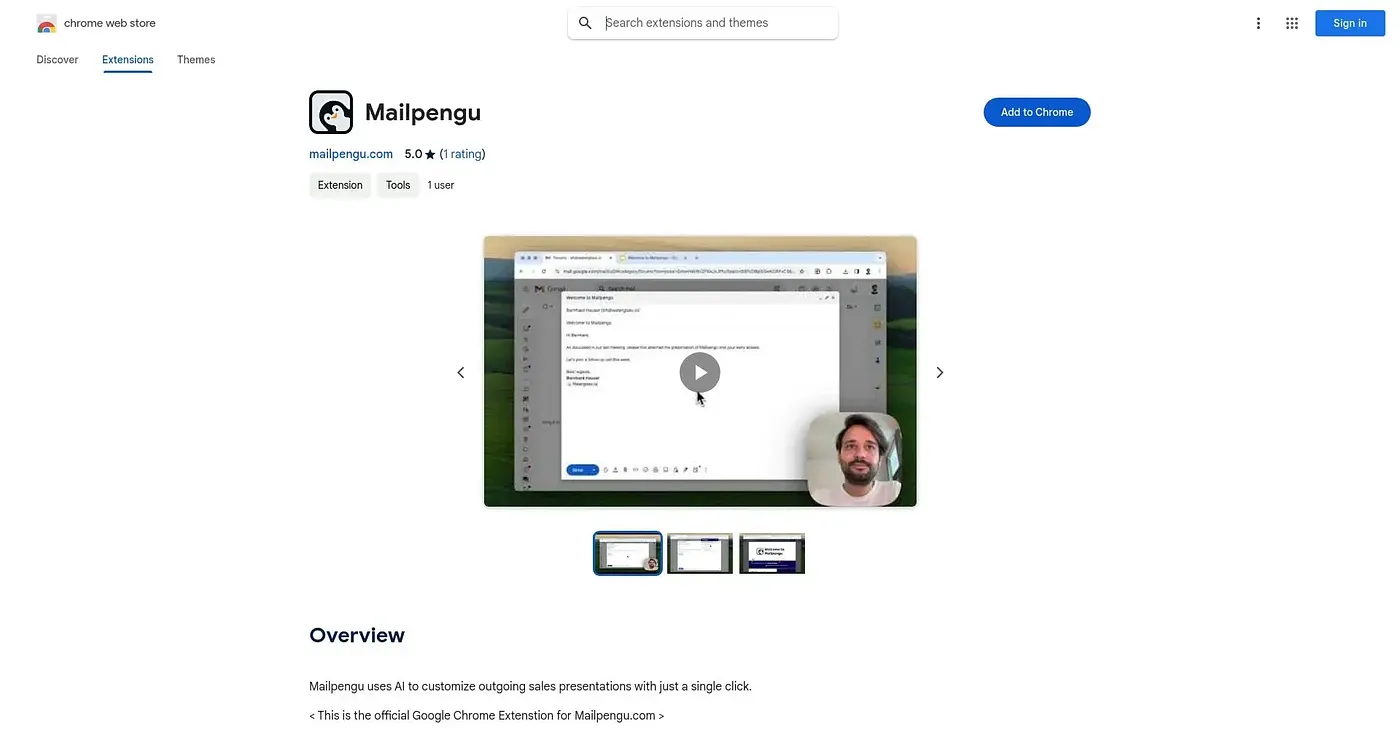
Personalizes sales presentations sent from Gmail with recipient details in one click.
At a glance
Starts at
Free
Listed as free on the Chrome Web Store.
Free tier
Yes
Platforms
Chrome
Best for
Sales managers emailing custom presentations
Not for
People wanting unlimited free use
3.9 out of 5
Scored by Alex after real useOur verdict
Mailpengu adds a button to Gmail that auto-fills a sales presentation with the recipient's name, company description, and logo, then tracks whenever someone clicks a link inside it. An invisible watermark helps guard against the presentation being reused without permission. New signups get 25 free credits, after which further use runs on Mailpengu's paid credit system, and its track record so far rests on a single rating.
✓What it does well
Auto-personalized presentationsIt fills in recipient name, company description, and logo automatically using AI.
Link click trackingIt notifies you whenever a recipient clicks a link inside the presentation.
Watermark protectionIt adds an invisible watermark to discourage unauthorized reuse of your presentation.
✕Where it falls short
Credit-limited free useNew accounts get only 25 free credits before further use requires paying.
Single rating so farIt has only one rating so far, so there's little outside evidence yet.
Gmail onlyIt only works through Gmail, not other email providers.
Key features
Recipient personalizationIt adds recipient name, company description, and logo automatically.
Presentation trackingIt tracks link clicks inside each sent presentation.
Invisible watermarkingIt embeds an invisible watermark in each presentation.
One-click sendingIt attaches a customized presentation to an email with one click.