
Moocat
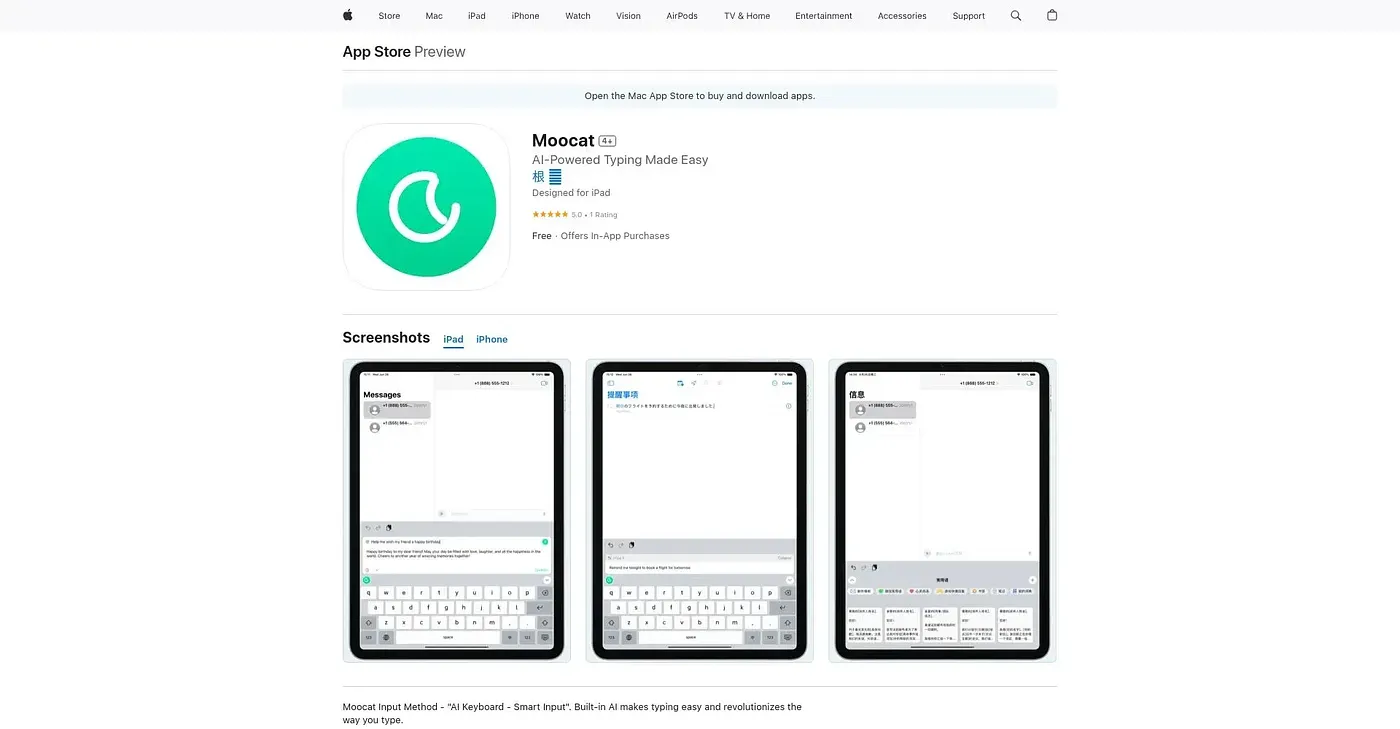
An AI-powered Chinese input method that suggests text, polishes grammar, and translates as you type.
At a glance
Starts at
Free
No paid plan found on the App Store, September 2026.
Free tier
Yes
Platforms
iOS, macOS
Best for
Chinese-speaking iPhone users wanting smarter typing
Not for
MacOS users expecting verified support
3.9 out of 5
Scored by Alex after real useOur verdict
Moocat replaces the system keyboard with an AI-assisted one that suggests content, polishes grammar and phrasing, and translates between languages as you type, across chatting, emailing, or note-taking. It adapts its suggestions to the current conversation and recipient to speed up everyday replies. It's listed for macOS but not verified there, offers in-app purchases beyond the free base app, and so far has just one rating.
✓What it does well
Context-aware suggestionsIt tailors input suggestions to the current chat and recipient.
Real-time translationIt translates what you type into a target language instantly.
Grammar and phrasing polishIt optimizes grammar and phrasing to improve the quality of your typing.
✕Where it falls short
Unverified on macOSIt's listed for macOS but is not verified for that platform.
In-app purchasesOnly some features are included free; others sit behind in-app purchases.
Barely reviewedIt has only one rating so far, so there's little outside feedback yet.
Key features
AI input suggestionsIt suggests content in real time as you type.
Smart preparationIt prepares reply suggestions based on the current conversation and recipient.
AI translationIt translates typed text into a target language instantly.
Custom phrasesIt supports custom-defined phrases for frequently used input.