
Multi AI Sidebar Chrome Extension
A sidebar that switches between ChatGPT, Gemini, Copilot, Grok, and Claude in one panel.
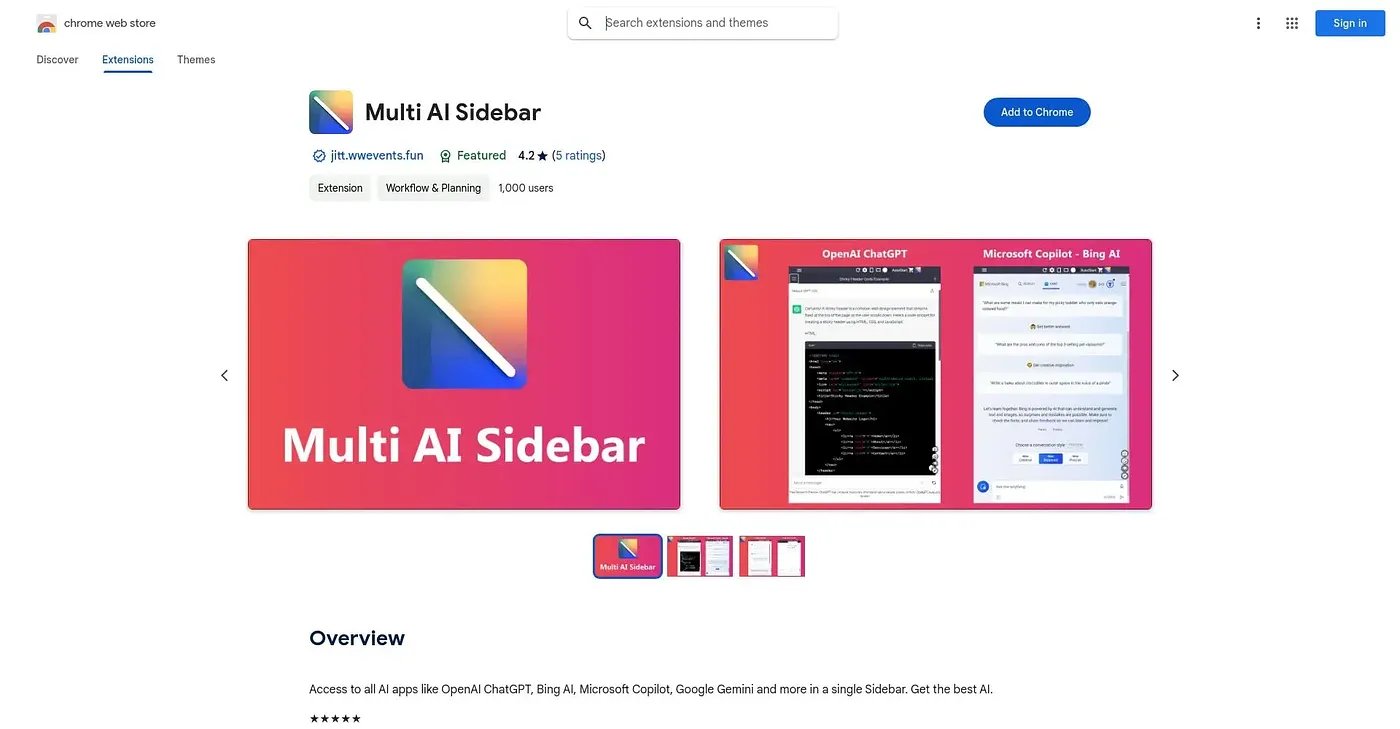
At a glance
4.0 out of 5
Scored by Alex after real useOur verdict
Multi AI Sidebar wraps the official web versions of ChatGPT, Copilot, Gemini, Grok, and Claude into one slide-out panel, letting you switch between them and toggle which ones stay active. It's a wrapper rather than its own AI, so you still need accounts with each underlying service to use them. Extras like custom themes, an app booster, and window screenshots sit behind a premium upgrade.
✓What it does well
✕Where it falls short
Key features
Questions about Multi AI Sidebar Chrome Extension
What is Multi AI Sidebar Chrome Extension?
Multi AI Sidebar Chrome Extension is a Chrome sidebar that puts the official web versions of ChatGPT, Copilot, Gemini, Grok and Claude into one slide-out panel. It switches between them without separate tabs and lets users toggle which apps stay active. It is a wrapper, not an AI model of its own.
Is Multi AI Sidebar Chrome Extension free?
The extension is free, and Toolio found no paid plan on the Chrome Web Store in September 2026. The reviewer notes that extras such as custom themes, an app booster and window screenshots sit behind a premium upgrade, so the free version covers the core sidebar.
Do I need separate AI accounts to use Multi AI Sidebar Chrome Extension?
Yes. Because the sidebar wraps the official ChatGPT, Copilot, Gemini, Grok and Claude apps, it still needs a separate account with each underlying service. The reviewer counts this among its main shortcomings, along with the fact that it provides no AI model of its own, only quick access to others.
Who should use Multi AI Sidebar Chrome Extension?
Toolio rates it best for people comparing answers across multiple AI chatbots, since it brings several into one panel. It is not for users who want one native AI built into the tool. The reviewer also notes that running as a slide-out panel keeps CPU, RAM and bandwidth use low.
How does Toolio score Multi AI Sidebar Chrome Extension?
Alex scored Multi AI Sidebar Chrome Extension 4.0 out of 5 after real use. The reviewer credits fast switching between AI apps and access to image tools like Microsoft Designer and Image Creator, while noting the need for separate accounts and the premium upgrade for extras.