
MyAI Chrome Extension
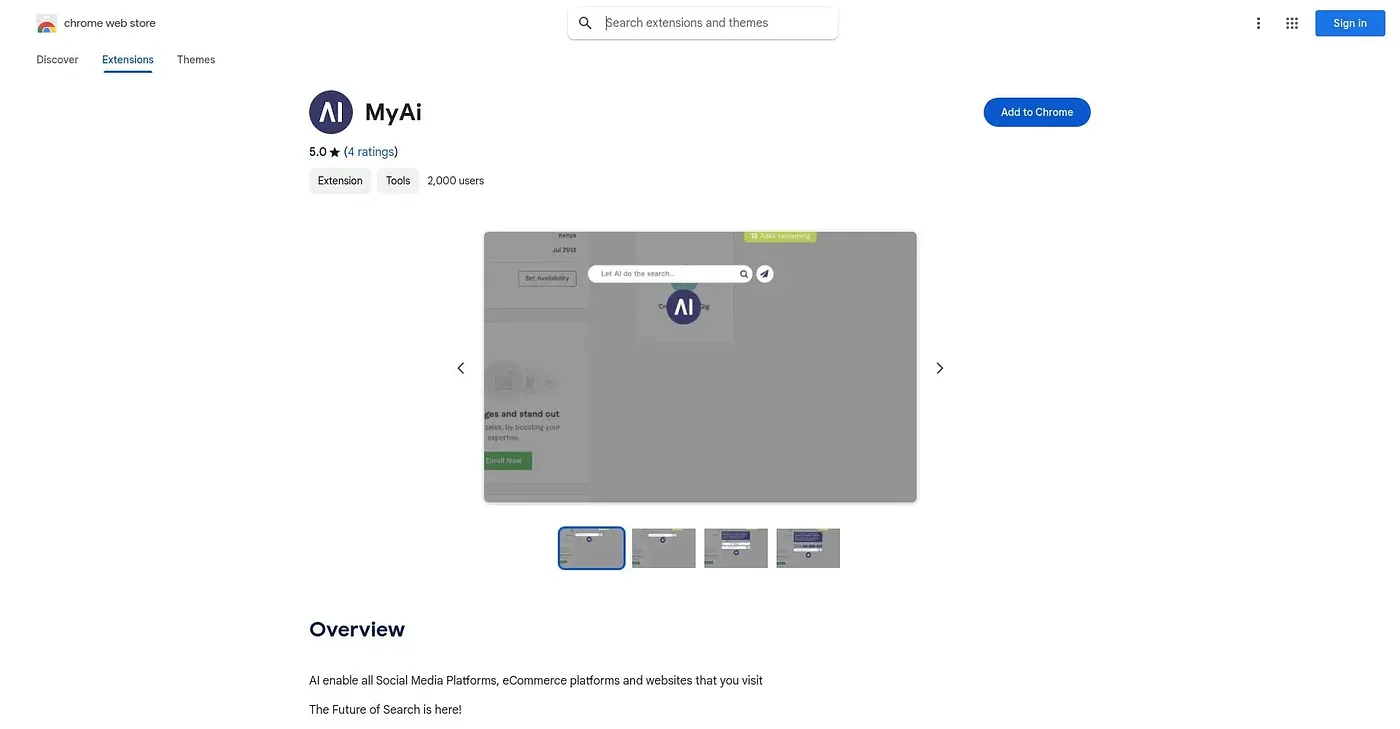
A browser overlay that answers questions on top of whatever page you're already viewing, without switching tabs.
At a glance
Starts at
Free
No paid plan found on the Chrome Web Store, September 2026.
Free tier
Yes
Platforms
Chrome
Best for
People who want quick answers mid-browsing
Not for
Anyone needing deep, sourced or fact-checked research answers
5.0 out of 5
Scored by Alex after real useOur verdict
MyAi drops an AI overlay onto whatever social media, email, or shopping page you're already on, so you can ask a question without opening a new tab. It answers with several alternative angles on a query rather than a single response, aiming for a broader view than a typical search box. The extension is free, developed by a small independent team, and only available for Chrome, so anyone on another browser is out of luck.
✓What it does well
In-page overlayIt opens directly on top of the page you're browsing, so there's no need to switch tabs or apps.
Multiple perspectivesAnswers come with several alternative viewpoints on a query instead of one flat response.
Simple installationIt installs as a normal Chrome extension and works right away on any site you visit.
✕Where it falls short
Chrome onlyIt only works in Chrome, with no version for Firefox, Safari, or Edge.
Small developer teamIt's maintained by a lone independent developer, not a larger support team, so updates may be slow.
Thin support infoThere's no visible pricing or premium tier, and support is limited to a single email address.
Key features
On-page AI overlayMyAi opens on top of the current website, letting you search without leaving the page.
Semantic searchIt searches by concept and context rather than exact keyword matches.
Thread-style answersIt returns a set of alternative perspectives on each question instead of one single answer.
Chrome extension installIt adds a small icon to Chrome that you can open on any page you visit.