
myGPTBrain Chrome Extension
Saves web pages with one click, then answers questions about them using AI chat.
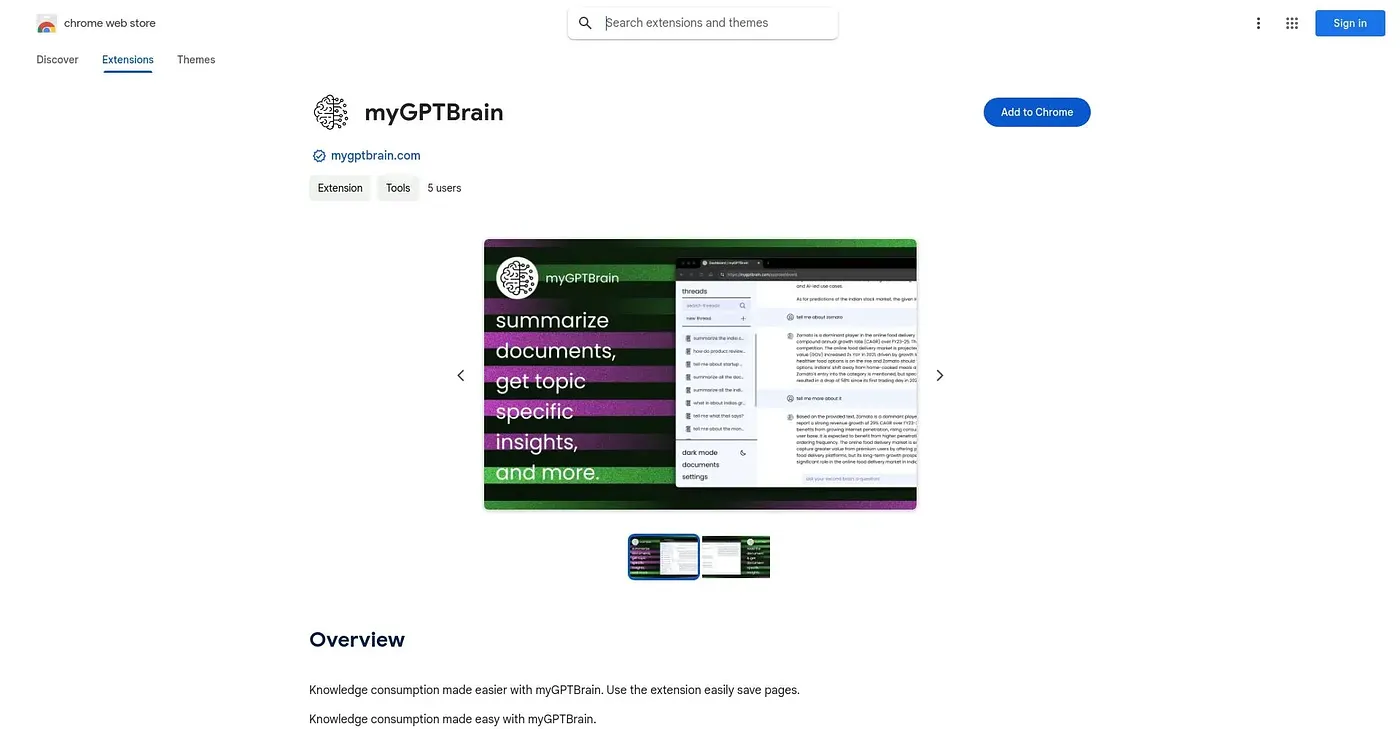
At a glance
3.9 out of 5
Scored by Alex after real useOur verdict
myGPTBrain saves any article or page with a click and turns it into something you can question directly, offering summaries, highlights and topic-specific answers instead of just a bookmark. It also accepts images, ZIP files and Office documents, and lets you chat across multiple saved documents at once with custom instructions. People who read heavily and want instant context back from what they've saved get a genuine shortcut here, though with no user ratings yet and in-app purchases layered on the free listing, it's still an unproven bet.
✓What it does well
✕Where it falls short
Key features
Questions about myGPTBrain Chrome Extension
What does myGPTBrain Chrome Extension do?
The myGPTBrain Chrome Extension saves web pages to a library with one click, then answers questions about them through AI chat. It offers summaries, highlights and topic-specific answers instead of a plain bookmark. It can also chat across several saved documents at once using custom instructions.
Is myGPTBrain Chrome Extension free?
The myGPTBrain Chrome Extension is listed as free, and Toolio found no paid plan on the Chrome Web Store in September 2026. However, the reviewer notes it charges extra through in-app purchases despite its free listing. The pricing breakdown shows a Free plan at $0.
What files can myGPTBrain Chrome Extension work with?
Beyond web pages and articles, the myGPTBrain Chrome Extension accepts images, ZIP files and Office documents as input. It summarizes saved content, surfaces key highlights from long articles and answers questions about specific material. Custom instructions shape how the content is processed.
What are the downsides of myGPTBrain Chrome Extension?
The reviewer calls the myGPTBrain Chrome Extension an unproven bet, since it carries no user ratings yet to confirm real-world performance. It also adds in-app purchases and is only available for Chrome. Toolio lists it as not for anyone needing a proven, well-reviewed tool.
Who is myGPTBrain Chrome Extension best for?
Toolio lists the myGPTBrain Chrome Extension as best for researchers wanting quick Q&A on saved articles. The reviewer says heavy readers who want instant context from what they have saved get a genuine shortcut. It holds a Toolio score of 3.9 out of 5, given by Alex.