
NoteKnight
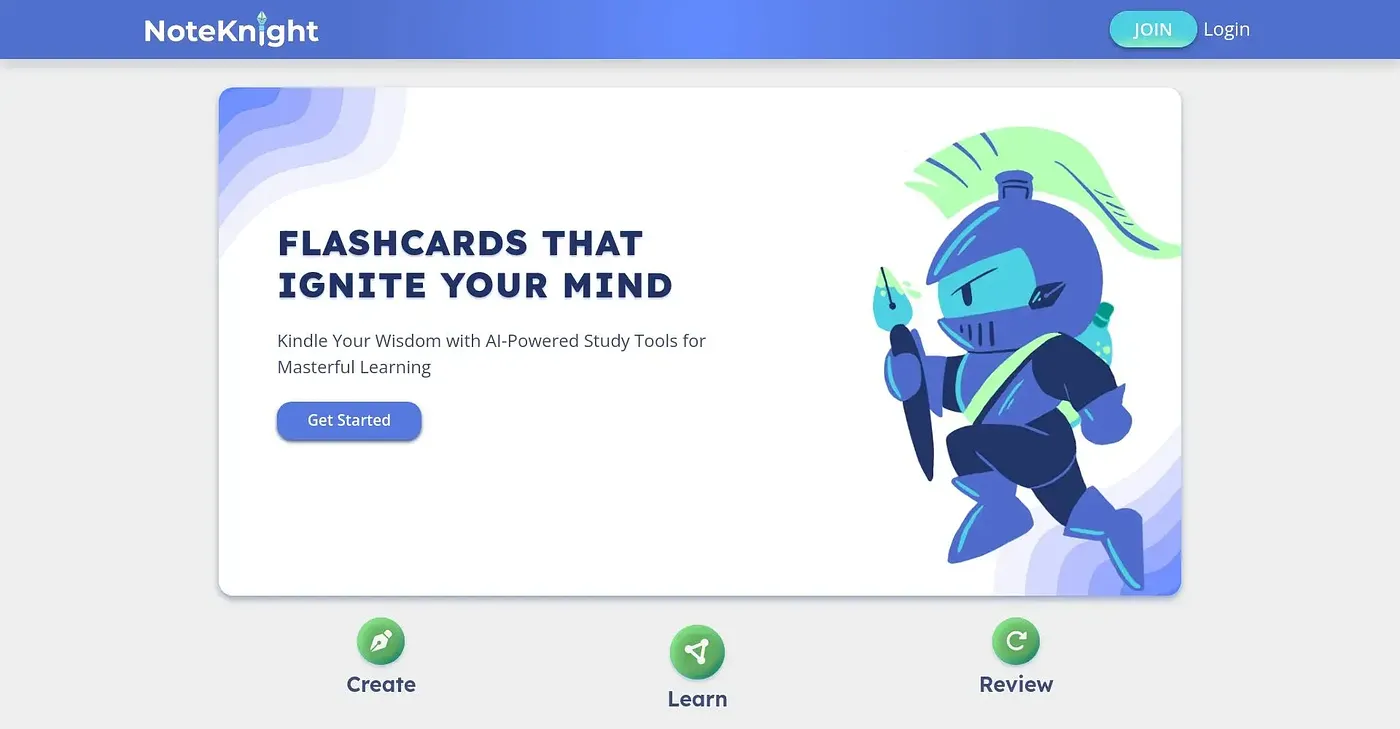
Create high-quality flashcards quickly and easily with NoteKnight, designed for anyone studying courses online or in person.
At a glance
3.9 out of 5
Scored by Alex after real useOur verdict
NoteKnight is great for importing and managing flashcards. However, it lacks some advanced customization options compared to paid alternatives.
✓What it does well
✕Where it falls short
Key features
Questions about NoteKnight
What is NoteKnight?
NoteKnight is a flashcard tool for anyone studying courses online or in person. It builds decks with AI tools, imports existing flashcard sets, and offers unlimited practice tests and active recall games for memorization. Its AI AutoScribe feature generates flashcards from documents in seconds.
How much does NoteKnight cost?
NoteKnight starts at $4.99 per month, which includes access to all features except AI AutoScribe and image uploads. There is no free tier, and the reviewer notes that some advanced features require a paid subscription.
What platforms does NoteKnight run on?
NoteKnight runs on the web, macOS and Windows, and the reviewer highlights its mobile-friendly interface for managing studies on the go. Toolio lists it as best for students preparing for exams and professionals reviewing subjects.
Can NoteKnight add personal notes to flashcards?
No. NoteKnight cannot add personal notes or annotations to flashcards, so Toolio lists it as not for users who need extensive personal notes. The reviewer also finds its customization options limited compared to premium tools.
How does Toolio rate NoteKnight?
NoteKnight holds a Toolio score of 3.9 out of 5, given by Alex after real use on 4 Oct 2026. The reviewer calls it great for importing and managing flashcards. Alternatives Toolio lists include LearnMate, Quiz Tok and Anki Decks.