
Perplexity AI Search Chrome Extension
Swaps Chrome's default search engine for Perplexity, so answers come with visible sources right in the address bar.
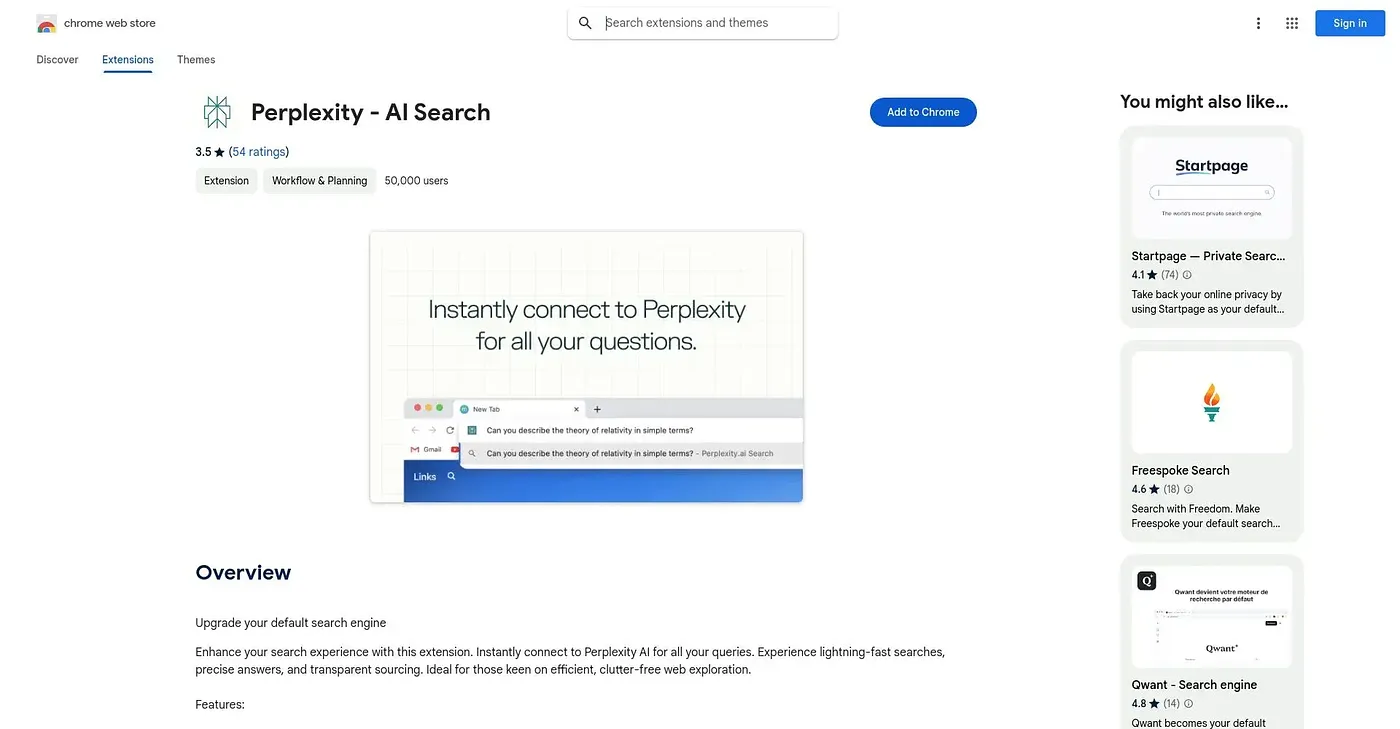
At a glance
3.6 out of 5
Scored by Alex after real useOur verdict
This is a minimal extension: it just sets Perplexity as your default search engine so typing in the address bar returns Perplexity's answers with sourcing instead of a standard results page. There's nothing else to it beyond that single switch, no sidebar, no page summarization, and no separate chat feature. At 3.6 stars across 171 ratings, it's a modest score for such a simple, single-purpose tool.
✓What it does well
✕Where it falls short
Key features
Questions about Perplexity AI Search Chrome Extension
What does Perplexity AI Search Chrome Extension do?
Perplexity AI Search Chrome Extension sets Perplexity as Chrome's default search engine, so typing in the address bar returns Perplexity's answers with visible sources instead of a standard results page. The reviewer calls it a minimal extension that does nothing beyond that single switch.
Does Perplexity AI Search Chrome Extension summarize pages?
No. The extension has no sidebar, no page summarization and no separate chat feature, and only switches the default search engine. Toolio lists alternatives such as Allseek Chrome Extension, which runs one search query across ChatGPT, Kimi and other AI engines and compares the results side by side.
Is Perplexity AI Search Chrome Extension free?
Yes. Toolio lists it as free at $0, and no paid plan was found on the Chrome Web Store in September 2026. At under 7KiB, it adds essentially no overhead to the browser, which the reviewer counts as a strength.
How is Perplexity AI Search Chrome Extension rated?
The extension holds 3.6 stars across 171 ratings, which the reviewer calls a modest score for such a simple, single-purpose tool. Alex gave it a Toolio score of 3.6 out of 5 after real use on 3 Oct 2026.
Who should use Perplexity AI Search Chrome Extension?
Toolio lists it as best for people wanting sourced answers from the address bar and not for anyone preferring Google's default search results. It only works in Chrome, with no listed version for other browsers, which the reviewer lists among its shortcomings.