
PhrasesAI Chrome Extension
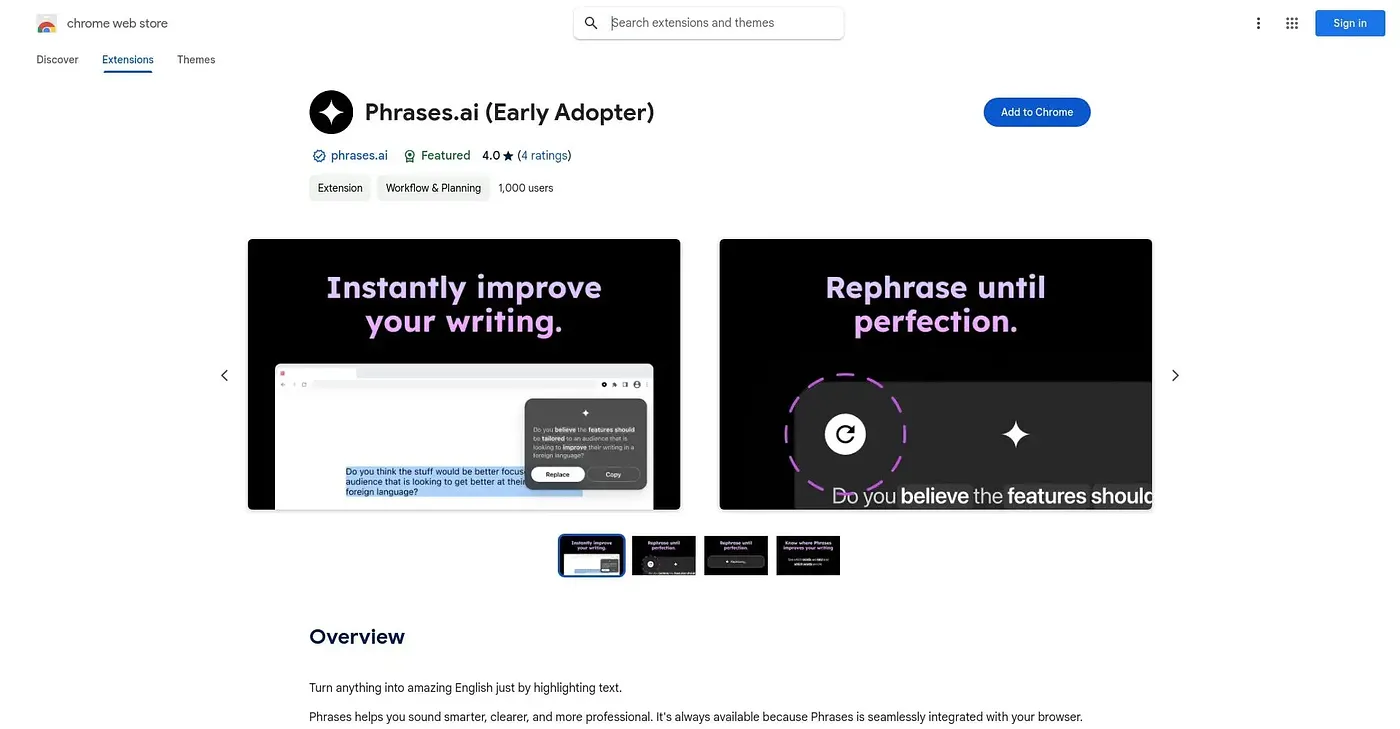
Rewrites highlighted text into polished, professional English, and can turn bullet points into a full email.
At a glance
Starts at
Free
No paid plan found on the Chrome Web Store, September 2026.
Free tier
Yes
Platforms
Chrome
Best for
Non-native English speakers writing professional emails
Not for
Anyone wanting a distinctly casual writing voice
4.0 out of 5
Scored by Alex after real useOur verdict
PhrasesAI rewrites highlighted text into grammatically correct, professional-sounding English with a consistent tone, and can expand a set of bullet points into a full email. It also handles translation into English from other languages as part of the same rewriting flow. With only 4 ratings on record and a single fixed tone applied across every rewrite, it's a small, unproven tool that pushes everything toward one polished style rather than letting you vary the voice.
✓What it does well
Highlight-to-rewrite flowSelecting text and tapping the icon rewrites it into polished English instantly.
Bullet points to emailA few bullet points can expand into a complete, written email.
Built-in translationIt can translate text from other languages directly into English.
✕Where it falls short
One consistent toneRewrites push toward one professional tone, not a range of casual or varied voices.
Small rating sampleIt has only 4 ratings on record, a thin sample to judge consistency from.
English-output onlyIt rewrites into English specifically, not other target languages.
Key features
Text rewritingIt rewrites highlighted text into polished, professional English.
Bullet-to-email expansionIt expands a series of bullet points into a full email.
Language translationIt translates text from other languages directly into English.
One-click rephrasingHighlighting text and tapping the icon triggers an instant rewrite.