
Pica AI
Enhance images, swap faces.
At a glance
4.5 out of 5
Scored by Alex after real useOur verdict
Pica AI is easy-to-use for enhancing photos and swapping faces. Not suitable for advanced editing tasks.
✓What it does well
✕Where it falls short
Key features
Questions about Pica AI
What is Pica AI used for?
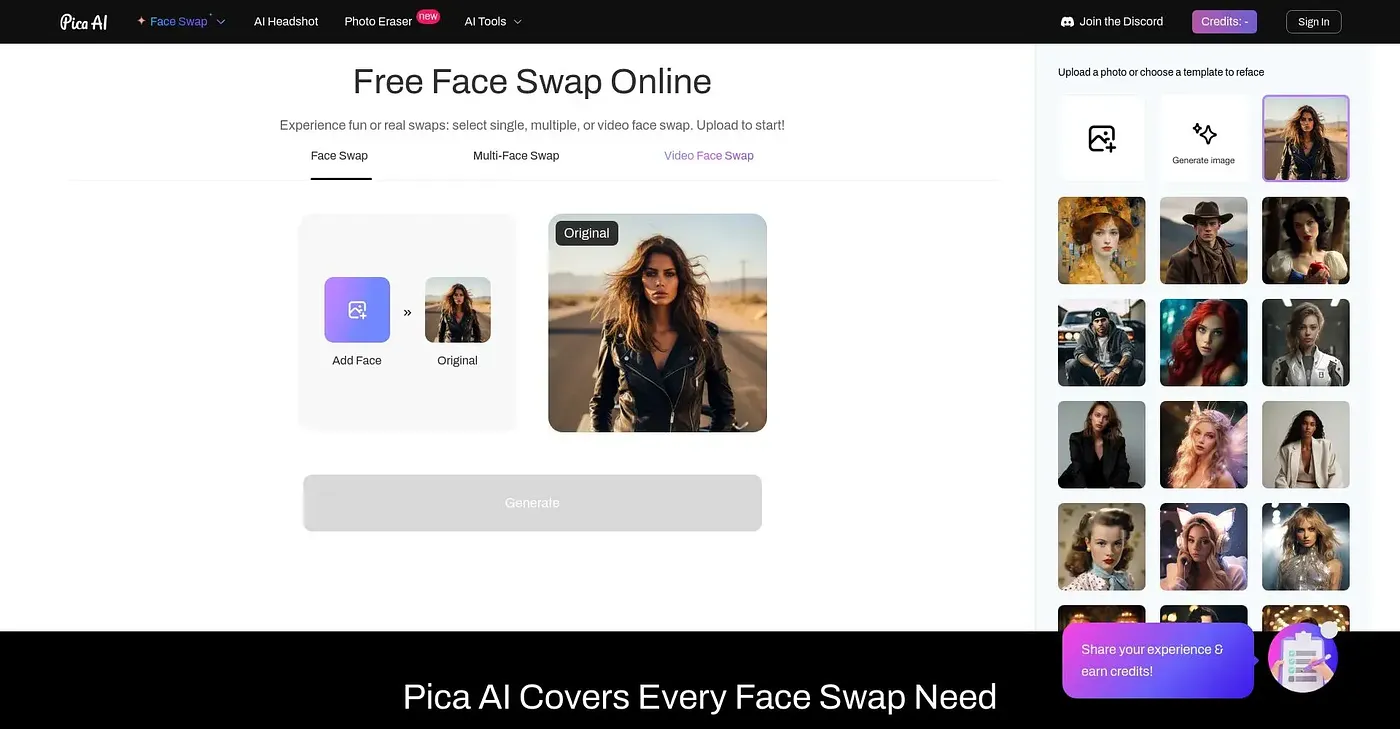
Pica AI enhances images and swaps faces. One click improves image clarity, and it also generates professional headshots from selfies and restores old and faded photographs. The reviewer calls it easy to use for enhancing photos and swapping faces, though not suitable for advanced editing tasks.
Is Pica AI free?
Pica AI is free, with a limited free tier listed at $0. Toolio found no paid plan on the vendor's site in September 2026. It runs in a web browser and holds a Toolio score of 4.5 out of 5, given by Alex after real use.
Who is Pica AI best for?
Toolio recommends Pica AI for Photoshop beginners. It suits people who want one-click photo enhancement, quick face swaps for fun or professional use, or restoration of old photos with minimal effort. The reviewer says it is not suitable for advanced editing tasks.
What are the downsides of Pica AI?
The reviewer names three. Pica AI lacks advanced retouching options such as cropping or masking, its results depend on the quality of the input images and the AI algorithms, and it has no mobile app, so it cannot be used directly from a smartphone and works only through a web browser.
What are some alternatives to Pica AI?
Toolio lists Deep Swapper, which swaps faces without signing up though results can vary, and DeepAny AI, which converts images to sketches. It also lists Beauty AI, which handles quick face swaps but stores files only for 7 days and limits uploads to 10MB per image.