
Pie Shopping Chrome Extension
Activate cash back and auto-apply coupons with Pie Shopping.
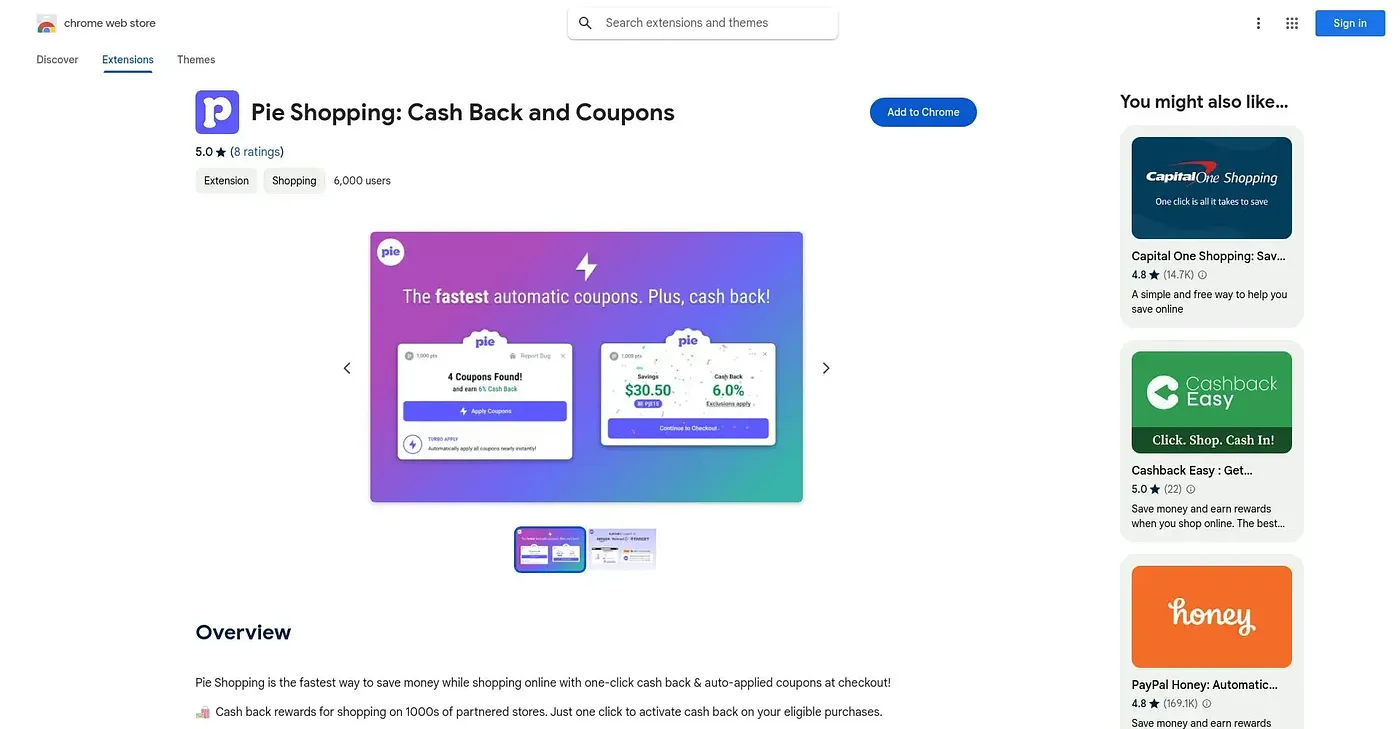
At a glance
4.5 out of 5
Scored by Alex after real useOur verdict
Pie Shopping saves money via automatic coupon application, but requires a free ad blocker to participate in cashback rewards. Not ideal if you don’t want to block ads.
✓What it does well
✕Where it falls short
Key features
Questions about Pie Shopping Chrome Extension
What does the Pie Shopping Chrome Extension do?
The Pie Shopping Chrome Extension activates cash back and automatically applies coupons at checkout. One click turns on cash back for purchases, and its AI searches the web for deals to apply. It works across major retailers including Amazon, Walmart and Target.
Do you need an ad blocker for the Pie Shopping Chrome Extension?
Yes, to earn cash back. The Pie Shopping Chrome Extension requires Pie Adblock to earn cashback rewards. Pie Adblock is free, but the reviewer notes the requirement may annoy users and makes the extension a poor fit for anyone who does not want to block ads.
Is the Pie Shopping Chrome Extension free?
The Pie Shopping Chrome Extension is free, listed at $0 on the Chrome Web Store with no paid plan. It earns money back on eligible purchases through affiliate links, though users must opt into those links manually for extra rewards.
Does the Pie Shopping Chrome Extension give cash back at every store?
Cash back varies by store. The Pie Shopping Chrome Extension offers lower cashback on stores not directly partnered with Pie, so it is not for users seeking high cashback from non-partnered stores. Toolio recommends it for shoppers looking for savings.
What are some alternatives to the Pie Shopping Chrome Extension?
Among the alternatives Toolio lists are Wide GPT Chrome Extension, which widens the ChatGPT interface, Picture Translate, a free tool that translates text in images, and Search By Image On Ebay Chrome Extension, which finds eBay items by image in one click. Pie Shopping itself scores 4.5 out of 5.