
Pixela AI
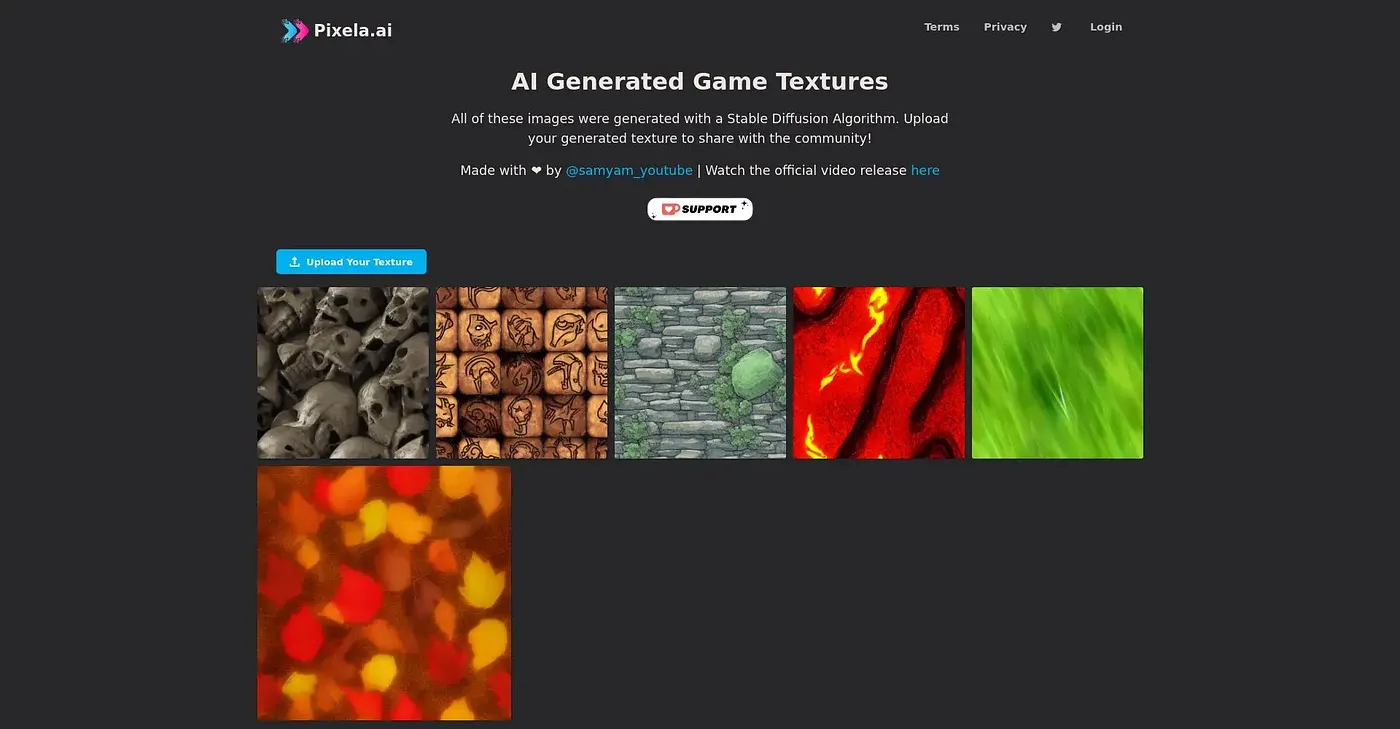
Generates game textures,
At a glance
3.8 out of 5
Scored by Alex after real useOur verdict
Pixela.ai excels in fast generation but lacks advanced customization options and isn’t suitable for detailed work requiring finesse.
✓What it does well
✕Where it falls short
Key features
Questions about Pixela AI
What is Pixela AI used for?
Pixela AI generates game textures and runs on the web. The reviewer says it excels at fast generation, with batch processing for several texture requests at once and real-time feedback for quick iterations. The vendor also lists integration support for various software development environments.
How much does Pixela AI cost?
Pixela AI starts from $9 per month, the price the vendor published in September 2026, and there is no free tier. The reviewer describes the pricing as affordable for small projects, which fits its focus on developers who want quick texture creation rather than high-end work.
Can Pixela AI make high-resolution textures?
Not well, according to the reviewer. Pixela AI generates textures at lower resolutions only and falls short with complex, high-resolution textures, so it is not suitable for high-end projects. It also offers limited customization, without detailed control over texture specifics.
Who should use Pixela AI?
Pixela AI is best for developers looking for quick texture creation, and the reviewer praises its easy interface for simple tasks. It is not for high-end texture artists, since it lacks advanced customization options and is not suitable for detailed work that requires finesse.
What alternatives to Pixela AI does Toolio list?
Toolio lists Car Concepts AI, Cover Design AI, Website Colors AI and Vector Mind as alternatives to Pixela AI. Pixela AI itself scores 3.8 out of 5, rated by Alex after real use, who credits its speed but notes its limited customization.