
Power Present AI
Generate fully editable PowerPoint presentations with AI. Perfect for quick, brand-consistent decks.
At a glance
4.0 out of 5
Scored by Alex after real useOur verdict
PowerPresent generates professional slides quickly and keeps your branding intact. It’s ideal if you want to create decks in minutes without design skills but skip it if you need advanced customization options or a free tier with no limits on features.
✓What it does well
✕Where it falls short
Key features
Questions about Power Present AI
What does Power Present AI do?
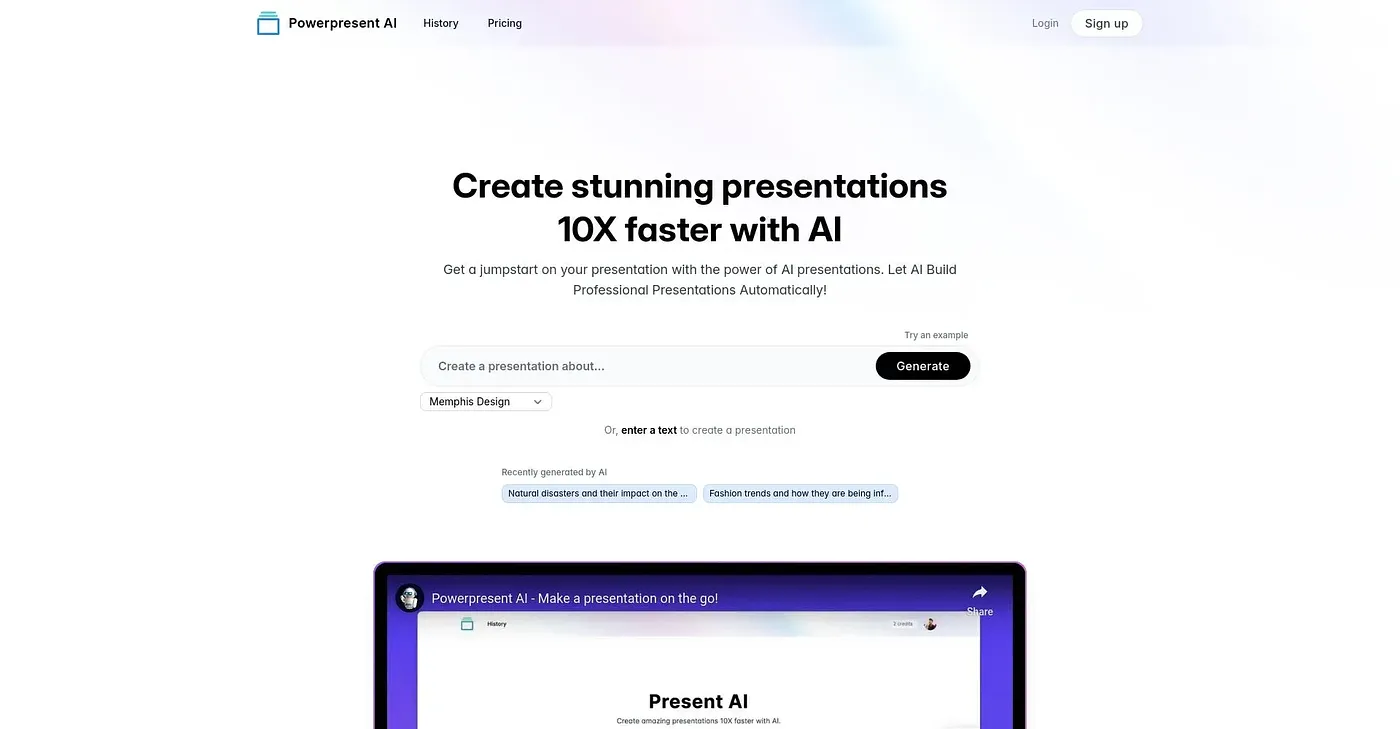
Power Present AI generates fully editable PowerPoint presentations with AI. Its design assistant, Presto, writes and designs each slide while users watch, and any element can be edited directly on the slide as it builds. Users can upload their own template to keep the brand look consistent across decks.
Is Power Present AI free?
Power Present AI has a limited free plan, and paid use starts at $9 per month. The reviewer notes that extra credits and features require a paid subscription, and that pay-as-you-go costs rise significantly for more pages in the higher tiers.
Can Power Present AI export to PowerPoint or Google Slides?
Power Present AI exports true .pptx files with editable text, native charts and fonts intact. It can also send presentations straight to Google Slides for sharing and collaboration, without exporting a local .pptx file first.
Who should skip Power Present AI?
Toolio lists detailed manual editors among those Power Present AI does not suit. The reviewer says it lacks advanced customization options for detailed manual edits or complex layouts, so it fits people who want decks in minutes without design skills rather than those who fine-tune every slide.
How does Toolio score Power Present AI?
Power Present AI holds a Toolio score of 4.0 out of 5, given by Alex on 4 Oct 2026 after real use. The reviewer credits its real .pptx export, support for custom templates and AI narrative generation, and Toolio lists Piktochart among its alternatives.