
PromptPoint
Non-technical team members should use PromptPoint, not software engineers.
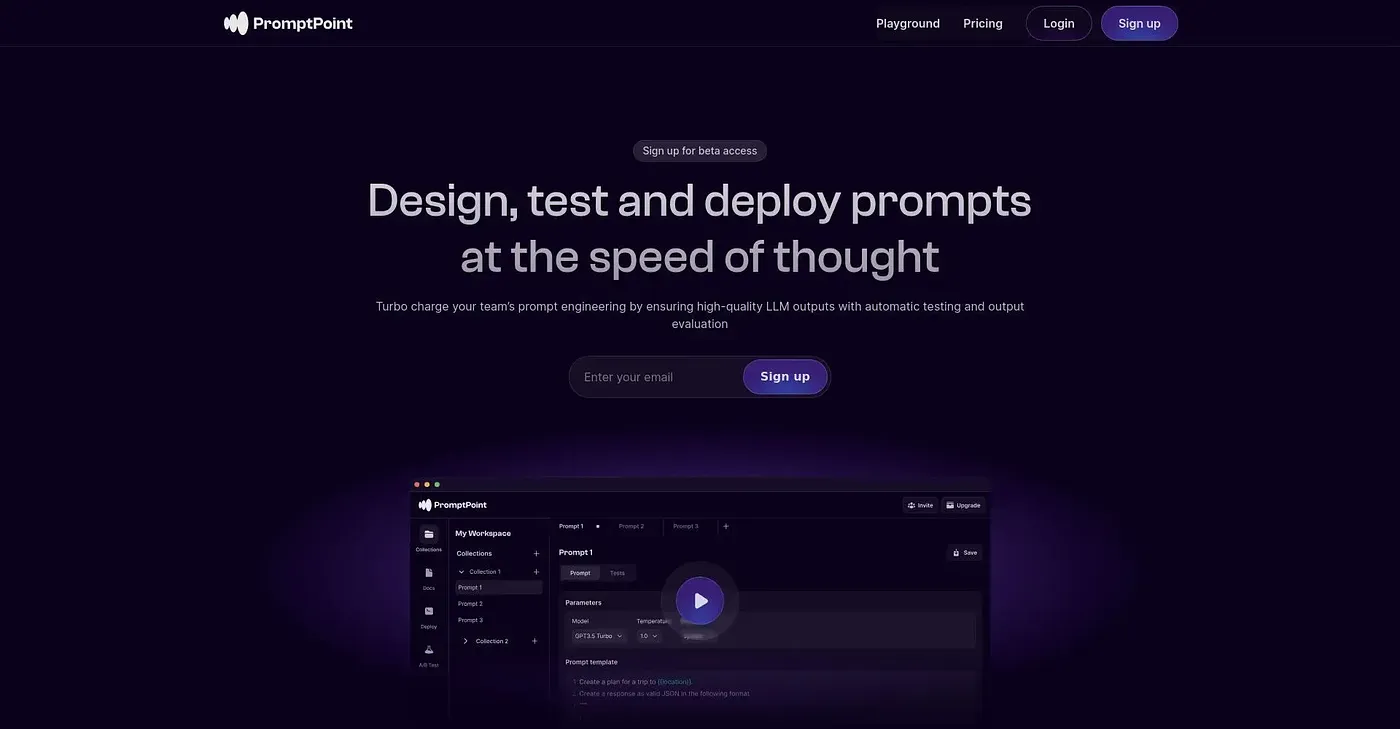
At a glance
4.0 out of 5
Scored by Alex after real useOur verdict
PromptPoint lets non-techies create and test prompts quickly. It’s perfect for quick prototyping but lacks advanced customization options needed by developers.
✓What it does well
✕Where it falls short
Key features
Questions about PromptPoint
What is PromptPoint used for?
PromptPoint lets non-technical team members create and test prompts without coding. It organizes prompt configurations as templates, runs an automated testing suite that returns results in seconds, and tracks LLM latency, cost per request and token usage. The reviewer sees it as a good fit for quick prototyping.
Is PromptPoint free?
PromptPoint has a free Individual plan at $0, which includes access to 5 LLMs, prompt organization and templating, and the testing suite. The Team plan costs $20 per user and adds collaboration with up to 20 team members and access to 50+ LLMs.
Is PromptPoint good for developers?
Toolio lists technical prompt engineers as people PromptPoint does not suit. The reviewer says it lacks the advanced customization options developers need and has no pre-built templates for intricate prompt designs, so it is aimed at non-engineers on teams.
Does PromptPoint have version control?
Versioning and prompt chaining in PromptPoint are only available on higher-tier plans, not on the free Individual plan. The reviewer lists this as a shortcoming, along with the free plan's limit of five large language models.
How does Toolio rate PromptPoint?
Alex scored PromptPoint 4.0 out of 5 after real use, on 5 Oct 2026. Its strengths include a no-code interface, a free tier and an automated testing suite for prompt evaluation. Toolio lists Owlity, Dev Dynamics AI, ContextQA and Uxsniff as alternatives.