
Quick Dream Viz
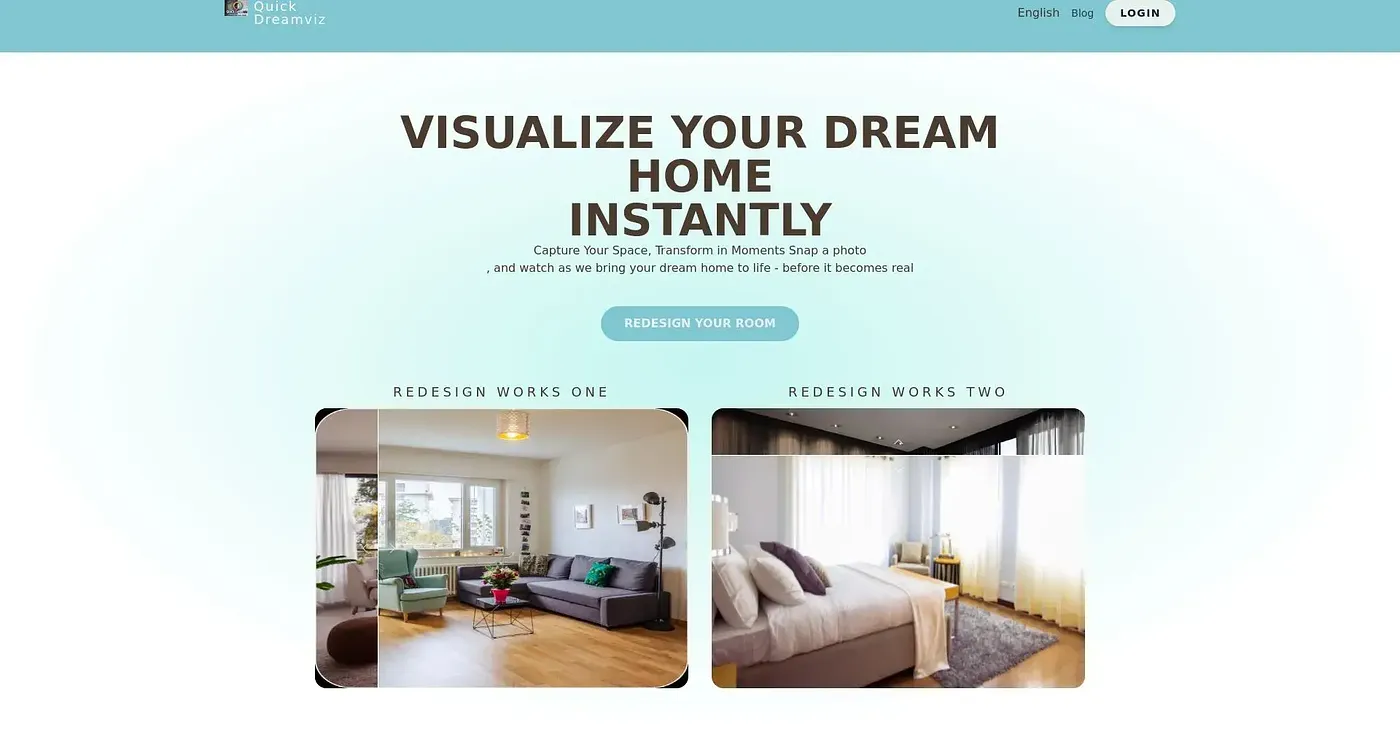
Upload a room photo, choose styles, and get free AI-generated walk-throughs. It falls short on video quality in lower-tier plans.
At a glance
4.3 out of 5
Scored by Alex after real useOur verdict
QuickDreamViz is great for initial design ideas but lacks high-resolution exports without paying extra.
✓What it does well
✕Where it falls short
Key features
Questions about Quick Dream Viz
What does Quick Dream Viz do?
Quick Dream Viz lets users upload a room photo, choose from 8 curated interior design styles, and get AI-generated design ideas and cinematic walkthrough videos. Higher-tier plans add a Magic Brush for selective edits to furniture and decor.
How much does Quick Dream Viz cost?
Quick Dream Viz offers a free trial for lower tiers, starting with a free AI room design. The Starter Plan costs $29 per month for 20 credits, the Pro Plan $79 per month for 60 credits, and the Studio Plan $199 per month for 200 credits.
What video quality does Quick Dream Viz produce?
Video quality depends on the plan. The Starter Plan outputs 720p video with a watermark, the Pro Plan outputs 1080p without a watermark, and the Studio Plan delivers 4K with custom branding. The reviewer says high-resolution exports require paying extra.
Does Quick Dream Viz support batch uploads?
Only on the Studio Plan, which supports batch uploads of 10 images along with API access and dedicated support. The Starter Plan does not offer batch uploads, which the reviewer lists among the tool's shortcomings.
Who is Quick Dream Viz for?
Quick Dream Viz suits homeowners and interior designers looking for initial design ideas, and it is not aimed at home renovation contractors. Toolio scores it 4.3 out of 5, rated by Alex after real use on 5 Oct 2026.