
QuillBot AI Writing and G Chrome Extension
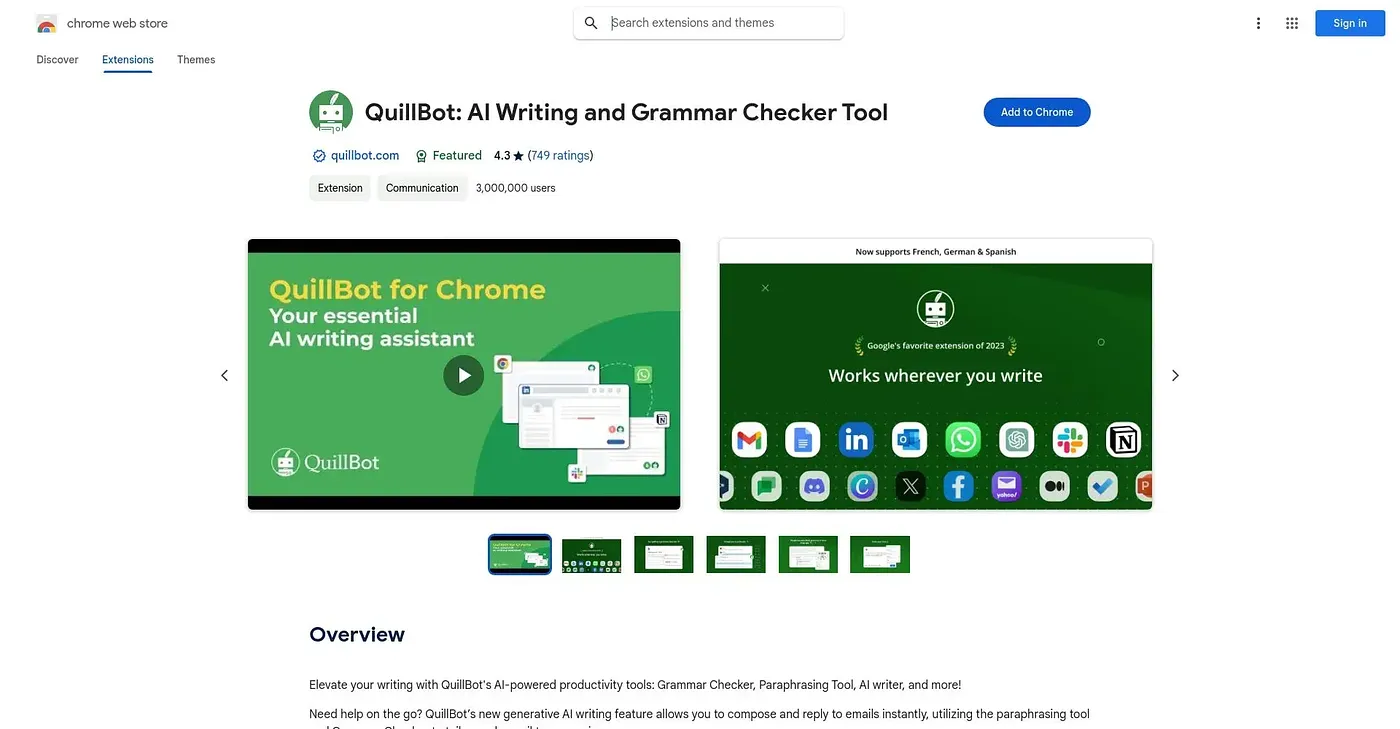
Adds QuillBot's grammar, paraphrasing and humanizing tools straight into any text field you're typing in.
At a glance
Starts at
Free
Listed as free on the Chrome Web Store.
Free tier
Yes
Platforms
Chrome
Best for
Anyone writing across many sites, emails and forms
Not for
Anyone who prefers one dedicated writing app instead
4.7 out of 5
Scored by Alex after real useOur verdict
Rather than pasting text into a separate site, this extension puts QuillBot's grammar checker, paraphraser, humanizer and AI detector into whatever field you're typing in, from emails to social posts. Highlight text or open the toolbar and suggestions appear without switching tabs. Because it works everywhere at once, it's a broader but shallower tool than opening QuillBot's dedicated site for one task.
✓What it does well
Works in any fieldAdds suggestions directly inside text boxes across the web, not just one site.
AI Cursor accessPuts QuillBot's tools a highlight or toolbar click away while typing.
Privacy-conscious processingProcesses only what's needed for suggestions and does not sell user data.
✕Where it falls short
Chrome onlyShips only as a Chrome extension rather than a standalone app.
Basic tasks emphasizedGeared toward quick fixes like grammar and rewording, not long-form editing.
Premium features likely gatedDeeper modes such as full humanizing are likely limited without a paid plan.
Key features
Grammar checkerFlags grammar, spelling and punctuation issues in real time.
AI humanizerRephrases text so it reads as less obviously AI-written.
AI detectorChecks text for the common signs of AI generation.
Sentence rewriterReshapes awkward sentences into clearer, smoother phrasing.