Recast AI
Converts any text into multiple styles and formats.
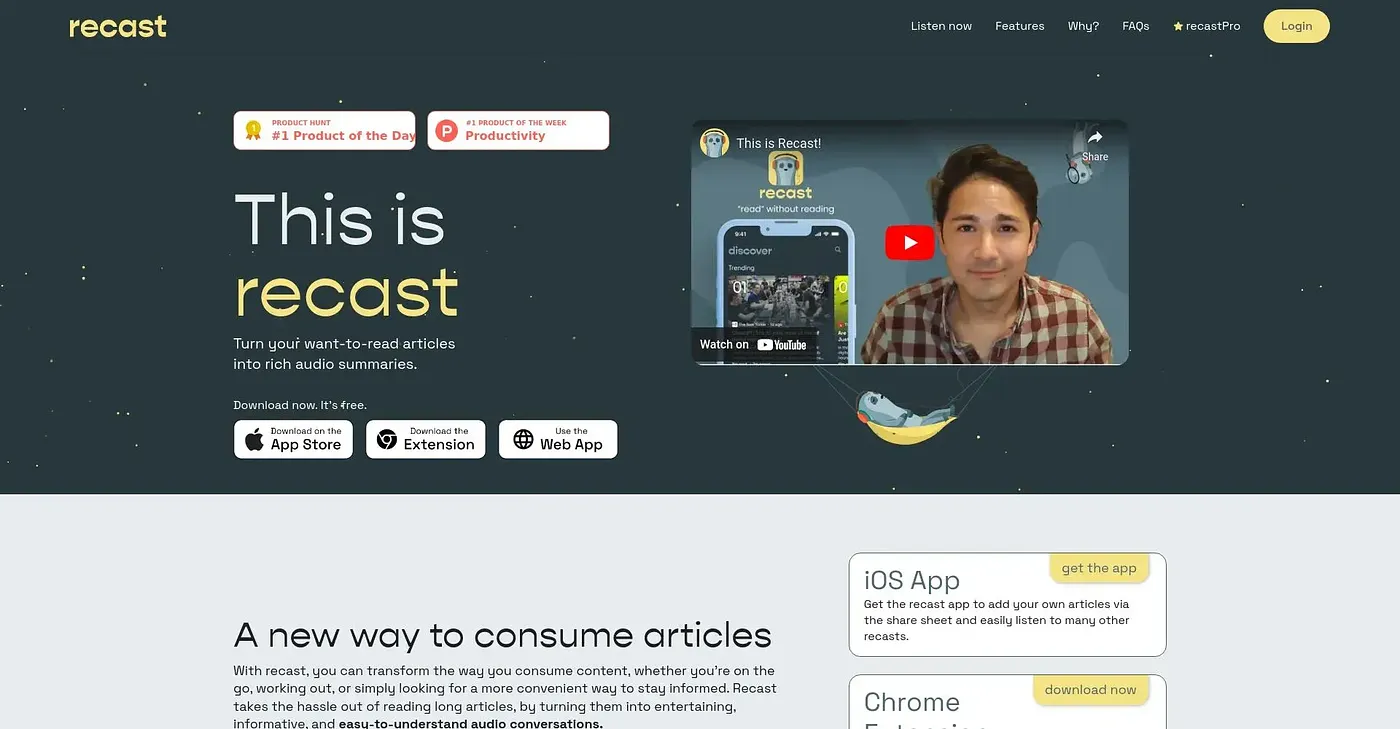
At a glance
3.9 out of 5
Scored by Alex after real useOur verdict
Recast AI helps convert text easily but lacks in advanced editing features.
✓What it does well
✕Where it falls short
Key features
Questions about Recast AI
What does Recast AI do?
Recast AI converts any text into multiple styles and formats. It can rewrite content in styles such as formal, casual and academic, and it supports file types like .txt and .docx. The reviewer finds it quick to set up, with minimal configuration needed, and it runs through a web interface.
Is Recast AI free?
Yes. Recast AI is free to use, and Toolio found no paid plan on the vendor's site in September 2026. It runs through a web interface, and the reviewer says getting started takes minimal configuration.
Who should use Recast AI?
Toolio lists Recast AI as best for content creators and writers who want to switch text between styles quickly. It is not a good fit for complex document formatting, since the reviewer notes it may struggle with certain formatting needs in complex documents.
What are the limitations of Recast AI?
The reviewer's verdict is that Recast AI converts text easily but lacks advanced editing features, so it offers little in the way of advanced text manipulation. It may also struggle with formatting in complex documents. Even so, it holds a Toolio score of 3.9 out of 5, given by Alex after real use.
What are some alternatives to Recast AI?
Toolio lists AIPodNav, Summarizely Chrome Extension, Horus Chrome Extension and Chat PDF GPT AI as alternatives to Recast AI. Summarizely summarizes uploaded documents and answers follow-up questions, Horus summarizes any webpage, and Chat PDF GPT AI is aimed at students, researchers and professionals.