
Recast Studio
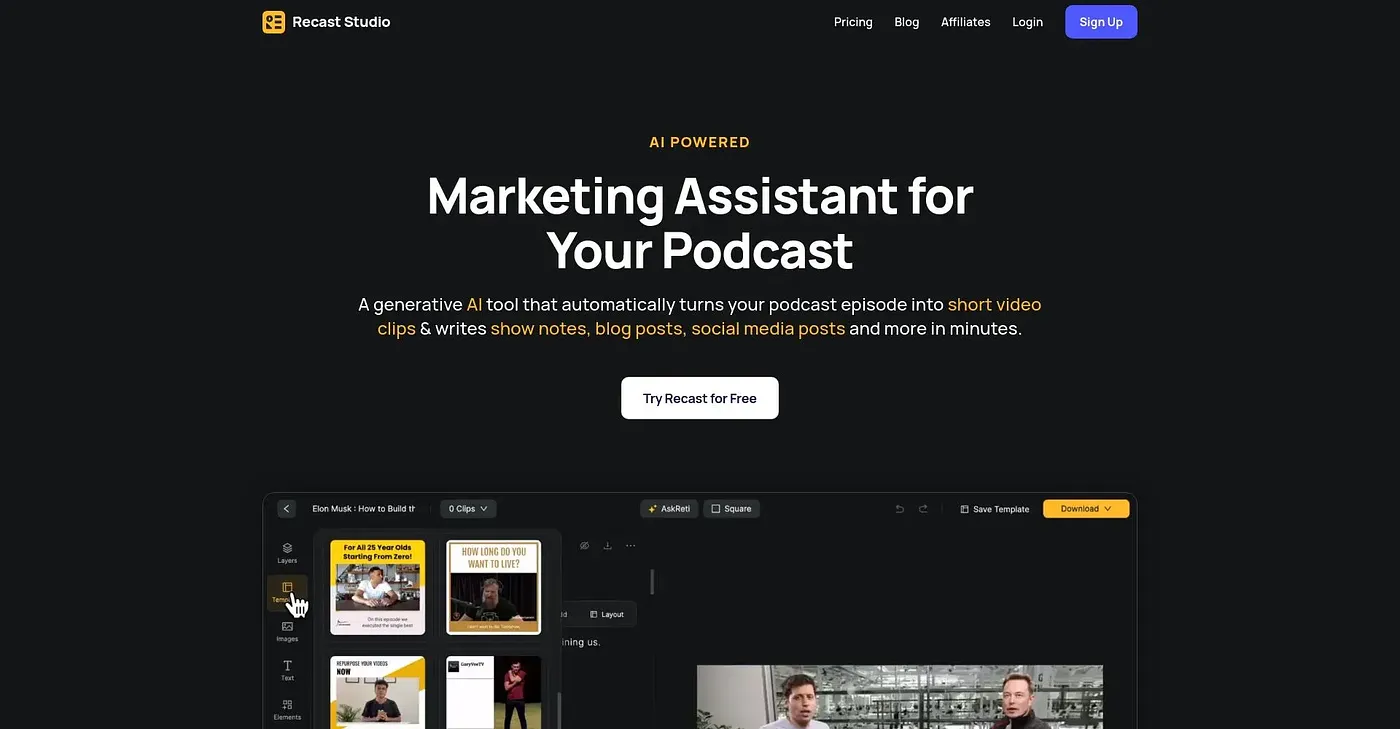
Recast Studio turns long videos into social clips.
At a glance
4.0 out of 5
Scored by Alex after real useOur verdict
Recast Studio excels in turning recordings into quick clips for social media but falls short on customization and advanced editing features.
✓What it does well
✕Where it falls short
Key features
Questions about Recast Studio
What does Recast Studio do?
Recast Studio turns long videos into short clips for social media. Its AI finds the best moments in a recording, lets users trim by highlighting text while captions sync automatically, and generates show notes and blog drafts from the same transcript. Transcription supports over 20 languages.
How much does Recast Studio cost?
Recast Studio offers a free trial and a limited free tier. Paid plans are Starter at $14 USD per month and Professional at $26 USD per month. The reviewer warns that it charges extra for more exports and longer video lengths once the initial credits run out.
Can Recast Studio post clips directly to TikTok or YouTube?
Yes. Recast Studio lets users publish directly from the editor to platforms such as TikTok, Instagram and YouTube, and clips can be posted or scheduled across multiple platforms without exporting first. The reviewer lists this social publishing among the tool's main strengths.
What are the downsides of Recast Studio?
The reviewer says Recast Studio falls short on customization and advanced editing, offering only basic editing tools. It does not handle long, intricate clips well, and extra exports or longer videos cost more after the initial credits. Toolio lists it as not for complex video editors.
What alternatives to Recast Studio does Toolio list?
Toolio lists Spikes Studio, Clipmove and Clip Move as alternatives to Recast Studio, all aimed at turning footage into viral clips quickly. Recast Studio itself holds a Toolio score of 4.0 out of 5, given by Alex after real use, and is listed as best for marketing teams and content creators.