
Remove Handwriting
Works best on simple documents, limits with complex pages.
At a glance
4.5 out of 5
Scored by Alex after real useOur verdict
Easily removes handwriting from images and PDFs but struggles with more complex pages. Free to use for basic tasks; paid plans offer better cleanup options.
✓What it does well
✕Where it falls short
Key features
Questions about Remove Handwriting
What does Remove Handwriting do?
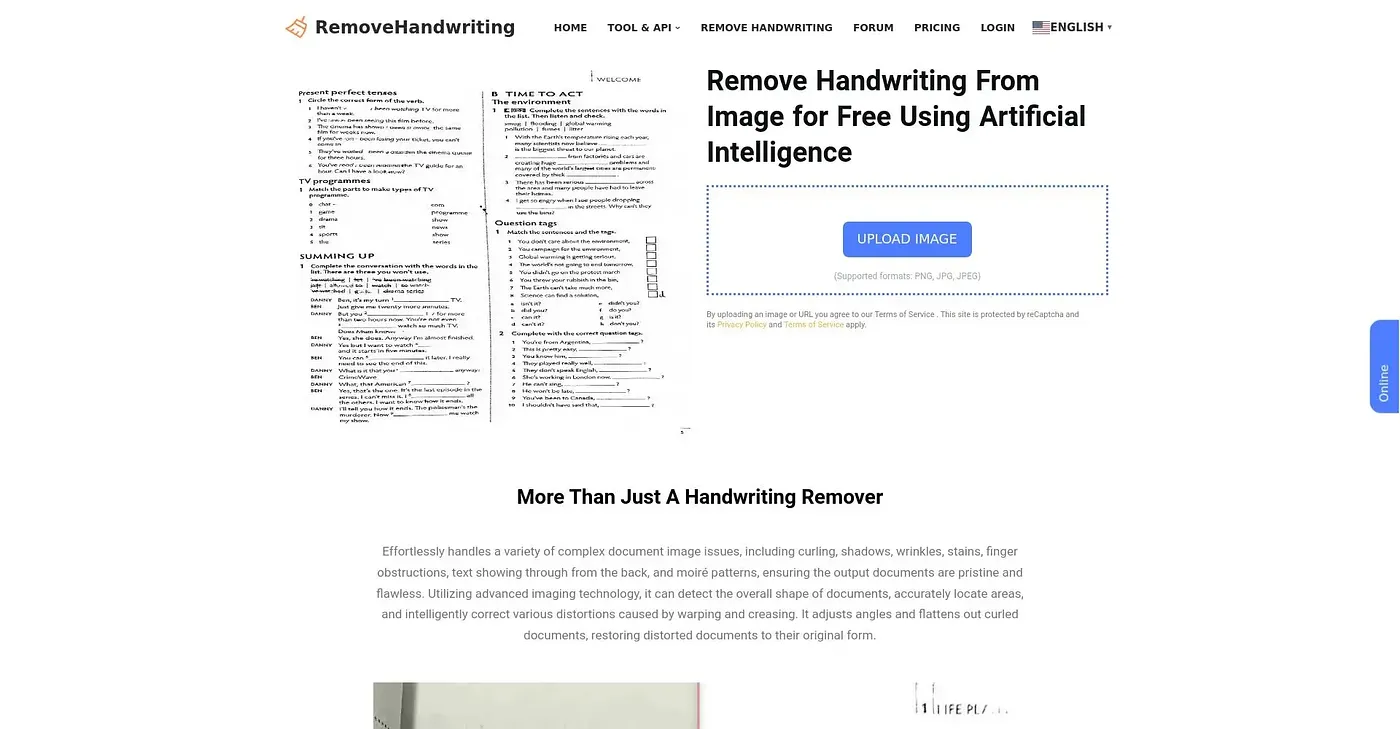
Remove Handwriting erases handwriting from images and PDFs with AI. It offers Basic, Color and Ultra models with different capabilities, and it handles single images or bulk processing of multiple files. The reviewer says it works best on simple documents.
How much does Remove Handwriting cost?
Remove Handwriting has a limited free plan with no credit card required. Paid options include Basic Monthly at $3.90 per month and Pro Quarterly at $10.91 per quarter, which carries a 7% discount. The reviewer notes the free credits are not enough for extensive use.
Is Remove Handwriting private?
The vendor says Remove Handwriting takes a privacy-first approach, so processed data is deleted automatically after use and is never used for training. The tool is available on the web and through a mobile app, and Toolio lists it as best for students, teachers and basic users.
What are the downsides of Remove Handwriting?
The reviewer says Remove Handwriting struggles with complex pages and may not remove handwriting effectively from intricate documents or scans. Only basic AI processing is included, and manual help for difficult cases costs extra. Toolio lists it as not for complex document editors.
How does Toolio score Remove Handwriting?
Alex scored Remove Handwriting 4.5 out of 5 after real use, on 3 Oct 2026. Toolio lists Insmind, Evoto AI, Face Swapper Online and Remove AI Label as alternatives, with Insmind offering an all-in-one suite for photo editing, background removal and short-form video generation.