
Revocalize AI
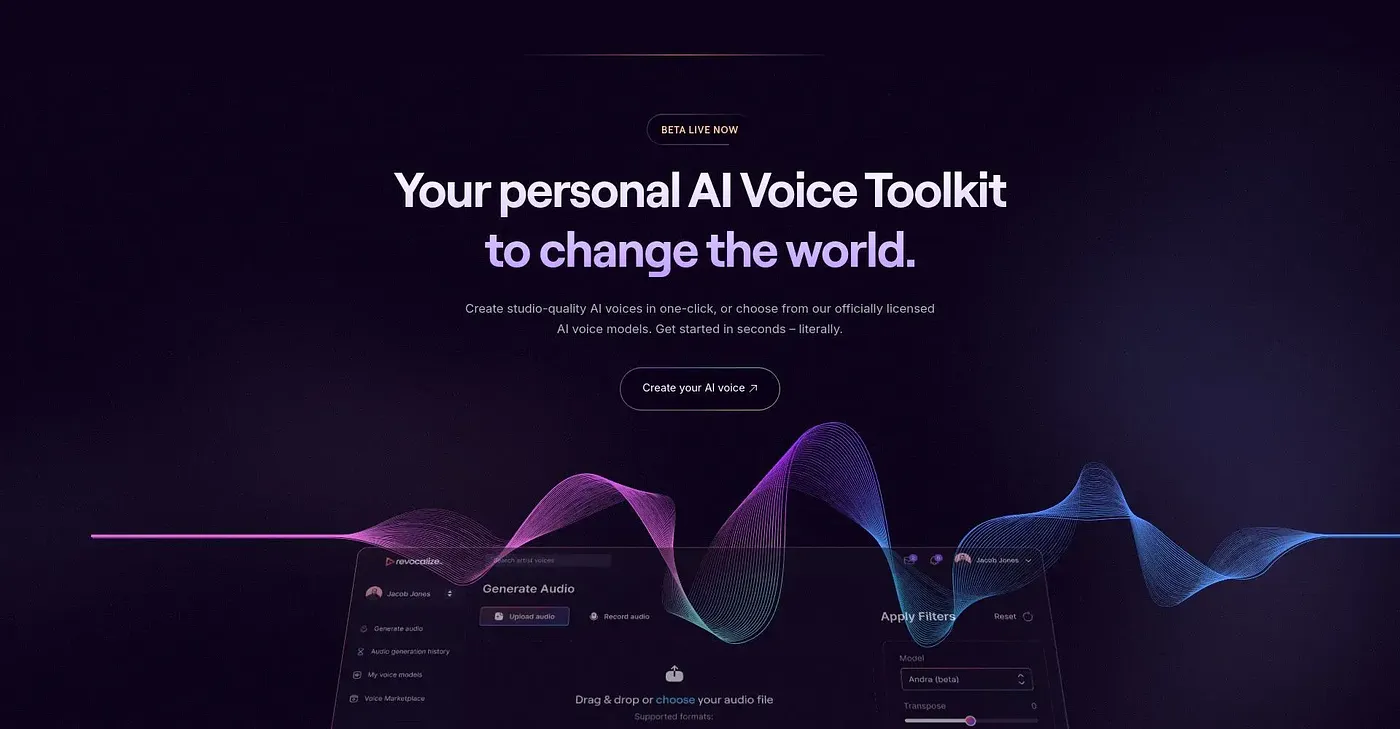
Create studio-quality AI voices in seconds, but lacks deep customization.
At a glance
3.9 out of 5
Scored by Alex after real useOur verdict
Revocalize AI excels at quick voice generation with official models. However, those needing extensive control or high-end features might find it limiting.
✓What it does well
✕Where it falls short
Key features
Questions about Revocalize AI
What does Revocalize AI do?
Revocalize AI creates studio-quality AI voices in seconds, producing what the reviewer calls hyper-realistic voices with human-level emotion. It includes officially licensed voice models for various genres and styles, real-time auto-pitch correction, and voice effects for generating and mixing vocal variations.
Is Revocalize AI free?
No. Revocalize AI has no free tier and no free trial, so payment is required even at the basic level. Paid plans start from $9 per month, and the reviewer notes that bulk audio conversions and enterprise-level features need more expensive plans.
What platforms does Revocalize AI run on?
Revocalize AI runs on the web, macOS and Windows. It also includes API access for integration into other applications, and the reviewer finds it well suited to quick voice generation with official voice models.
What are the downsides of Revocalize AI?
The reviewer says Revocalize AI does not offer advanced parameters for detailed voice modulation, so anyone needing extensive control may find it limiting. Bulk audio conversions and enterprise features also require expensive plans, and Toolio lists it as not for enterprise-level bulk conversions.
Who is Revocalize AI best for?
Toolio lists Revocalize AI as best for beginners and hobbyists. Alex scored it 3.9 out of 5 after real use, crediting its studio-quality voices, officially licensed voice models and on-the-fly pitch correction. Stems AI, Wave App AI, Konch AI and Descript are among the alternatives Toolio lists.