
Revrite AI
It suits writers looking for fluent, readable content but not complex legal or medical texts.
At a glance
4.0 out of 5
Scored by Alex after real useOur verdict
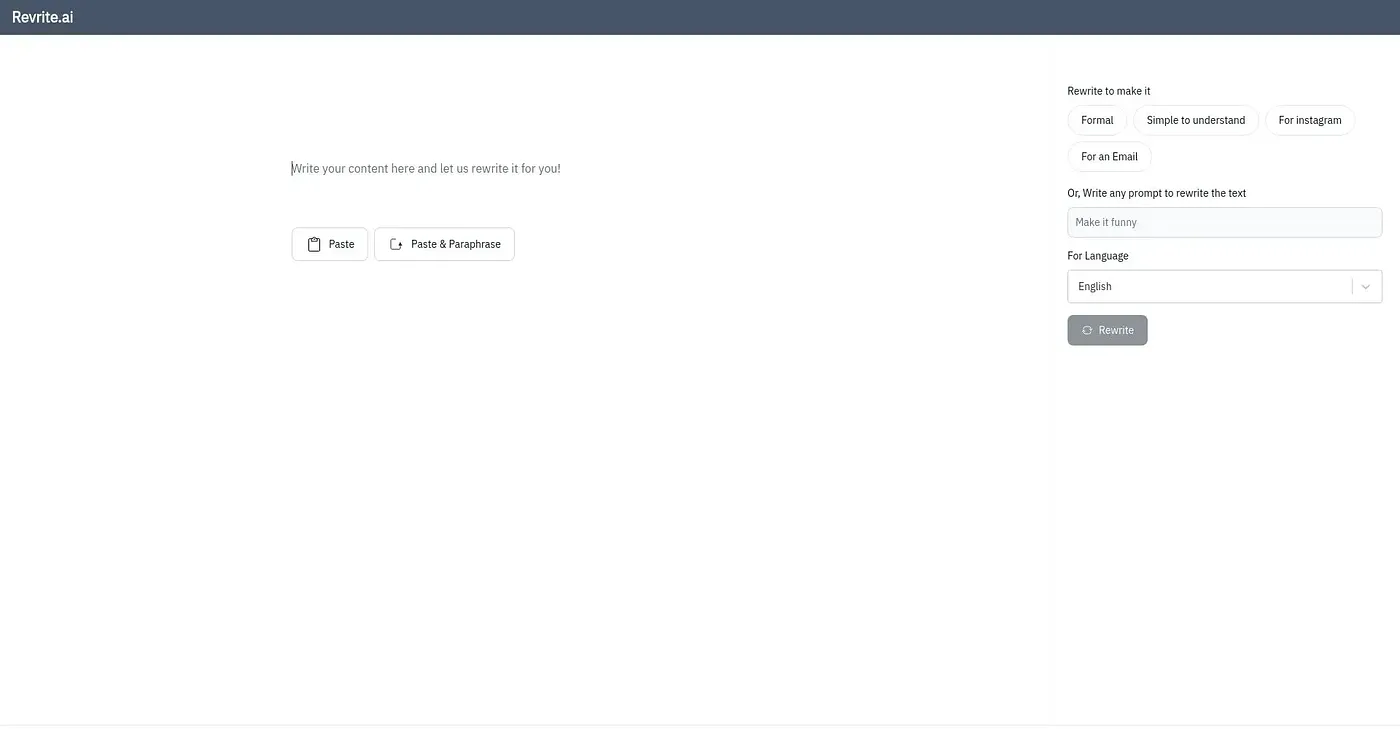
Revrite.ai uses AI to improve your messages. It’s great for casual writing like emails and social media posts but may struggle with more technical or formal text.
✓What it does well
✕Where it falls short
Key features
Questions about Revrite AI
What does Revrite AI do?
Revrite AI uses AI to improve written messages for fluency and readability. The reviewer says it works well for casual writing such as emails and social media posts, supports a wide range of document types including rich text, and handles multiple languages.
Is Revrite AI free?
Revrite AI has a limited free version that the reviewer considers sufficient for basic needs and occasional use. The Professional Plan costs $19 per month and adds a higher character limit and more features than the free version.
Can Revrite AI handle technical or legal writing?
Not well. Revrite AI struggles with highly complex or technical content and may have trouble with more formal text. Toolio describes it as suited to writers looking for fluent, readable content, but not to complex legal or medical texts.
What are the downsides of Revrite AI?
The reviewer says Revrite AI focuses on overall readability rather than detailed sentence-level editing. It offers no advanced customization options for specific writing styles or preferences, and it struggles with highly complex or technical content.
Where can you use Revrite AI?
Revrite AI runs on the web and on WhatsApp, and it works in any web browser without installation. Toolio lists it as best for writers seeking readability and fluency, and Alex scored it 4.0 out of 5 after real use.