
Save and Search with Stac Chrome Extension
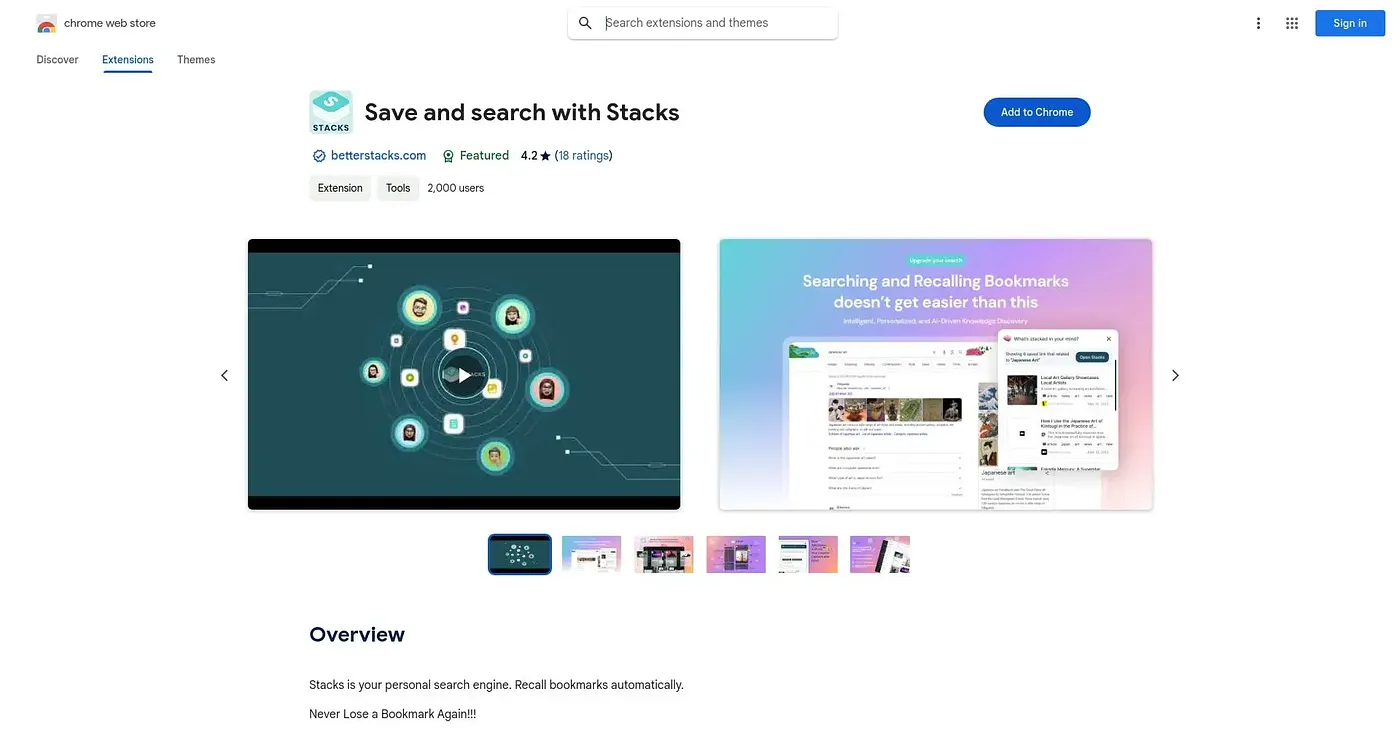
Saves links, notes and screenshots with AI recall so you remember why you kept them.
At a glance
Starts at
Free
No paid plan found on the Chrome Web Store, September 2026.
Free tier
Yes
Platforms
Chrome
Best for
Researchers and creators building a personal knowledge base
Not for
Anyone wanting a simple bookmarking tool with nothing extra
4.2 out of 5
Scored by Alex after real useOur verdict
Stacks saves web content, from articles to screenshots, with context attached, then uses AI to surface it again later, including inside your own Google search results. Collections and tags help organize saved material, and team features let you build shared, searchable knowledge bases together. With a 4.2-star rating from 22 reviews it has a modest track record, though heavier organizational features may lean toward its professional tier rather than casual use.
✓What it does well
AI-powered recallSurfaces saved content later using AI rather than manual search alone.
One-click savingSaves links, text, screenshots and more with a single click or shortcut.
Search integrationSurfaces your saved content directly inside Google search results.
✕Where it falls short
Professional features gatedTeam collaboration and shared collections lean toward its paid, professional tier.
Chrome-centricBuilt primarily as a Chrome extension, not a native app.
Organization still needs upkeepAutomatic categorization still requires manual tagging to stay useful long-term.
Key features
One-click saveCaptures webpages, videos and documents instantly from the browser.
Smart collectionsGroups saved content automatically by topic and theme.
Google search integrationSurfaces relevant saved content inside your Google search results.
Team collaborationLets teams build and share searchable collections together.