
Save GPT Chrome Extension
Suits frequent Chat GPT users; not ideal for those who rarely use it.
At a glance
3.9 out of 5
Scored by Alex after real useOur verdict
Save frequently used commands, but lose data if removed. Not for occasional users.
✓What it does well
✕Where it falls short
Key features
Questions about Save GPT Chrome Extension
What does Save GPT Chrome Extension do?
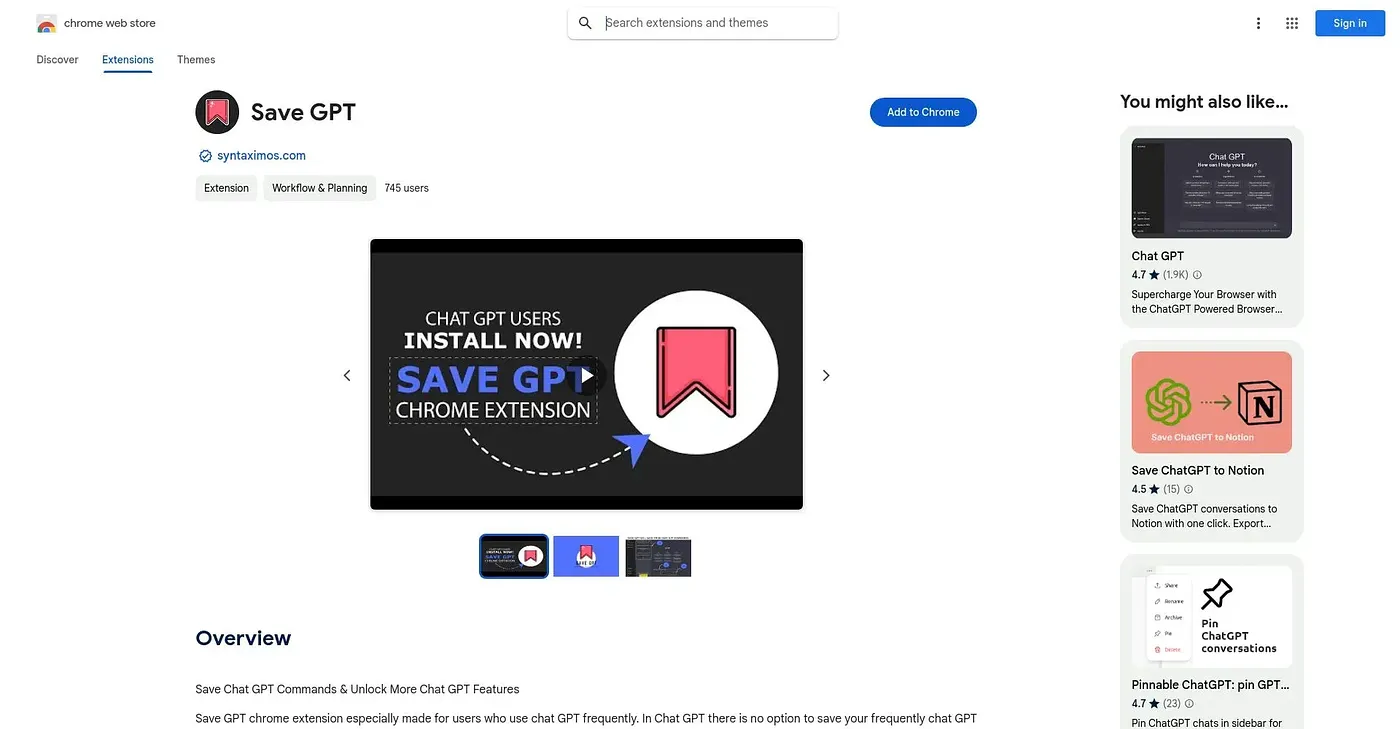
Save GPT Chrome Extension stores frequently used Chat GPT commands as templates, so they can be reused with one click instead of typed out again. Commands persist even after closing the extension or restarting Chrome, and full chat conversations can be downloaded as a text file.
Is Save GPT Chrome Extension free?
Save GPT Chrome Extension is listed as free on the Chrome Web Store, and saving commands is a free feature. The reviewer notes that some advanced features require in-app purchases, which can be costly, and only a few premium features are available so far.
Does Save GPT Chrome Extension keep saved commands if it is uninstalled?
No. All saved data is lost if the extension is uninstalled or removed from Chrome, which the reviewer lists as a key shortcoming. Commands do persist when the extension is simply closed or Chrome is restarted.
Who is Save GPT Chrome Extension for?
Toolio rates Save GPT Chrome Extension as best for frequent Chat GPT users who repeat the same commands, and not for occasional users. Alex scored it 3.9 out of 5 after real use, and it has been listed on Toolio since October 2024.
What are some alternatives to Save GPT Chrome Extension?
Toolio lists Wide GPT Chrome Extension, which widens the ChatGPT interface for less scrolling, and GPT Splitter as alternatives. It also lists Pie Shopping Chrome Extension and Bot Ticket Chrome Extension, though those focus on shopping cash back and event ticket queues.