
Scribehow
Automatically capture and scale workflows to improve efficiency.
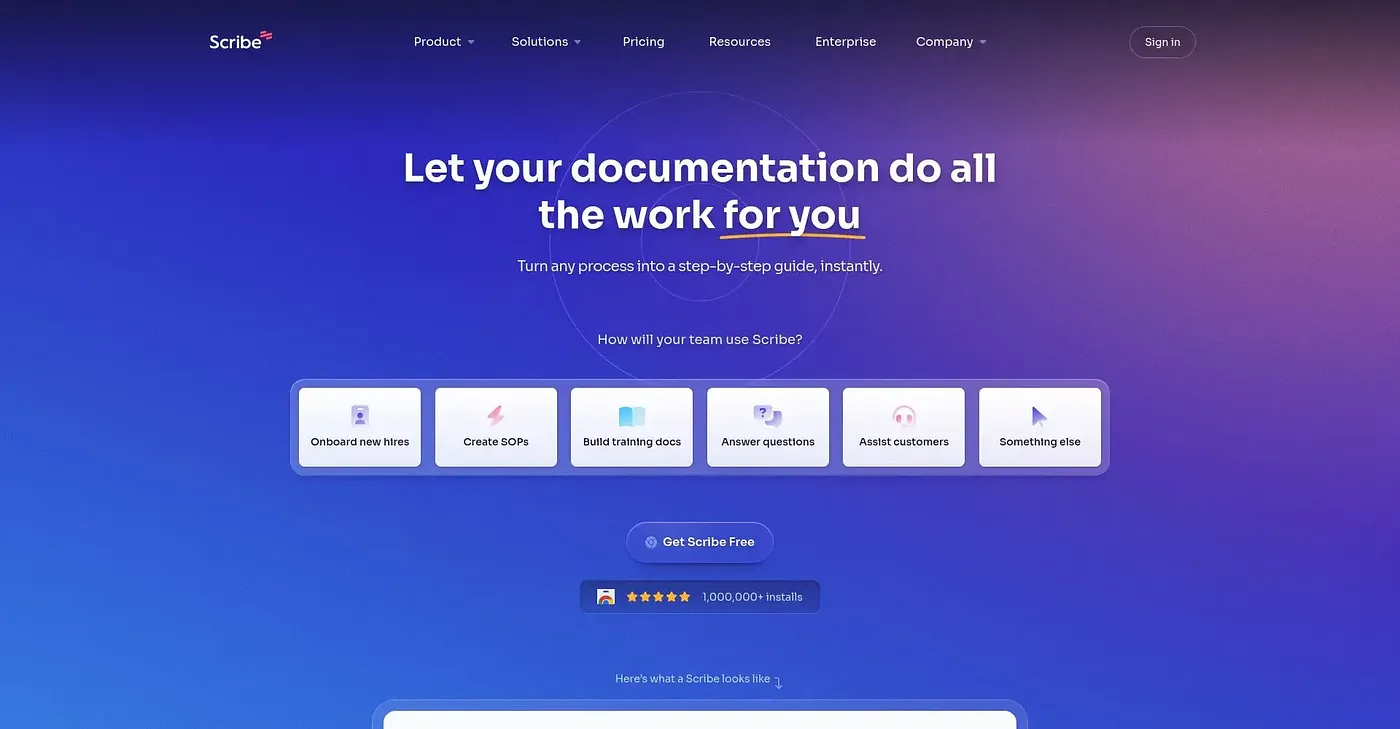
At a glance
4.0 out of 5
Scored by Alex after real useOur verdict
Scribe automatically captures how work gets done. It suits large companies that need detailed workflow documentation but can be pricey for smaller teams.
✓What it does well
✕Where it falls short
Key features
Questions about Scribehow
What does Scribehow do?
Scribehow automatically captures how work gets done and transforms institutional knowledge into context that teams and AI tools can read. The reviewer highlights its AI-driven analysis of workflows, which surfaces bottlenecks, redundancies and time drains, and its guidance that helps teams across departments follow best practices for completing any workflow.
How much does Scribehow cost?
Scribehow offers a limited free tier, and its pricing lists Pro Personal at $35 per seat per month, aimed at solo consultants and teams of up to 4 members. Pro Team costs $175 per seat per month and starts at 5 seats. The reviewer notes extra seats make it less affordable as a team grows.
Who is Scribehow best for?
Scribehow is best for large enterprises and IT operations teams that need detailed workflow documentation. The reviewer says it can be pricey for smaller teams, and Toolio lists small teams with limited budgets among those it does not suit, since it charges extra for additional seats.
What are the downsides of Scribehow?
The reviewer lists three main limits for Scribehow. Integration options beyond web apps are limited and need manual setup and configuration, branding customization is not extensive out of the box, and extra seats raise the cost as a team grows.
What platforms does Scribehow work with?
Scribehow runs on the web and is also available through an API and Slack. It holds a Toolio score of 4.0 out of 5, given by Alex on 4 Oct 2026 after real use, and Toolio lists Cflow, Ayraa, Xembly and Mindmac as alternatives.